

Question
Photoshop Window Too Large
Hi,
I faced this issue after updating to the latest version of Photoshop:
1. The Photoshop window is too large. As you can see, the sliders below are missing. Even clicking "restore" on the top right corner doesn't bring back my sliders.
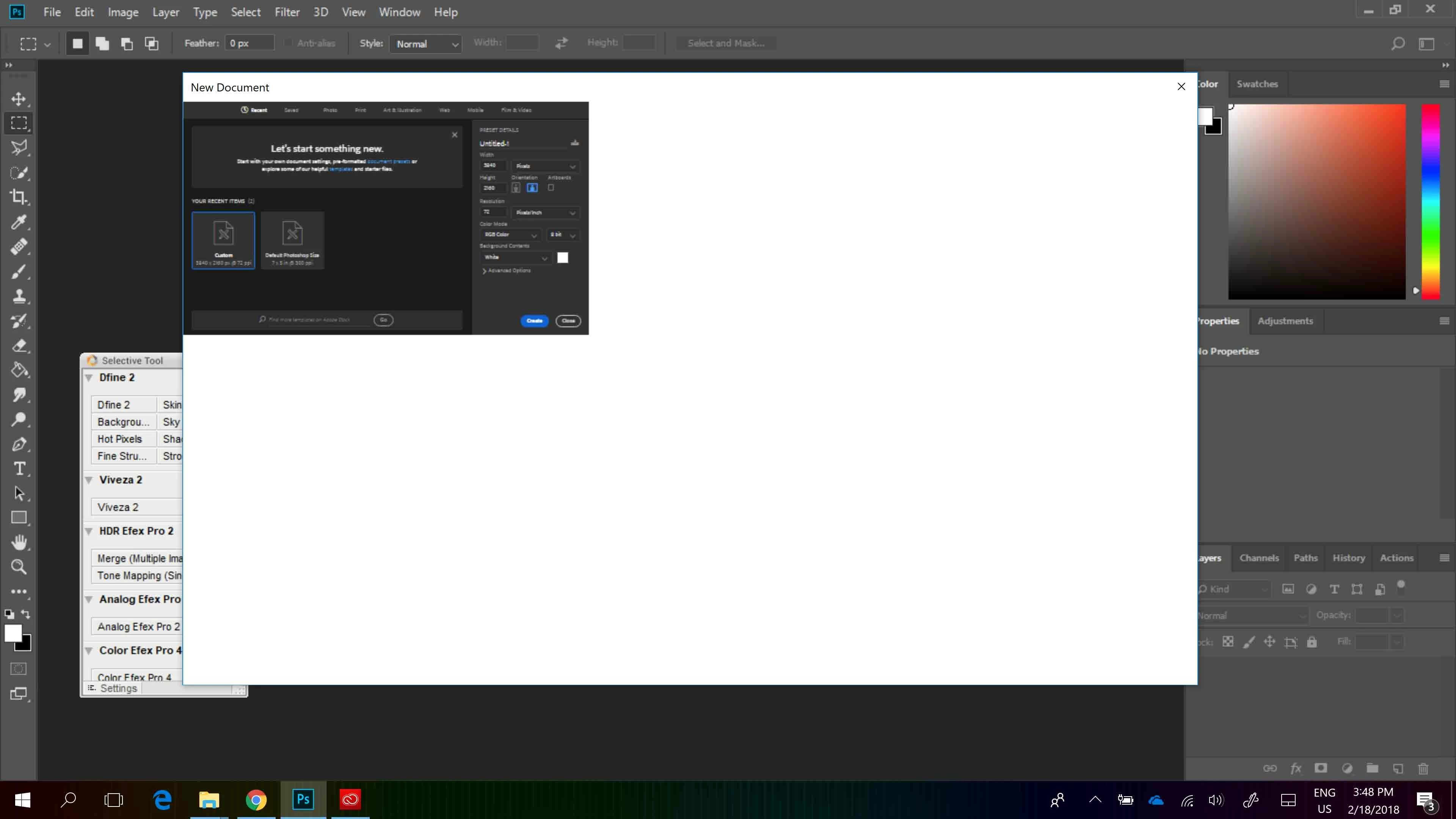
2. When I create a new document, the window is too small. As you can see, the window opens up in a very small area, while the rest of the area is a white space.
I have tried searching online for solutions but am not able to find one. Can anyone help?
 AdChoices