
Participant
April 2, 2021
Answered

Photoshop won't let me draw using the Pen, drawing with the mouse works fine

  • April 2, 2021
  • 2 replies
  • 3520 views

When I try to draw with my pen , pops out this 
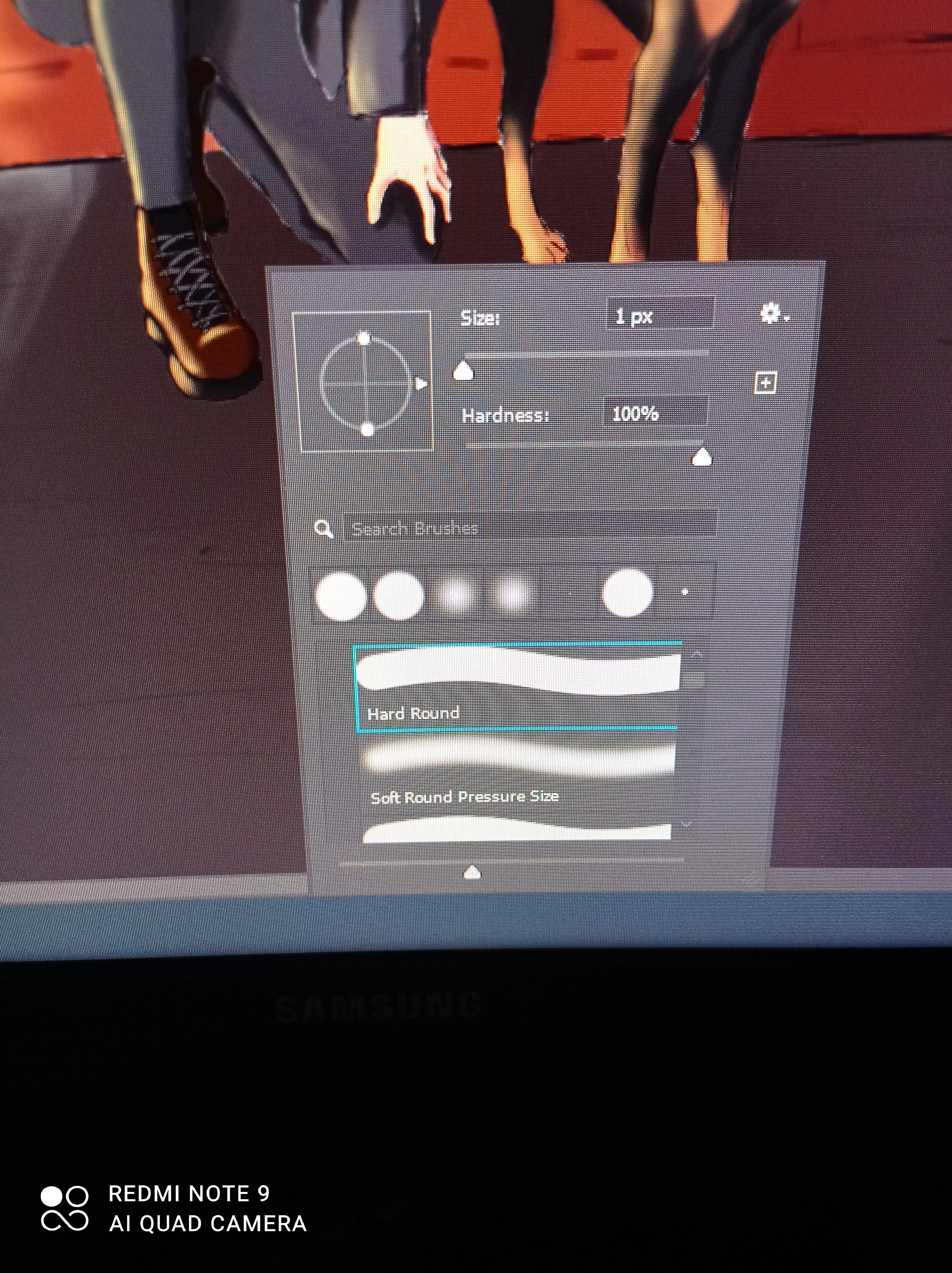
 If I use my mouse ,I can draw but with my oen I cant ...I also havent selected anything ...so everything is deselected .

This topic has been closed for replies.
Correct answer Διονυσης5FBC

I am using adobe photoshop 2021 and my tablet and pen are xp pen artist 12 pro ...

2 replies

psyhoszka
Participant
March 30, 2023

I have the same problem! My wacom tablet works but doesn't recognize the pressure, but my hp pens which I desperately need to work seem to be recognized but just don't leave trace when drawing or using select tools etc.
Win 11 + Adobe Photoshop Version: 24.1.1

Akash Sharma
Legend
April 2, 2021

Hi there,


Sorry that the pen tool in Photoshop doesn't let you draw as the Brush options panel pops up.


Could you please let us know the version of Photoshop you're using and the operating system you're working on? Which Pen and tablet are you using to draw in Photoshop?


Also, please take a look at this article https://helpx.adobe.com/photoshop/kb/tablet-support-faq-photoshop.html#RecommendedsettingsforusingatabletwithPhotoshop  and let us know if that helps.


Thanks,

Akash

Διονυσης5FBCAuthorCorrect answer
Participant
April 2, 2021

I am using adobe photoshop 2021 and my tablet and pen are xp pen artist 12 pro ...

Participant
April 2, 2021

Also,I use windows 10