
Answered
Photoshop won't open as default for it's own files
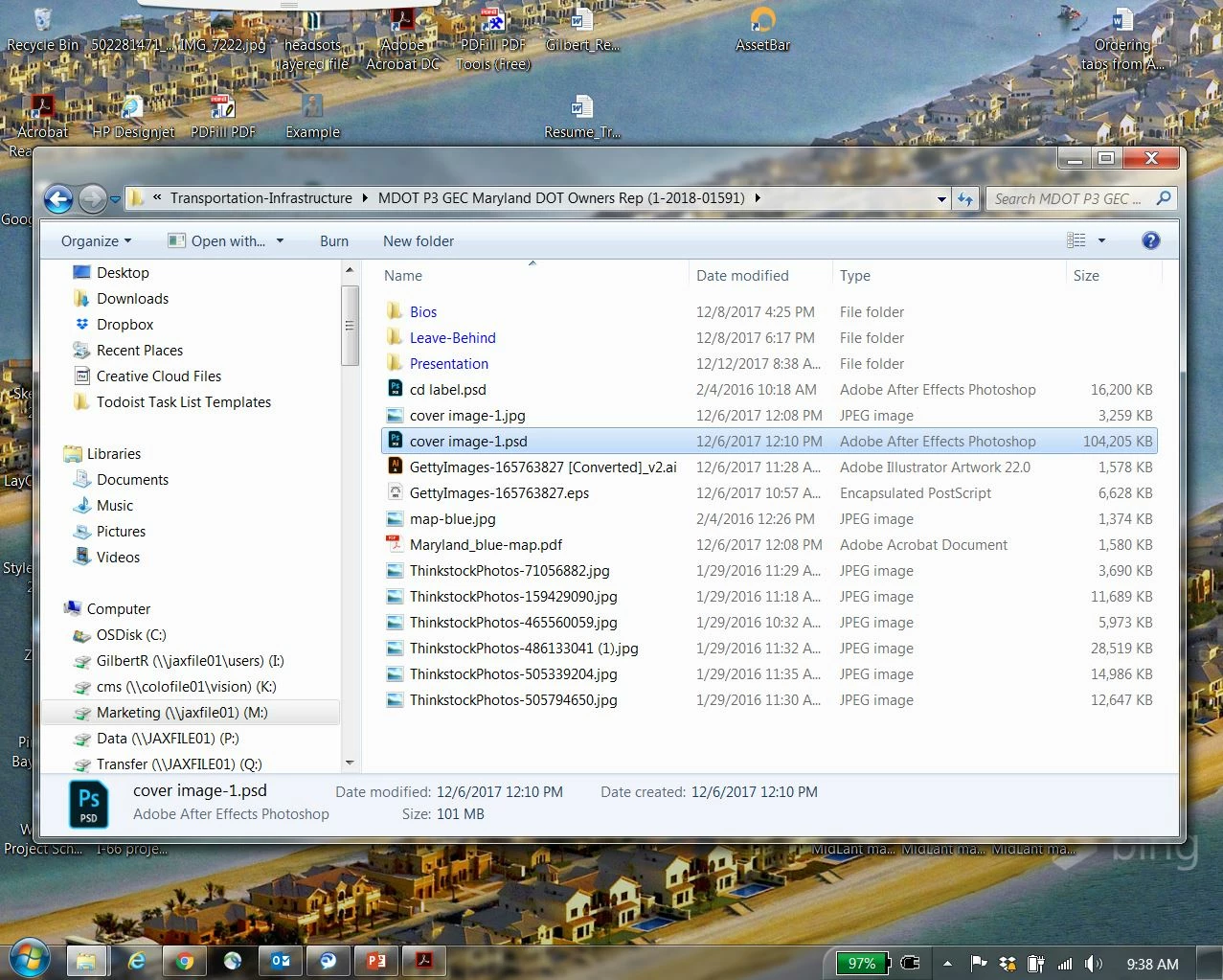
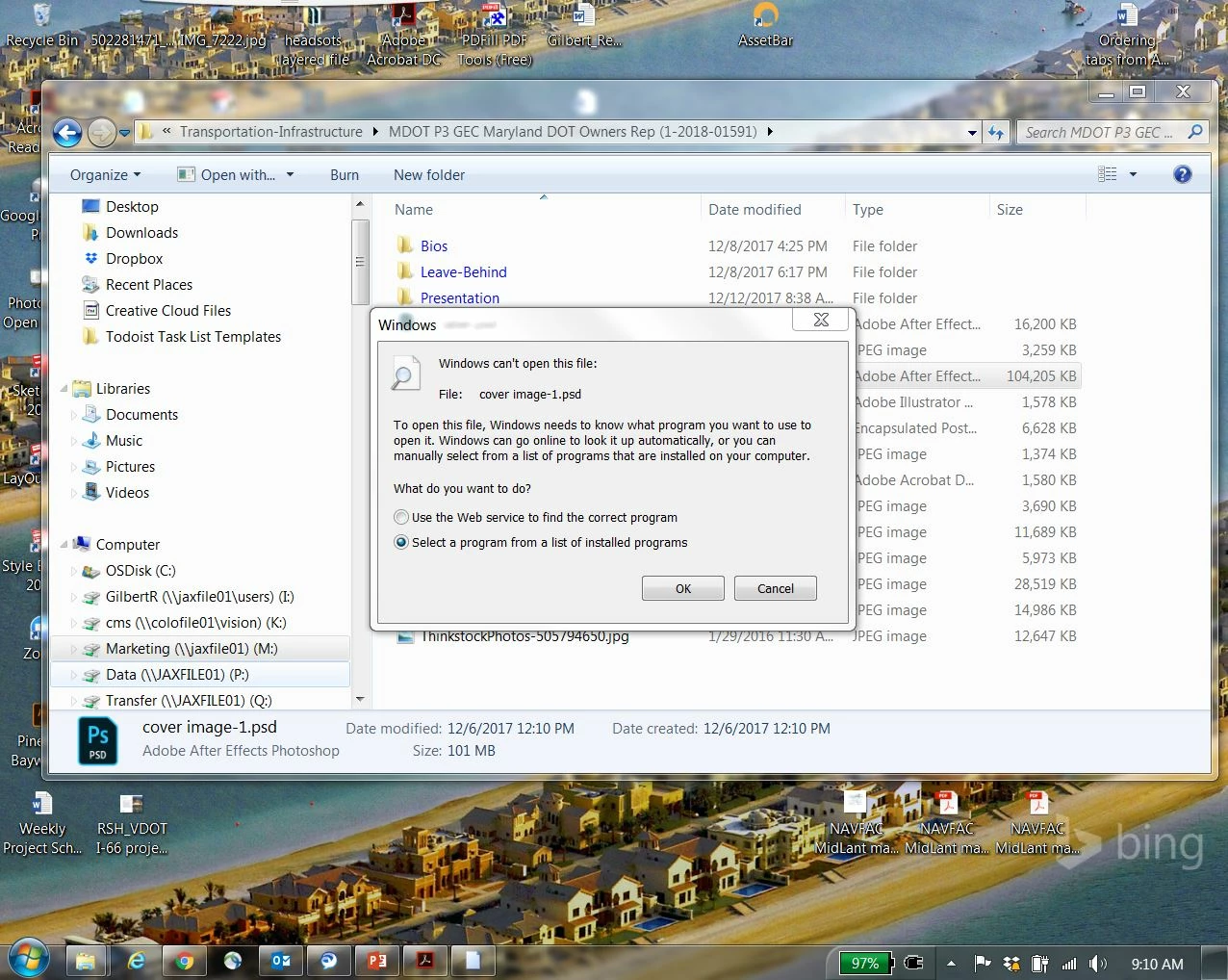
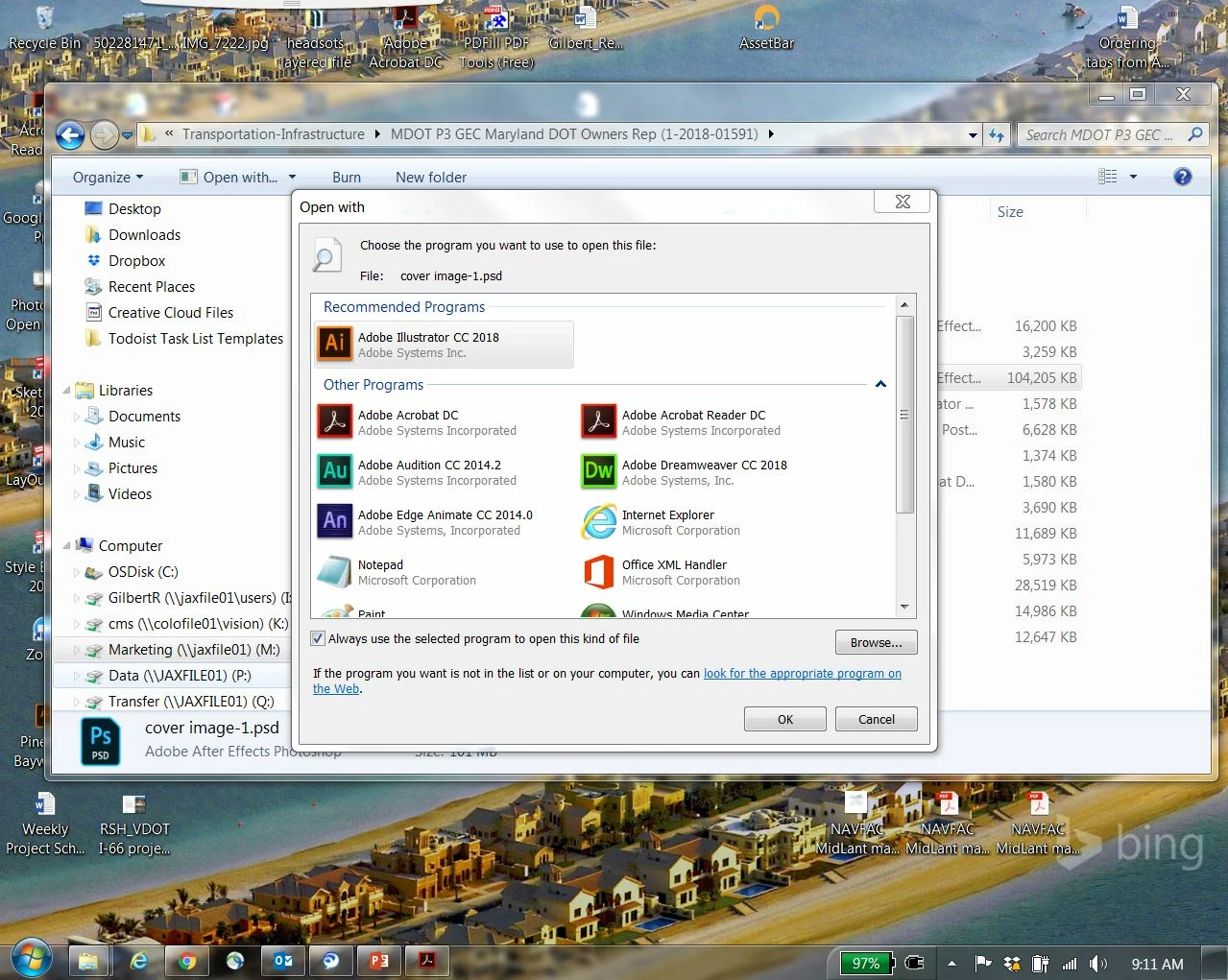
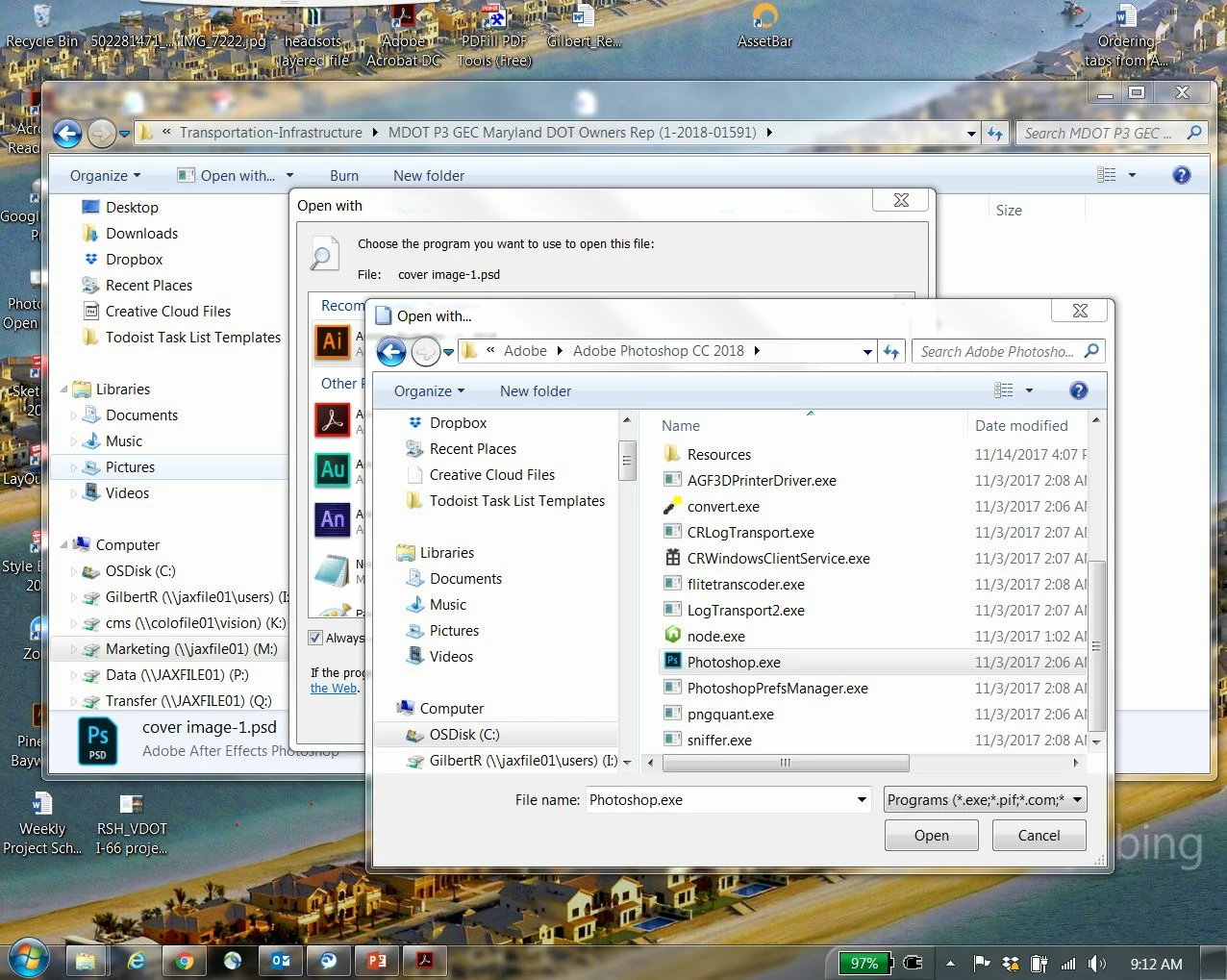
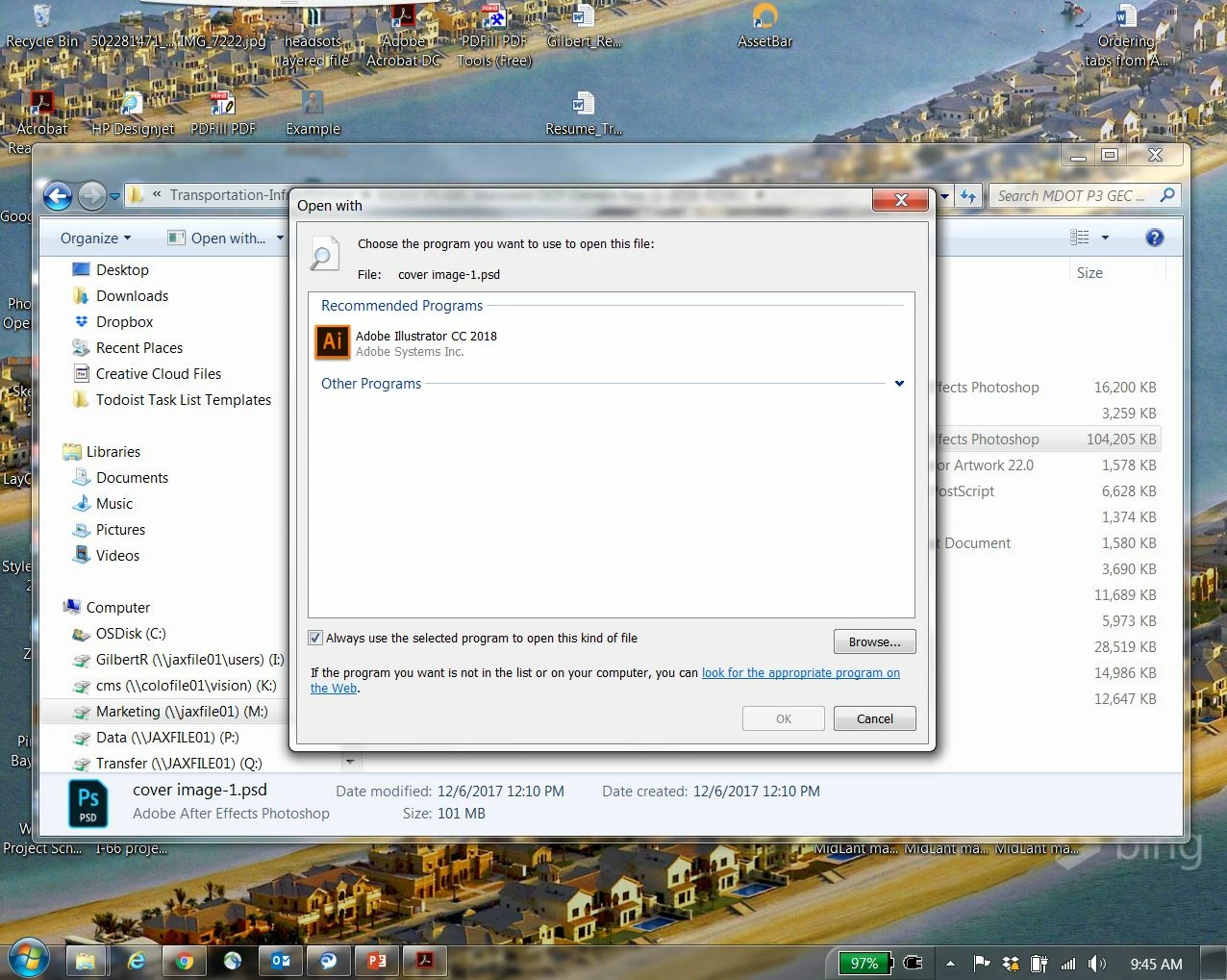
This might be more a computer problem than photoshop but I'm not sure where or who else to ask...I can't connect my files to the program they belong to (photoshop) (Photoshop will open but it won't open its files with a standard double-click). In properties, it says it opens with an Unknown application. I hit the "Change" button the program doesn't show up in the Recommended Programs (Or under "Other Programs"). I click the "Browse..." button, located the file, click "Open" and nothing happens. I can't get my files to open with its correct program. See below for photos of what I'm talking about... Help please?
 AdChoices