
Participant
January 26, 2023
Question

Photoshop won't print actual size

  • January 26, 2023
  • 2 replies
  • 1716 views

Hi guys, i made a simple layout which needed to have certain measurement. 
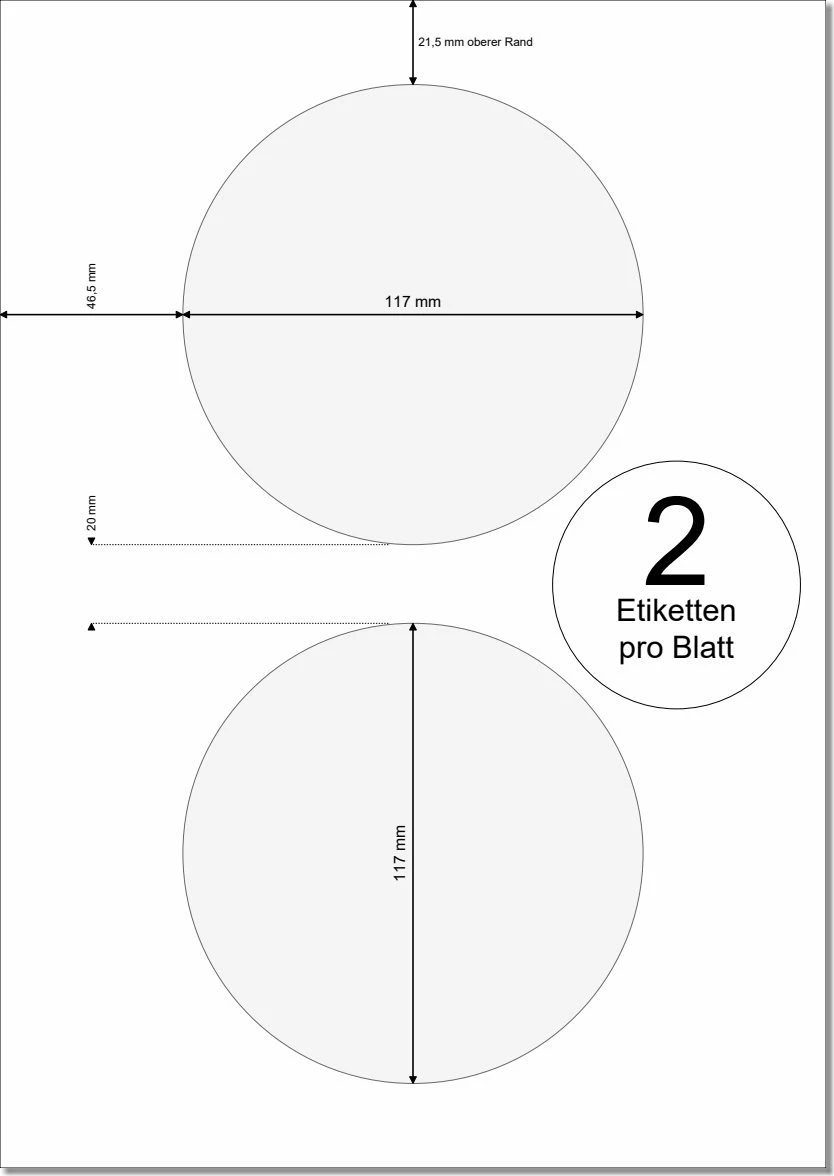
i used guides in my file to get the exact dimensions (even put the actual ppi of my monitor) but when i go to print directly from photoshop it says that the file is too big and it will be scaled down.
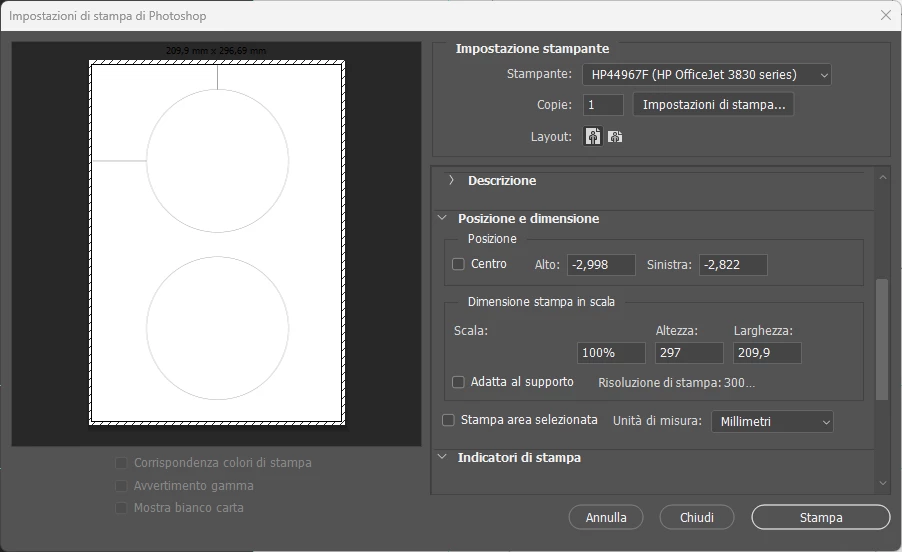
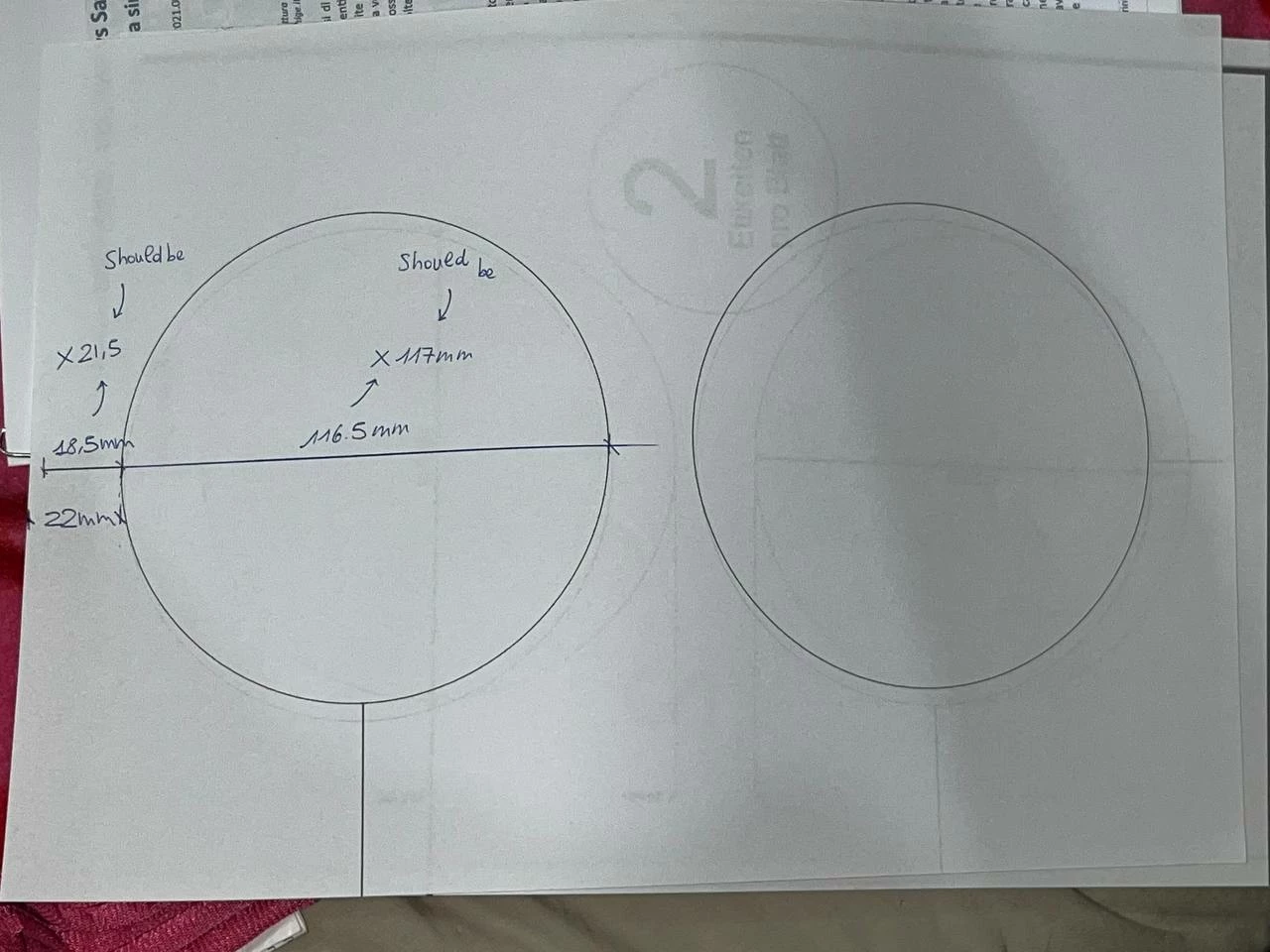
is it just my printer that have a strange print size for A4 or do i need to change something?
This topic has been closed for replies.

2 replies

Nancy OShea
Community Expert
Community Expert
January 26, 2023

Go to Image > Image Size.  What values are shown for height, width and resolution?

It could be that the image falls outside your printer's prinatable area. 


A4 paper size in inches = 8.27" x  11.69"

A4 paper in cm = 21 x 29.7


Nancy O'Shea— Product User & Community Expert
ivanodAuthor
Participant
January 26, 2023

Width:209,97mm
Height:297,01mm

Res:300ppi

Dimensions:2480x3508px

A4 would be 210x297 tho, i've picked it from the start up page for a new document. Maybe i just need to unlink the two and change to the exact value

Nancy OShea
Community Expert
Community Expert
January 26, 2023

Does your printer support borderless printing?  If not you'll need to factor in your printer's margins, too.


Nancy O'Shea— Product User & Community Expert
Kevin Stohlmeyer
Community Expert
Community Expert
January 26, 2023

You answered your own question - you set this up with your monitor ppi not the printer.

Set it to 300 ppi or your desired printer settings.

ivanodAuthor
Participant
January 26, 2023

 the ppi for printing are already set to 300