

twinklybird
Participant
March 25, 2020
Answered

Photoshop won't print in color in right orientation

  • March 25, 2020
  • 2 replies
  • 921 views

I'm having the strangest issue with Photoshop.
I've made a get well card for a colleague (we both work in theater), and I'm trying to print it (A6 format).
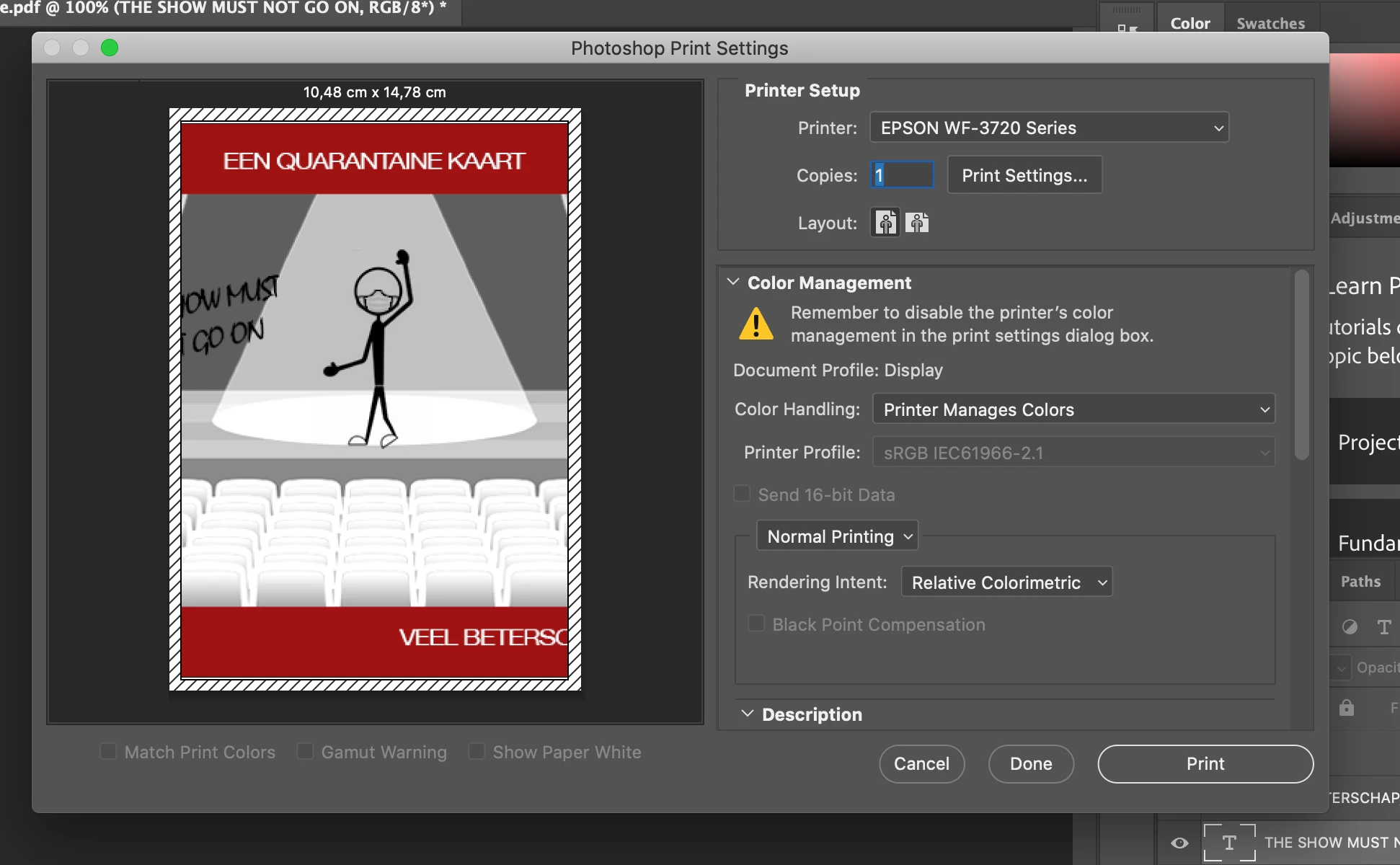
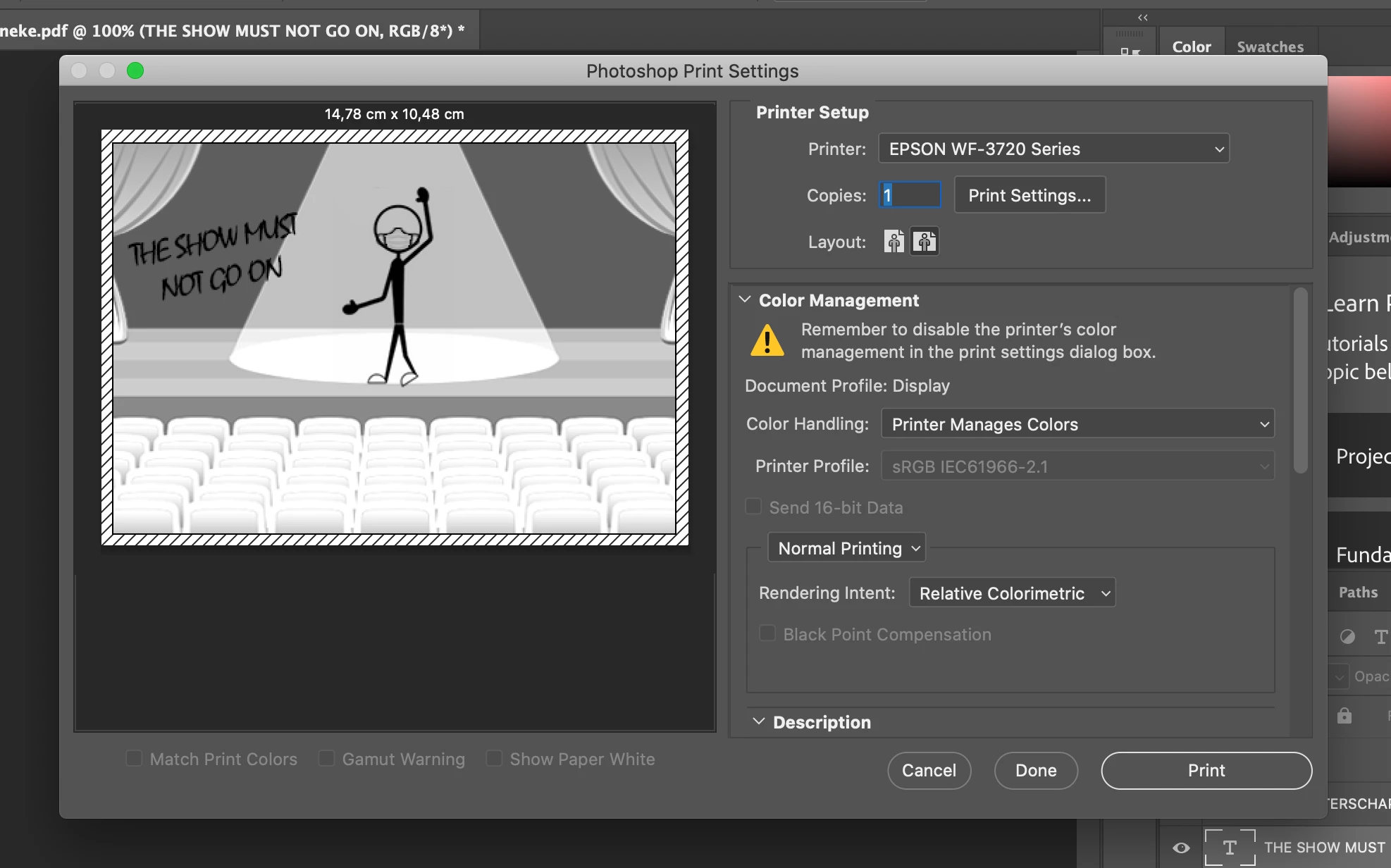
As soon as I select the right orientation, Photoshop shows a black/white preview of it. 
(And when I print it, I get a black/white version). If I select portrait mode (which messes up the card of course), it shows it in color. 


I've even tried changing it by just rotating the image, to allow it to be printed in portrait mode. But then the same problem arises: suddenly portrait mode shows black/white and landscape mode (cutting it and f*cking up the card again) shows it in color.


Same issue if I select: "Photoshop manages color", by the way.
I have absolutely no idea how to fix this. It's the weirdest thing.
Anyone have any tips?
 

This topic has been closed for replies.
Correct answer NB, colourmanagement

Hi

Is it just this image?

Maybe you would try a standard test image like this one: 

free testimage download here 

copyright PixlAps & Neil Barstow 2004 / colourmanagement.net (zip file, 1 MB)

http://www.colourmanagement.net/downloads_listing/


I hope this helps


neil barstow, colourmanagement.net :: adobe forum volunteer

[please do not use the reply button on a message in the thread, only use the one at the top of the page, to maintain chronological order]


2 replies

twinklybird
Participant
April 2, 2020

Thanks, Neil!
It took me a while to figure it out.
When I copied the image and pasted it into a blank .psd, it seemed to work fine, except for the colors looking very different. Finally discovered the issue was most likely due to automatic installation of my printer, which didn't install all drivers properly. Reinstalled the printer, and suddenly had more color management options. That, plus working with a new file, seemed to fix it all. Thanks for the reply!

NB, colourmanagement
Community Expert
NB, colourmanagementCommunity ExpertCorrect answer
Community Expert
March 26, 2020

Hi

Is it just this image?

Maybe you would try a standard test image like this one: 

free testimage download here 

copyright PixlAps & Neil Barstow 2004 / colourmanagement.net (zip file, 1 MB)

http://www.colourmanagement.net/downloads_listing/


I hope this helps


neil barstow, colourmanagement.net :: adobe forum volunteer

[please do not use the reply button on a message in the thread, only use the one at the top of the page, to maintain chronological order]