
Question
Photoshop won't save or open files on hard drive
Using a Macbook Pro. I want to save files or open files to my hard drive, not to the cloud. When I try to open a file, the only options available to me are cloud folders. This started out of the blue a few weeks ago.
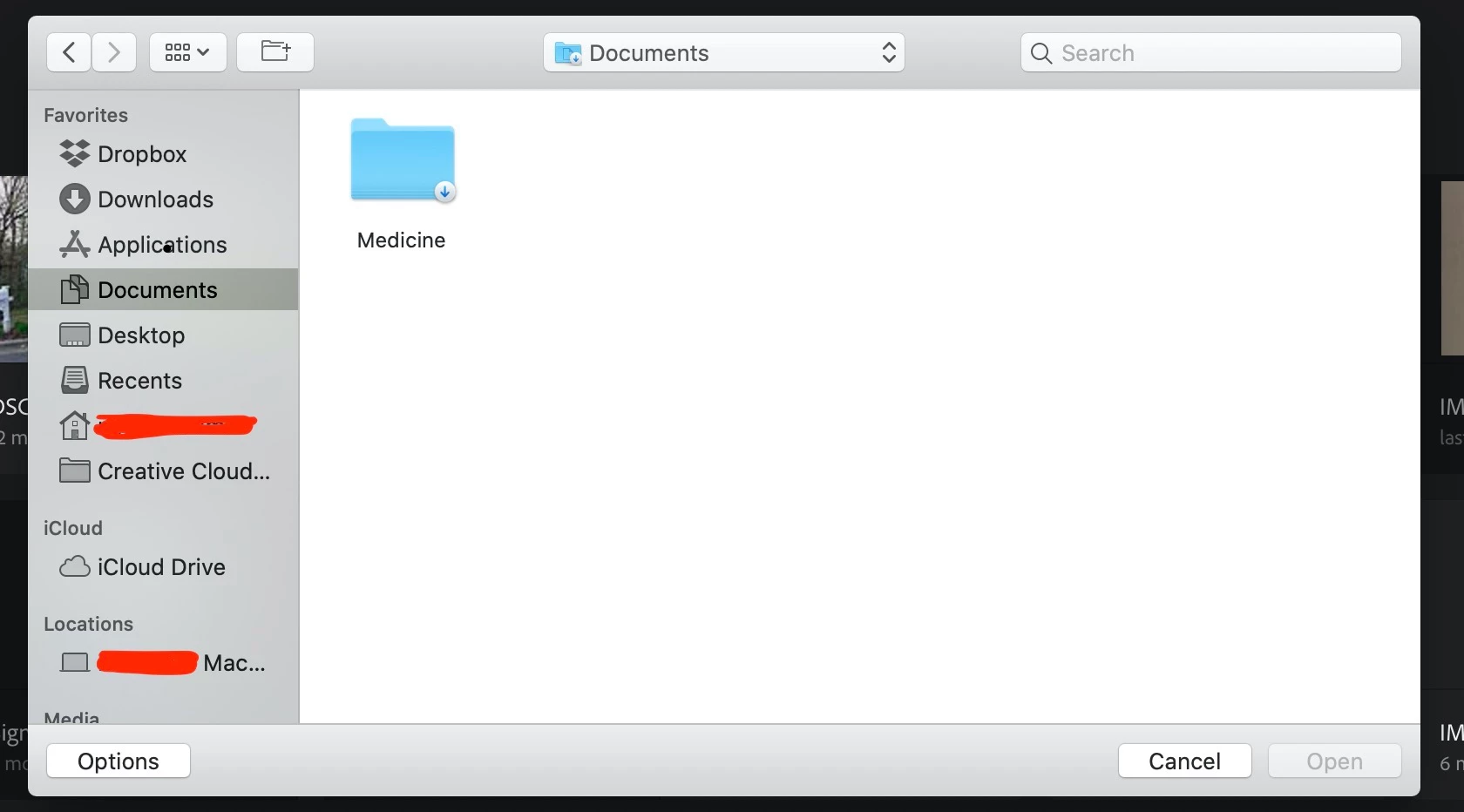
No matter what folders I click on or how I navigate to them through photoshop, it never gives me options except what might be on cloud. I'm assuming that's what the little down arrow is in the corner of each folder is indicating? I just want to be able to get to files on my hard drive. Any ideas? This happens no matter what I click on the left side of the screen; Documents, User, Location. Everything.
 AdChoices