

Answered
Photoshop work screen is desaturated(in color) compared to my files/photos.
Let me just start off with saying that I've used Photoshop for 3 years now and this is the first time I've dealt with anything related to desaturated colors.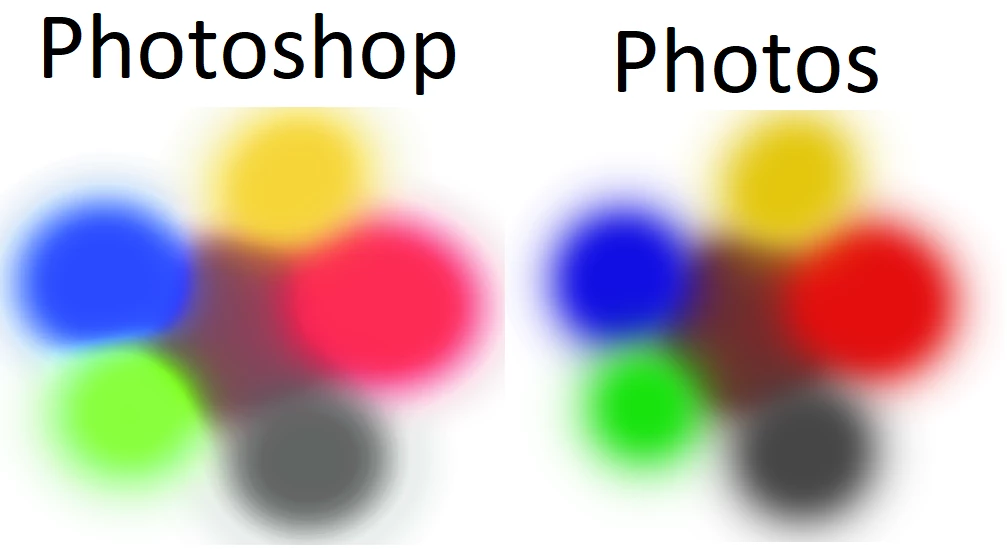 As you can see the colors are a lot different. It sucks because I paint in Photoshop everyday. I didn't notice the color difference until I saved a landscape page I was painting.
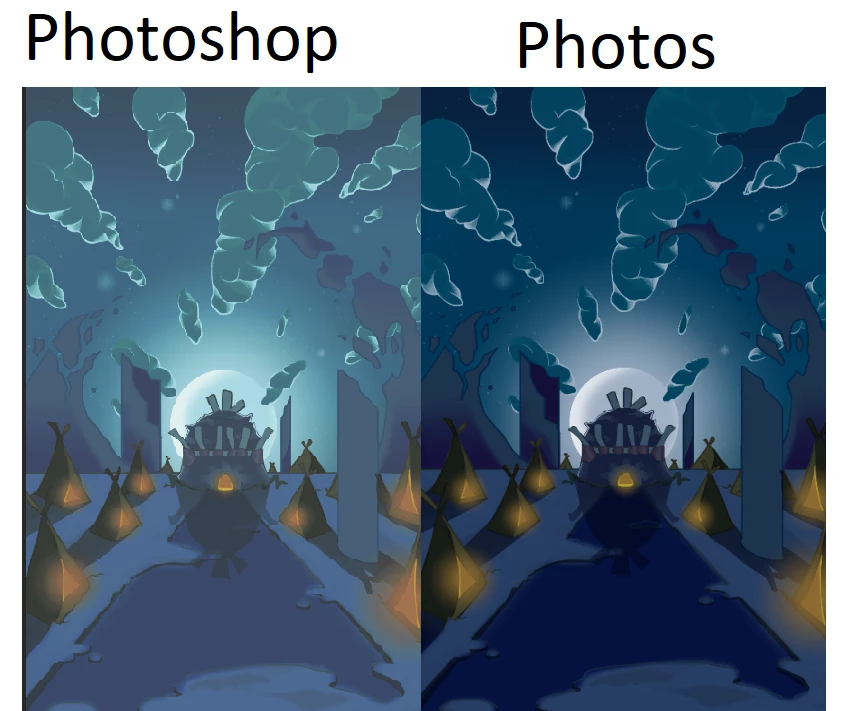
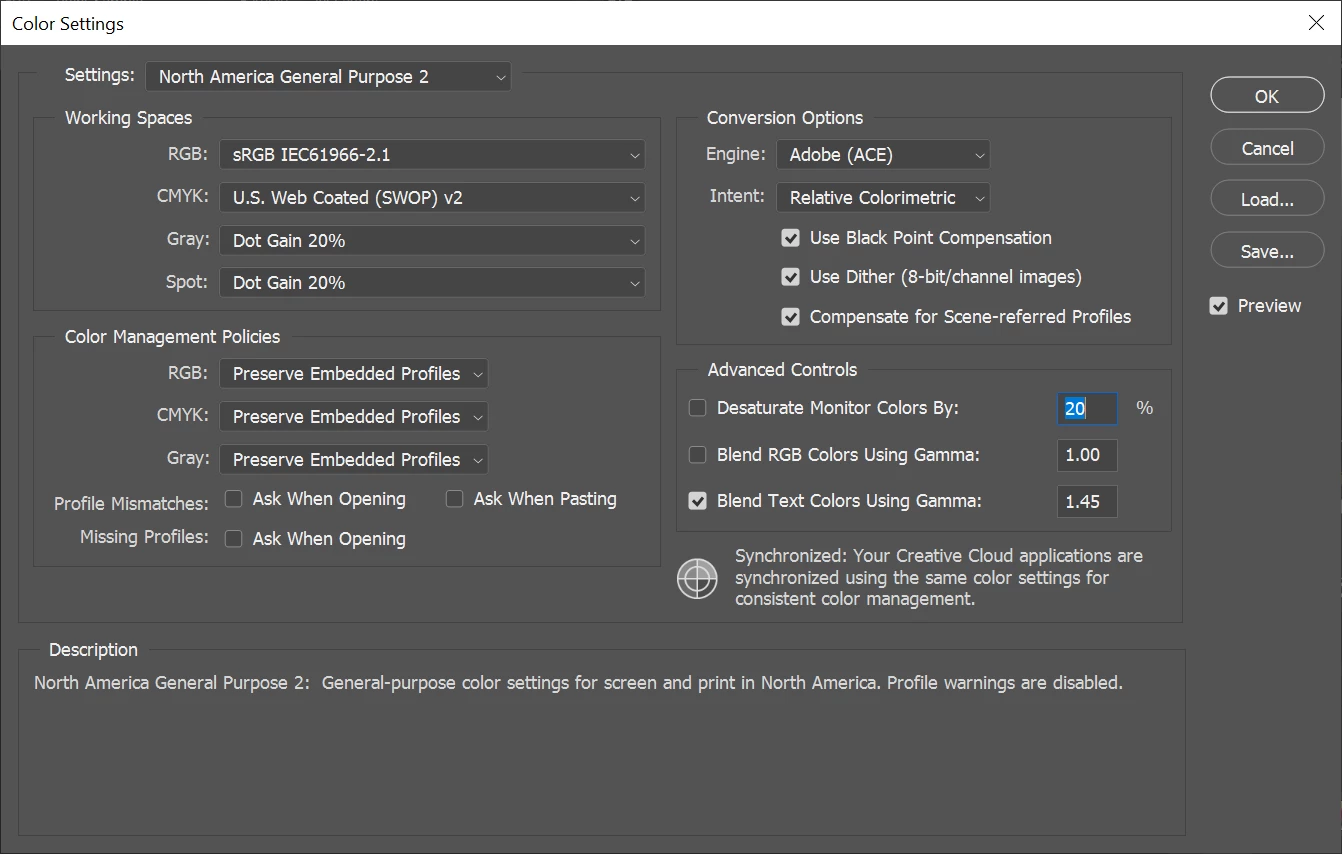
My guess is that my Photoshop is displaying the colors in CMYK format, but every color setting I look at it says RGB. I've looked up many different solutions for my problem, but none of them work.
Here are my color settings:
 Any information on this issue would be amazing. Thank you!
 AdChoices