NM MSDK
Inspiring
September 6, 2024
Answered

picture gets severely warped, why and is it fixable?

  • September 6, 2024
  • 3 replies
  • 1077 views

Hello everybody.

I really hope someone can help me because i am starting to slowly lose my marbles.

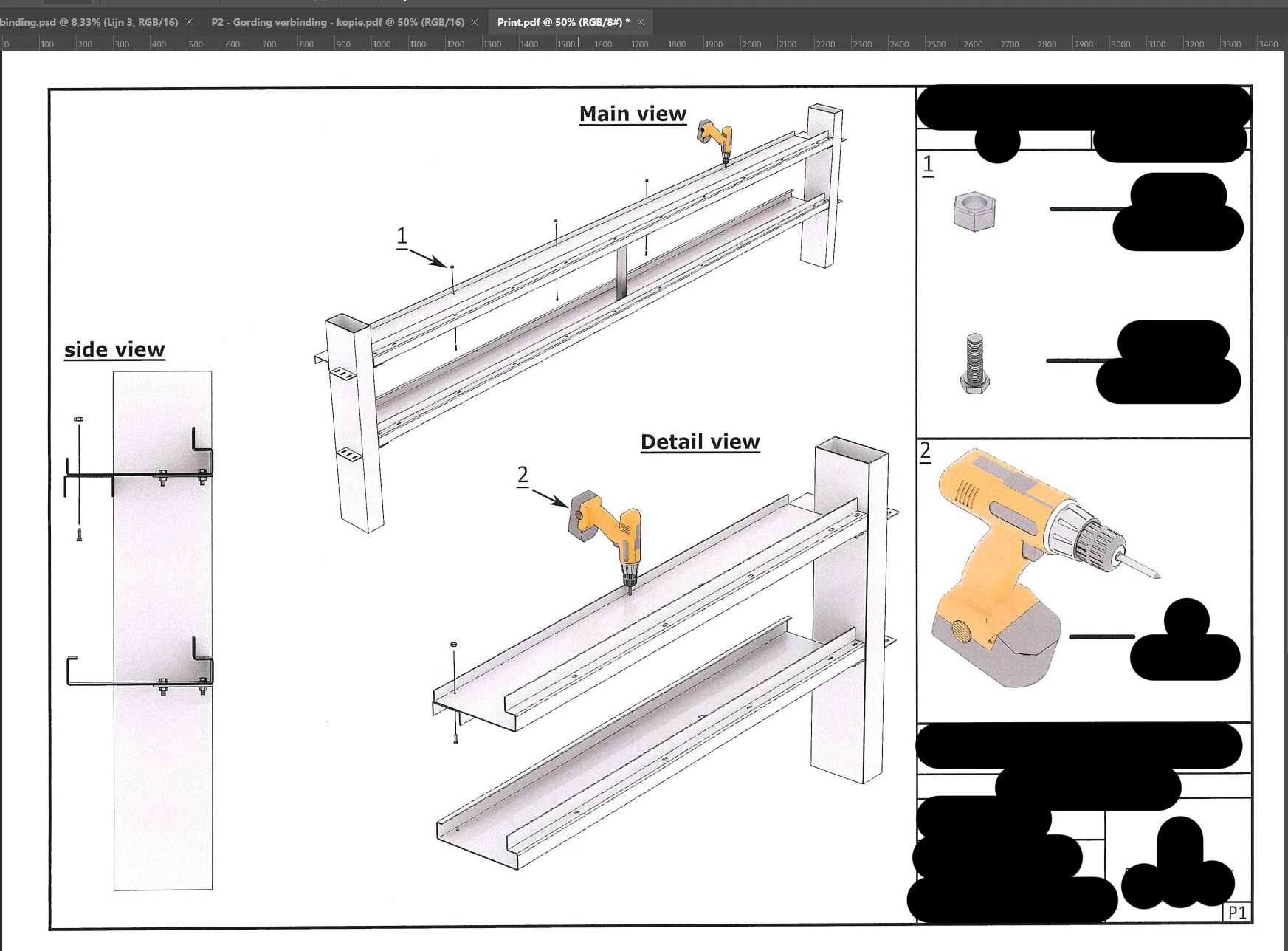
i have been working on the document below for the past 2 days.
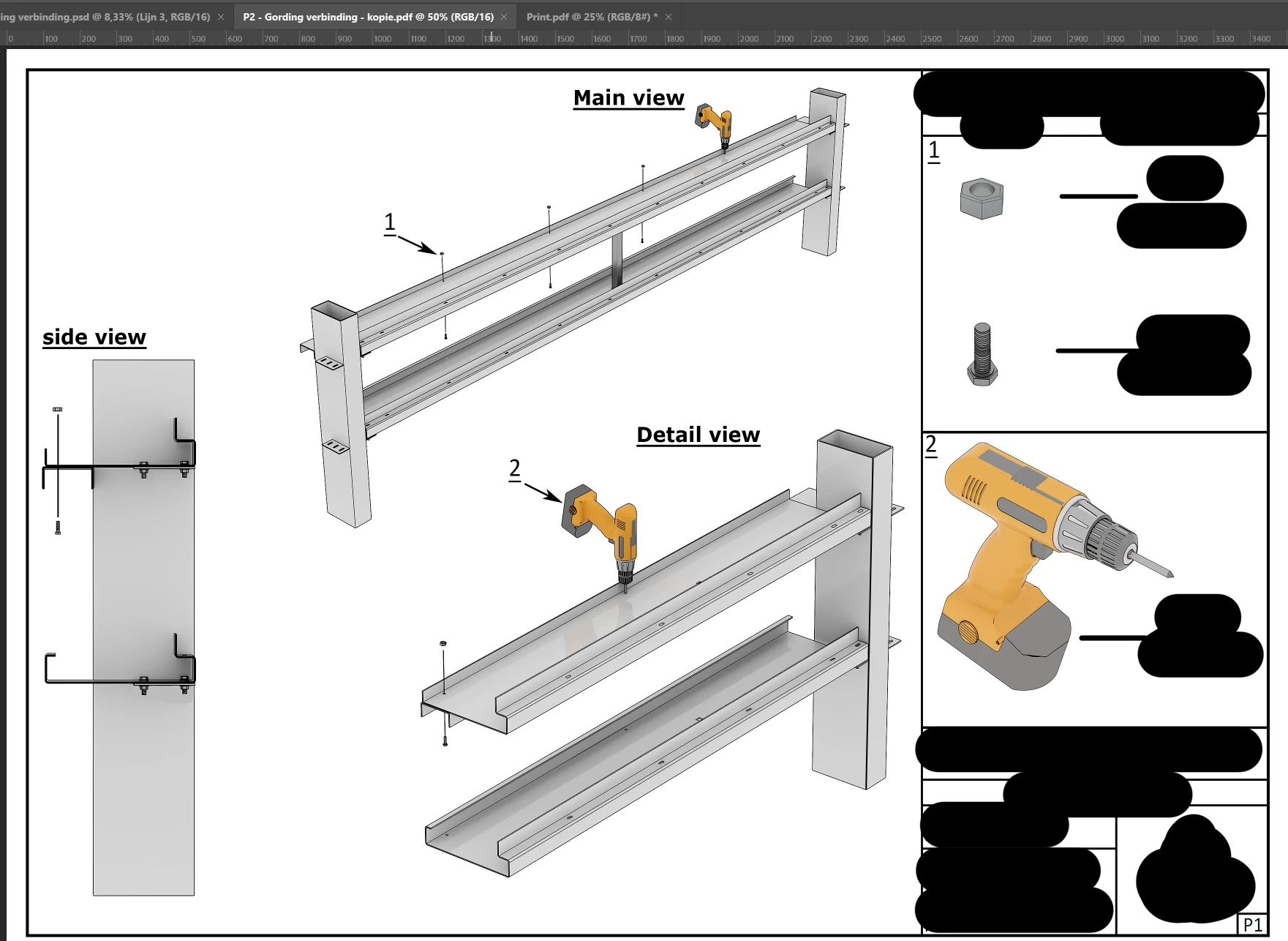
Everything is sharp and exactly what i want it to look like.


Now when i go printing the document on an a4 sheet (3508 x 2480 pixels, 300 ppi). An abomination rolls out of the printer.

Every tone gets a different shade, the dark get more white and the white less sharp, and most important, all my lines get warped, blurred and pixelated.
 

I am really starting to wonder if it is even possible to get a nice picture out of the printer.

That's why i am really desperate to know if you guys know what to do or if i ever will reach my goal.


Would love to hear from anyone.


- Nick


This topic has been closed for replies.
Correct answer josantgomez


3 replies

josantgomez
Legend
September 9, 2024

Consejo experto:

https://www.youtube.com/watch?v=dkYe_v83V8M&t=114s

Se puede configurar para subtítulos en inglés o cualquier idioma.

 
Perfiles y espacios de color recomendados
josantgomez
Legend
September 7, 2024

No sé si lo ha resuelto. Si la impresión , los ajustes, son concordantes con el perfil de impresión, la impresora , papel y Photoshop,  y no resulta lo que se ve en el monitor, entonces pensaría en recalibrar el monitor. Lo que se ve en este no es siempre la "verdad".  En teoría, y según expertos, debería calibrar el monitor y trabajar con él en un entorno de luz uniforme constante, (iluminación, color paredes y decoración, etc  influyen en la percepción). Creo recordar que sistemas operativos como Windows tienen la opción de hacer una aproximación a la calibración de la pantalla. Los fabricantes de impresoras suelen tener software para ello o encontrarlo en los sitios en los que venden impresoras de calidad. (Un ejemplo: un experto aconseja que el color de la pared debe ser de un 18 % de gris sobre blanco...). Antes utilizaba un calibrador que creaba un perfil de impresión para cada papel que utilizase en la impresora y se seguí un proceso en el que se igualaban las propiedades técnicas del monitor con las de la impresora. Pero desde hace años sólo utilizo un software que el fabricante del monitor pone a disposición).  Suerte, pues. 

NM MSDK
NM MSDKAuthor
Inspiring
September 9, 2024

Thank you!


For now, with all this information i have gotten the quality to a level that is acceptable. 

Only i do not have the same options as you have because i do not use an Epson, so i have the settings set as below:


And this are the settings for my printer

Maybe that someone who has a bit more experiance with the Utax has any more tips.


But for now, thank you very much and the quality has gone up significantly.


thanks!


-Nick


josantgomez
Legend
September 9, 2024

Haría otra prueba con CIE RGB en lugar de sRGB.

(No veo en la captura de pantalla Adobe RGB.  En Photoshop elegiría adobe RGB. Y en el monitor, también.)

Si eso no mejora más , ¿me puedes decir marca y modelo del monitor?

NM MSDK
NM MSDKAuthor
Inspiring
September 6, 2024

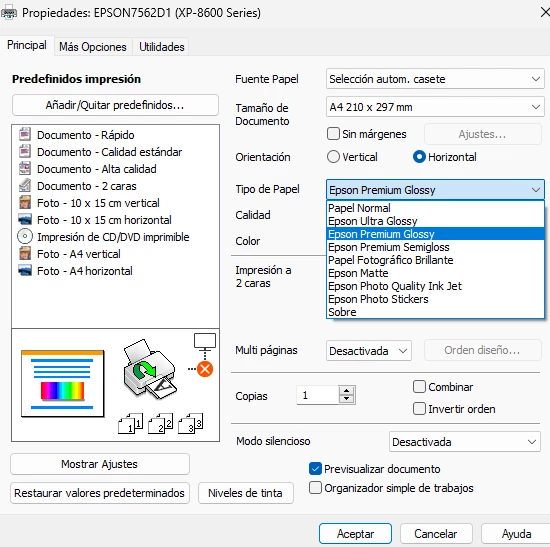
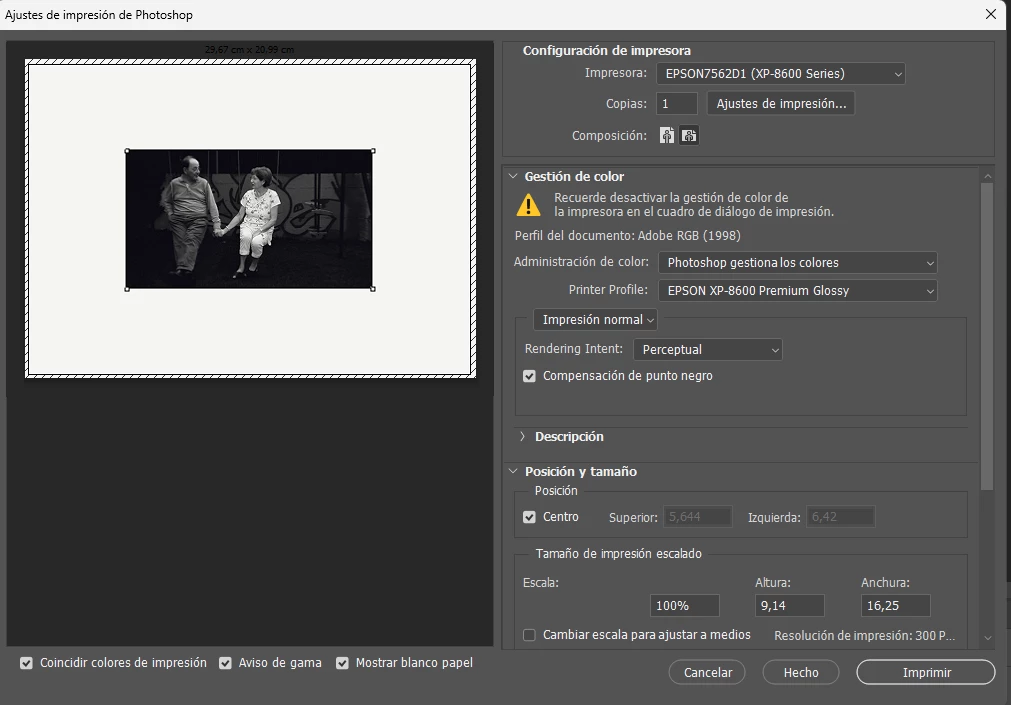
This might give some extra information for the really smart people here.

Im sorry it isn't in english, but the layout is the same as it is with the english version.


josantgomez
Legend
September 6, 2024

No soy experto. Pero , tengo experiencia. Primero dejaría que photoshop gestione la impresora, no que esta se gestione a sí misma.

Después la impresión, la coincidencia con lo que se ve en el monitor, depende de si el monitor está calibrado,  de si la impresora está calibrada con respecto al monitor, del tipo de papel y los ajustes de la impresora que no se muestran en la captura.  Pero, lo dicho, primero dejaría que Photoshop gestione los colores o la impresora. 


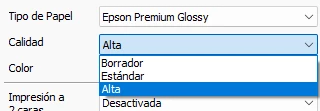
Tienes que señalar en photoshop el tipo de papel que usas. Y fijarse en la calidad de impresión elegida en los ajustes...

NM MSDK
NM MSDKAuthor
Inspiring
September 6, 2024

Thank you for the response sir.


It indeed did help a little bit, and the lines have gotten more "acceptable" but sadly, it is no where near the quality displayed at my monitor.


But where can you define the type of paper used? Under print-settings? if so then i have set it good.


Thanks again!


-Nick