
Participant
August 18, 2019
Answered

Picture package

  • August 18, 2019
  • 3 replies
  • 1266 views

I have Adobe CC 2019.  I'm printing passport pictures for my mom in law.  I have my 2x2 pic on my screen and I want to print 12 copies.  Seems a waste to print it 12 times on 8.5x11 so I wanted to print about 9 or so on one page.  Lots of googling shows me Picture Package, which is no longer in CC2019, so I'm stuck.  I see several articles about Contact Sheet, but I'm not sure how to make that work either.

So, please, talk to me like I'm a three year old.  I've opened CC PS 2019 and I have my single pic on my screen.  I'd like to print 12 across two pages and the image is 2x2.

Can someone, anyone, please, tell me how to do that?

Thank you

Cliff
    This topic has been closed for replies.
    Correct answer Derek Cross

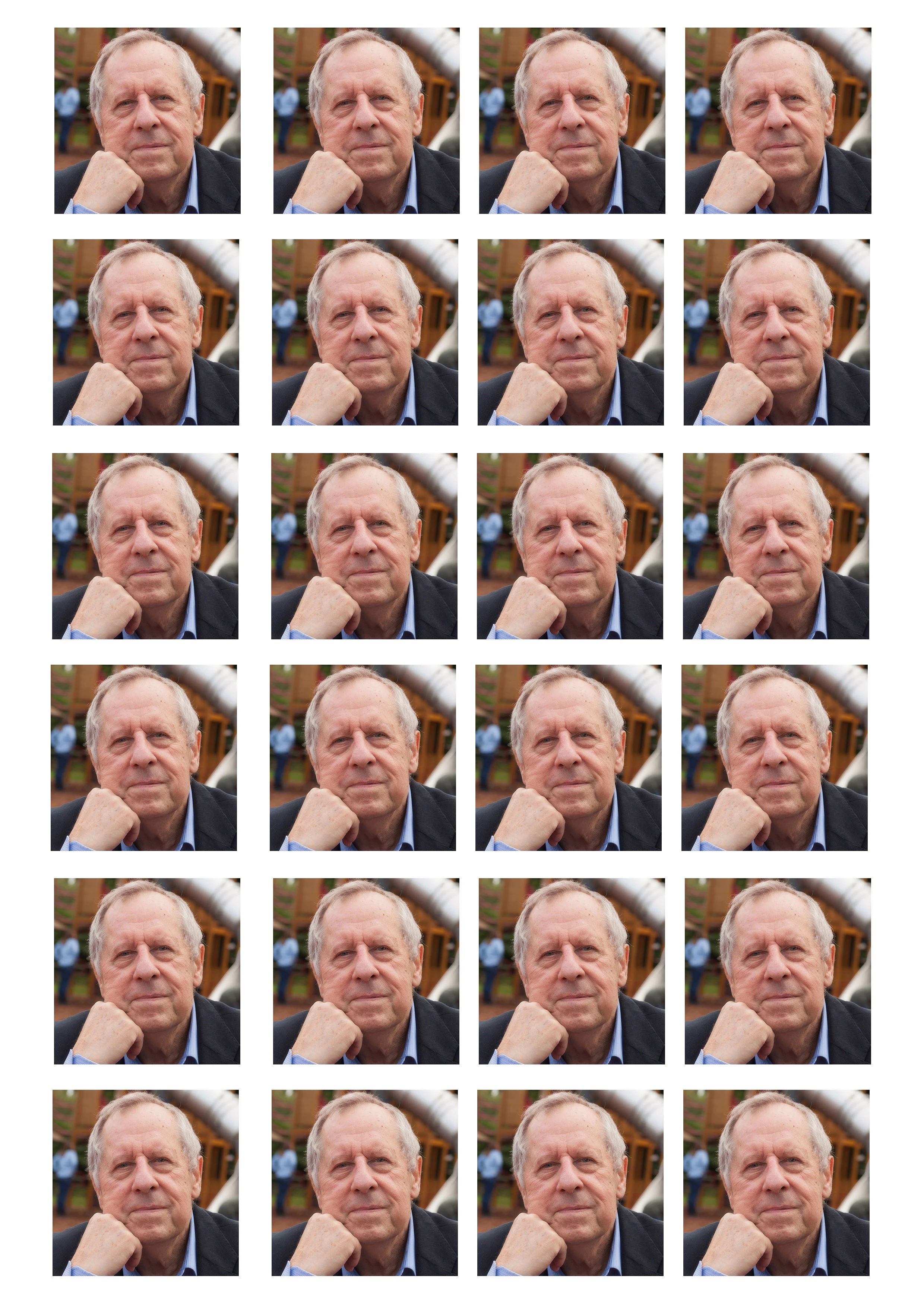
    Create say an A4 page put your image in place use option drag  (Mac) to duplicate as many copies as you need or to fit,  position them to suit on the A4 sheet and print.

    3 replies

    jane-e
    Community Expert
    Community Expert
    August 18, 2019

    Hi Cliff,

    In addition, be sure to read the passport photo requirements. I was wearing my glasses in mine and had to have a new one taken on the fly. It’s pretty horrible and washed out. I don’t know if they would reject the hands in the photos from Norman and Derek.

    Passport Photos

    ~ Jane

    Derek Cross
    Community Expert
    Community Expert
    August 19, 2019

    I wasn’t giving advice about choice of passport photographs - I just grabbed a pic to illustrate the duplication feature!

    Norman Sanders
    Legend
    August 18, 2019

    This is another approach:

    1. Open an image and change the size to its new size and ppi appropriate to printing.

    2. Select > All

    3. Edit > Stroke ...  two pixels,  inside.

    4. Edit > Define Pattern ... name and ok

    5, Open a new file, perhaps 8x10 same ppi as the new size image

    6. Edit > Fill.  Contents: Pattern. Click on Custom Pattern. Yours is the last one in the series. OK

    Done

    Derek Cross
    Community Expert
    Community Expert
    August 18, 2019

    An excellent approach Norman.

    Derek Cross
    Community Expert
    Derek CrossCommunity ExpertCorrect answer
    Community Expert
    August 18, 2019

    Create say an A4 page put your image in place use option drag  (Mac) to duplicate as many copies as you need or to fit,  position them to suit on the A4 sheet and print.

    Cliff PoeAuthor
    Participant
    August 18, 2019

    Sorry, on a PC and what you posted is exactly what I want to do, but can't seem to do it.