
Inspiring
December 17, 2023
Answered

Pictures are blurry after saving multiple times

  • December 17, 2023
  • 1 reply
  • 1070 views

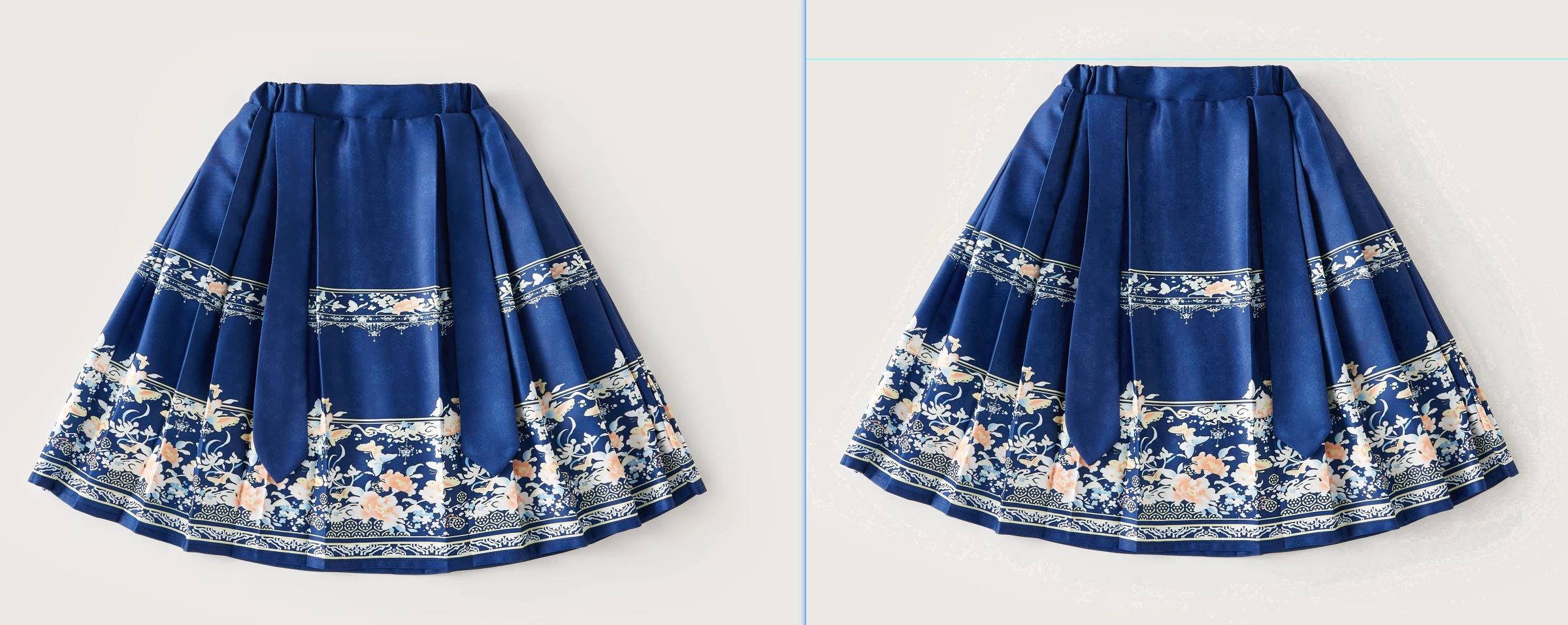
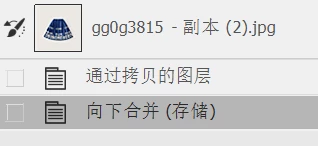
The storage method is: Merge visible layers > Save > Close the document. The shortcut key is [Ctrl E] [CTRL S] [CTRL W]. After doing this many times, the image quality becomes particularly blurry and jagged.
What settings can be adjusted to save


After I repeated the operation 10 times, we can see that the shadow part of the picture on the right is over-compressed. Why is this?


This topic has been closed for replies.
Correct answer D Fosse

PNG uses non-destructive compression, so it returns to the same state as before it was saved. So it's a lot better than jpeg - but a little bigger. PNG doesn't support layers, though, so not suitable as a working format.


quote

PSD or tiff will make the image very large.


By @h4ste338468947qjm


There's no free lunch. A PSD or TIFF isn't actually large; it's the true native size of the file. Anything smaller is the result of compression - and in the case of jpeg, that compression will pretty quickly destroy the file.


PSD and TIFF are the only file formats that support all of Photoshop's functions and possible file properties.

1 reply

davescm
Community Expert
Community Expert
December 17, 2023

Jpeg uses lossy compression so the image deteriorates each time you save. It is designed as a format that reduces the file size considerably for sending onward. It is not designed for repeated editing.

If repeated editing is planned, use a format that does not compress or uses lossless compression e.g Tiff or PSD. You can always export a jpeg from that master file.


Dave

Inspiring
December 18, 2023

Thank you very much, but saving PSD or tiff will make the image very large. My current solution is to save it as PNG. After testing, the image quality is not affected by saving it multiple times. Is this solution appropriate?

D Fosse
Community Expert
D FosseCommunity ExpertCorrect answer
Community Expert
December 18, 2023

PNG uses non-destructive compression, so it returns to the same state as before it was saved. So it's a lot better than jpeg - but a little bigger. PNG doesn't support layers, though, so not suitable as a working format.


quote

PSD or tiff will make the image very large.


By @h4ste338468947qjm


There's no free lunch. A PSD or TIFF isn't actually large; it's the true native size of the file. Anything smaller is the result of compression - and in the case of jpeg, that compression will pretty quickly destroy the file.


PSD and TIFF are the only file formats that support all of Photoshop's functions and possible file properties.