
vancauwenbergel16720860
Known Participant
April 6, 2020
Answered

Pixel lines on a drawing

  • April 6, 2020
  • 4 replies
  • 1343 views

Hello,


I want to use some graphic elements from a video game i used to play with...


On this scanned drawing:
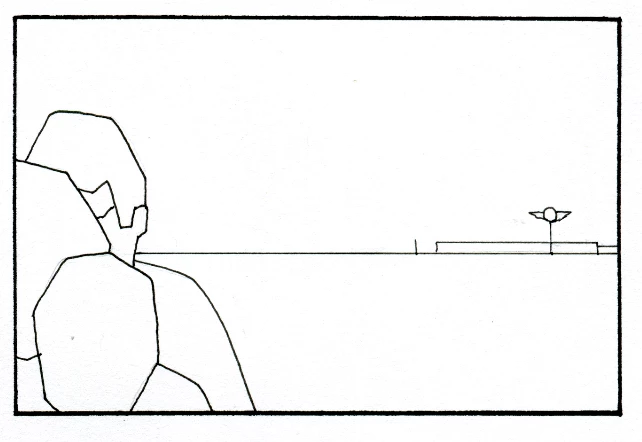
 

i want to add those kind of pixellised elements in my drawing once i've colored it ...clouds,lines on the road...
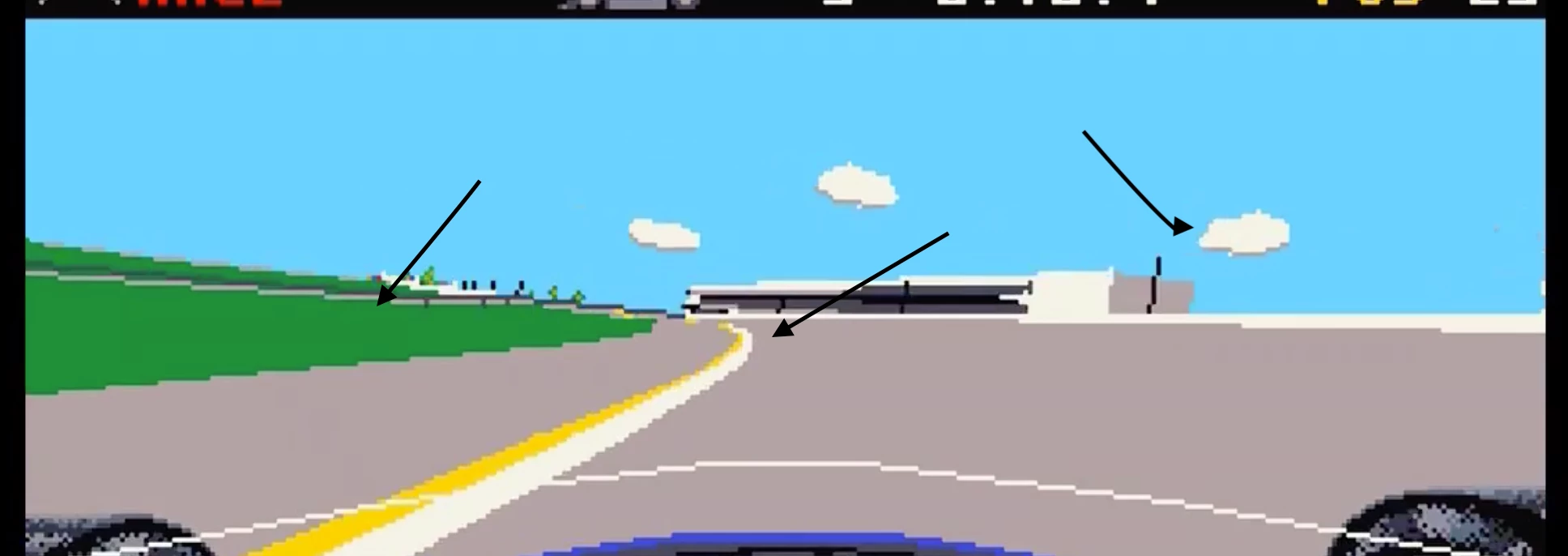
Is there a way to do it in photoshop? to draw very "aliased" lines like in pixel art stuff?


Thank 🙂


This topic has been closed for replies.
Correct answer davescm

You could use the pencil tool to draw at a small scale then use "Nearest Neighbour" to upscale it

Dave

4 replies

vancauwenbergel16720860
Known Participant
April 6, 2020

Thanx to all,


I'm using the pencil as dave and it seems to do the trick

davescm
Community Expert
davescmCommunity ExpertCorrect answer
Community Expert
April 6, 2020

You could use the pencil tool to draw at a small scale then use "Nearest Neighbour" to upscale it

Dave

c.pfaffenbichler
Community Expert
Community Expert
April 6, 2020

I suppose if you work with Solid Color Layers with Layer Masks you could later on use either a plain Threshold Adjustment or, if you want the pseudo-pixels to be larger than the actual pixels Filter > Pixelate > Mosaic. 

Bojan Živković11378569
Community Expert
Community Expert
April 6, 2020

There isn't any hidden option for pixel art drawing, follow some tutorial for that effect.