
Participating Frequently
February 14, 2020
Question

Pixelated brush strokes

  • February 14, 2020
  • 2 replies
  • 1475 views

Hello, 

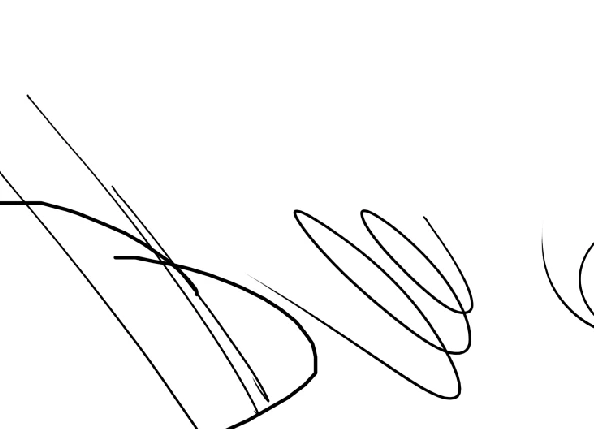
I'm connecting my wacom tablet and using photoshop to draw. However, my brush strokes are turning up unclear/pixelated for some reason. I don't know if it has to do with the brush settings of the resolution of my mac with the wacom, can anyone help please?
 

This topic has been closed for replies.

2 replies

S_Gans
Community Expert
Community Expert
February 14, 2020

Your wacom tablet should be using your regular brush settings. I have a couple of questions and ideas:


I wonder - is yours a regular tablet, or a Wacom Computer or Cintiq type display? If that's the case, you may be seeing pixelization on that monitor, but it might not show on regular monitors. 


If you're using a regular tablet, and you're using a regular round, hard brush, you may need to check your Flow and Smoothing settings. Also, try using the Brush Settings drop down menu ("hamburger" at the top right of your Brush Settings Panel) to "Clear Brush Controls".

Also, this can happen when you're working on a very low-rez document. What screen resolution are you using?

Hopefully, these ideas may help you determine where the issue lays. 

Adobe Community Expert / Adobe Certified Instructor
LinSims
Community Expert
Community Expert
February 14, 2020

Let me move this to the Photoshop forum for you, where you are more likely to receive an answer to your question.

Note that the Community Help forum is for help in how to use the Adobe Communities. Product questions should be posted in the associated product community.

Participating Frequently
February 14, 2020

So what's the solution right now?