
Known Participant
March 28, 2019
Resuelto

Place PDF Places Image Portrait Only

  • March 28, 2019
  • 2 respuestas
  • 2374 visualizaciones

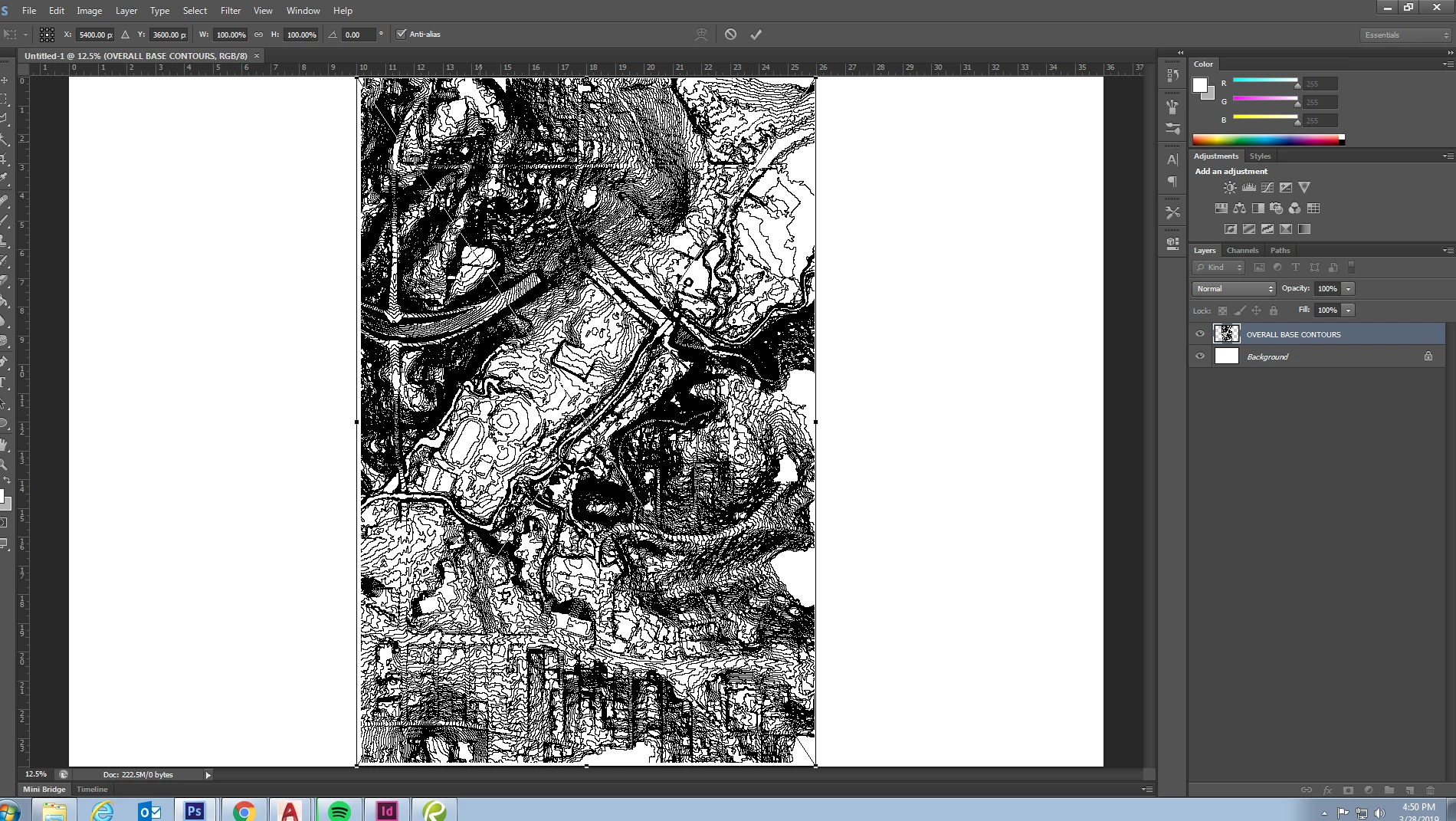
When placing a pdf in a photoshop file, can you change the orientation in which it is placed? Whenever I place a landscape oriented document, it places it in portrait mode and shrinks it to fit on the page. The linework in the files I am working with are scale-specific so anytime I manually rotate the file and transform the image to make it larger, I risk changing the exact scale of the drawing. This makes it difficult when I'm placing images of different CAD layers that I would like to import into photoshop separately and overlay them exactly on top of each other in the correct place.

Is there any way to place a pdf in landscape orientation to avoid this scaling effect?

Thanks!
Este tema ha sido cerrado para respuestas.
Mejor respuesta de Bojan Živković11378569
Is there any way to place a pdf in landscape orientation to avoid this scaling effect?

There is option in Preferences > General > Resize Image During Place, uncheck it and see if that helps.

2 respuestas

Bojan Živković11378569
Community Expert
Community Expert
March 29, 2019
Is there any way to place a pdf in landscape orientation to avoid this scaling effect?

There is option in Preferences > General > Resize Image During Place, uncheck it and see if that helps.

Nancy OShea
Community Expert
Community Expert
March 28, 2019

I wouldn't use Place with a PDF file.  

Why not just open PDFs in Photoshop. 

Select All (Ctrl / Cmd + A).

Copy (Ctrl / Cmd + C).

Paste (Ctrl / Cmd + V) onto a new layer.

Nancy O'Shea— Product User & Community Expert
Known Participant
March 28, 2019

The only issue here is that I'm turning each pdf into a smart object and whenever I replace contents, I believe it just replaces the file via the place function, right? Whenever I just replace the pdf to show the updates it turns it anyways.

Known Participant
March 29, 2019

I am sorry, I don't understand the problem.

You can copy & paste onto a new layer, right?

Select new  layer from Layers panel.

Right click and Convert to Smart Object.


Nancy,

Correct, I can convert it to a smart object after I open the document and place it in the desired file. However, when I right click on the smart object and select "Replace contents..." and select the new file I want to replace it with, it flips the pdf into portrait even though it was in landscape orientation in the document.

I typically have to place the object and then rotate the smart object in order for the replaced file to come in the same orientation.

Bojan,

Thank you for your suggestion. Even though it did not come in at the correct orientation still, I know it is at least at the exact scale I need. If I hold shift and rotate then I can rotate it exactly 90 deg and it falls in place.