
Answered
Placing Layers out of a group
We say suppose there are many layers within a group & we want to take all the layers outside the group. Is there any way to delete the group folder without layes intact?
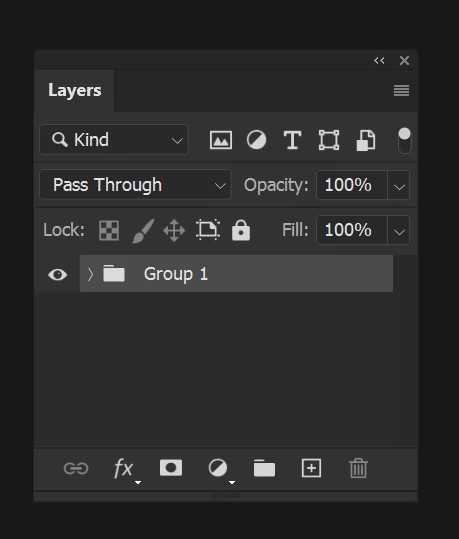

We say suppose there are many layers within a group & we want to take all the layers outside the group. Is there any way to delete the group folder without layes intact?
If you are a bit nervous about using the Delete key:
Twirl open the group
Select all of the layers within that group.
use the shortcut Ctrl + ] (Cmd + ])
Already have an account? Login
Enter your E-mail address. We'll send you an e-mail with instructions to reset your password.
 AdChoices