
Placing Logo in same position - despite varying aspect ratio with batch processing
- April 17, 2023
- 5 replies
- 9536 views
Hello my dear fellow designers,
I'm currently facing a problem: I'm receiving a lot of images, that I need to size down to max. 800 px height or 800 px width depending on wether it's landscape or portrait.
In each one I need to place the logo in the same position: 36px from the bottom and 36 px from the right boarder.
The issue is, that my clients are sending me images of varying aspect ratios. So while each image will in maximum be either 800px high or wide, it can vary in the respective other side. (for example one might be 800 px x 450 px another 800 px x 600 px - you name it)
There are quite a few so I need to run them through batch processing.
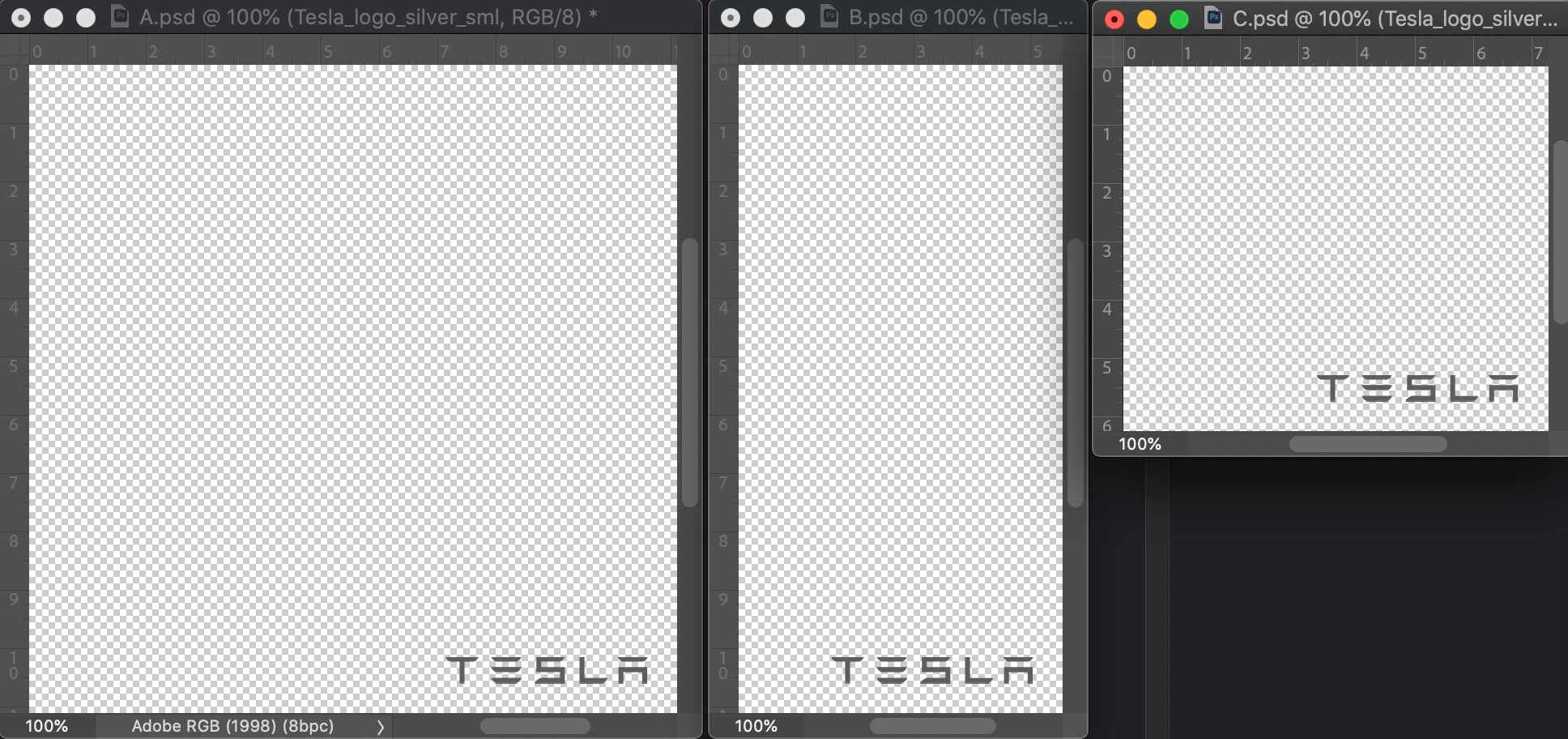
But no matter what I do the 'place logo' can never hit the -36px/-36px from the bottom right corner cause Photoshop will look at where I placed the logo instead: x: 564 y: 764 but since the image size varies, if an image isn't wide enough I might find, that the logo has been cut off from the image, cause it's not as wide as the image I recorded the action in...
I assume there might be a solution over some kind of script: if I can get photoshop to shove the image in the furthest right corner of each image, and then subtract the -36 /-36 px from its position.
But I don't know if that's possible or how...
I'd be grateful for any kind of help, cause doing this manually is a nightmare.
 AdChoices