jonathanm60916776
Known Participant
April 7, 2019
Answered

PLEASE HELP! Photo looks completely different when I open TIFF in windows photo viewer

  • April 7, 2019
  • 8 replies
  • 6530 views

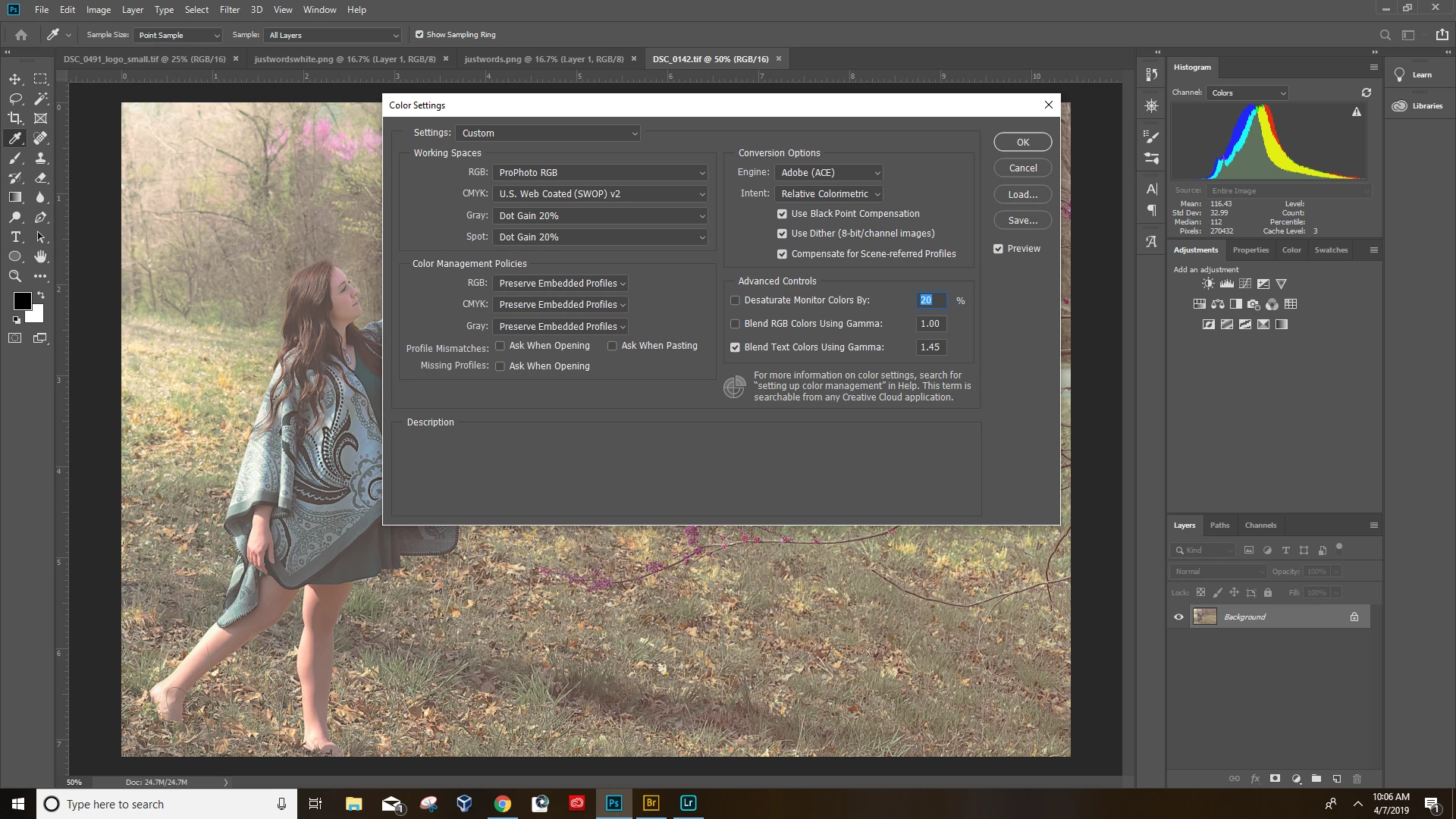
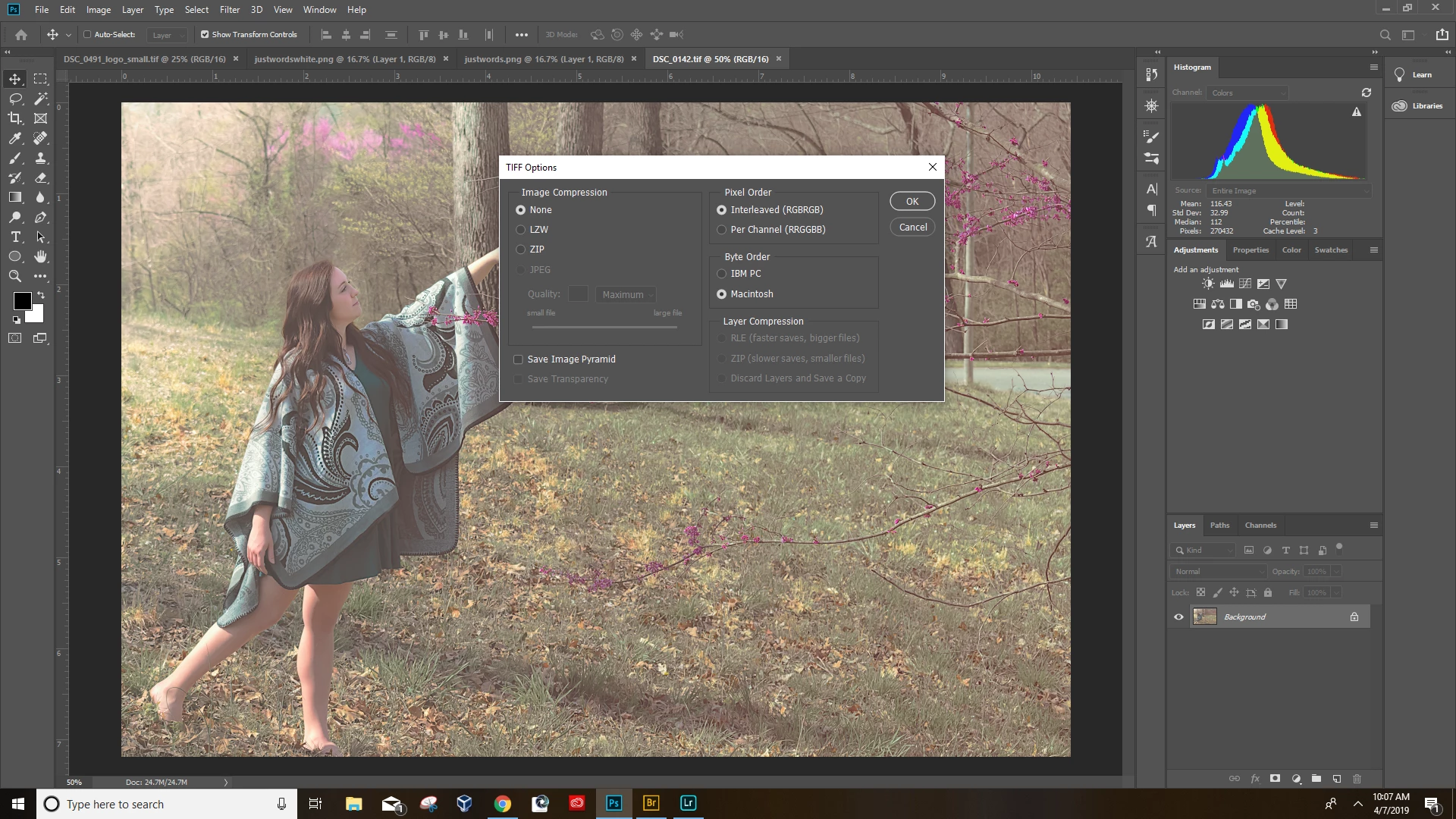
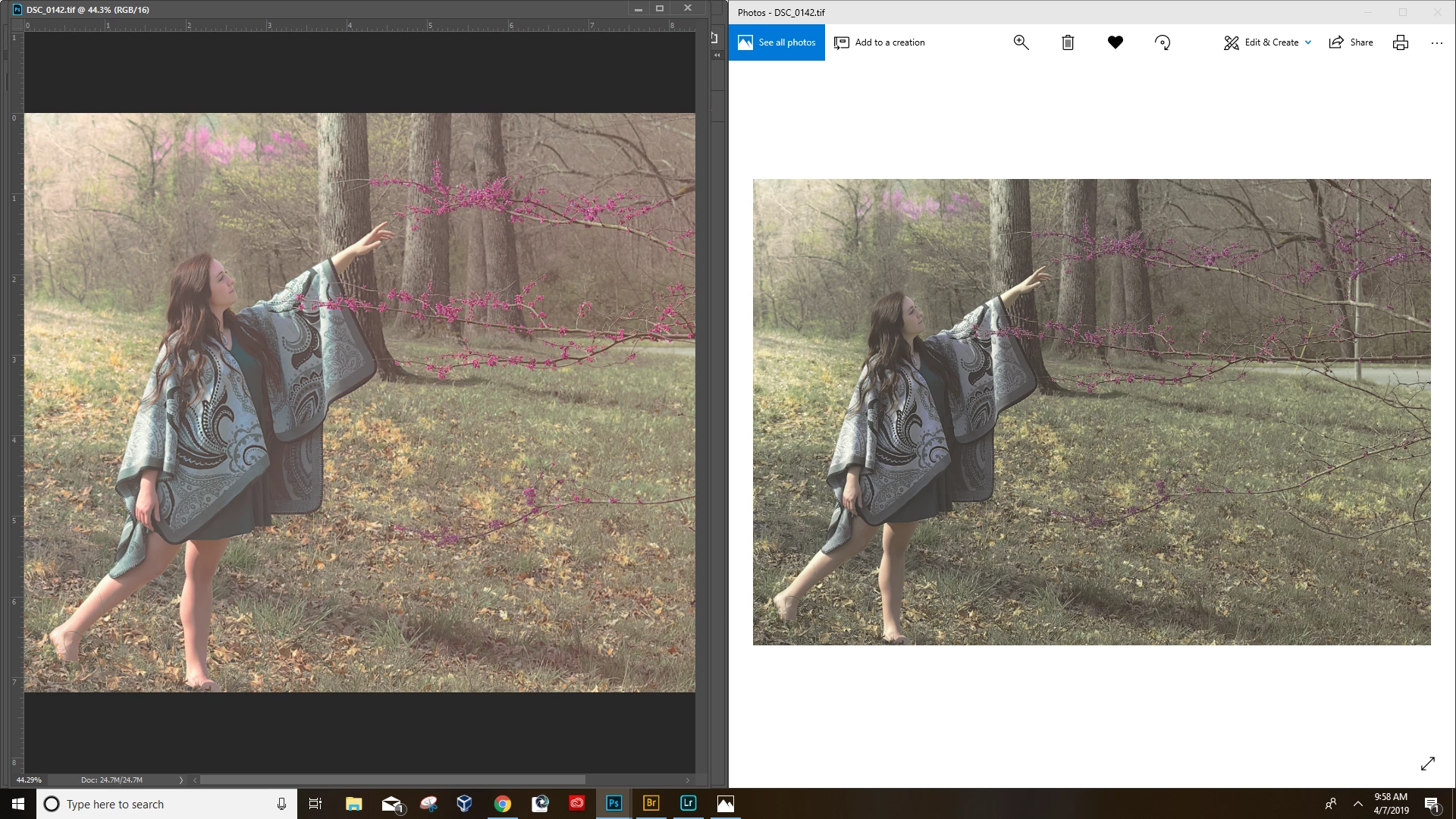
This is a huge problem. My photo looks completely different when i open it in photo viewer.  I have never had this problem happen before. I have no idea what to do. I am using Adobe Photoshop CC.  As you can see the image loses the high pass filter that i applied and comes out darker.  But here's the thing, when i save it as a JPEG it is fine but the quality is reduced because i have to save it as JPEG. Yes the image is flattened.  Color settings and save settings are included.
This topic has been closed for replies.
Correct answer c.pfaffenbichler

Well, then I guess I was mistaken and it was not the Color Space but only the bit depth.

Sorry!

8 replies

Legend
April 7, 2019

Sure, but if you have a client who doesn't even use colour managed apps, they certainly won't know or care. But sending ProPhoto RGB you can certainly expect the client to see the wrong colour, even if somehow you don't. Why are you sending Pro Photo RGB?

jonathanm60916776
Known Participant
April 7, 2019

I guess i don't know yet the disadvantage of ProPhoto RGB compared to what I'm supposed to be sending them. I will just have to do some research.

Per Berntsen
Community Expert
Community Expert
April 7, 2019

The ProPhoto color space has a very large gamut, and is intended for editing, not for final output. Use Adobe RGB or sRGB for files you send to clients. 16-bit is fine for editing, but don't send 16-bit files to clients. A finished, edited file that you send off should be in 8-bit.

Also, a TV is not a good choice for photo editing. Use a computer monitor, and calibrate it with a hardware calibrator.

Legend
April 7, 2019

Indeed, many would argue that ProPhotoRGB should never leave the photographer at all. Why are you sending it?

Legend
April 7, 2019

You have only two choices. You need to educate your client. Or, you need to save files in sRGB.

jonathanm60916776
Known Participant
April 7, 2019

So i found that changing the photo to 8 bit instead of 16 bit fixes the issue.  But will this lower the quality of the image?

c.pfaffenbichler
Community Expert
c.pfaffenbichlerCommunity ExpertCorrect answer
Community Expert
April 7, 2019

Well, then I guess I was mistaken and it was not the Color Space but only the bit depth.

Sorry!

Legend
April 7, 2019

Ok, what is that screen shot? Is it your TIFF, reopened? What does it show you? (Yes, I have to ask - only the creators of photos really see what is wrong - they are much more tuned in!)

jonathanm60916776
Known Participant
April 7, 2019

The original screenshot is the TIFF reopened in photos app.  The screen shot i just sent contains the document profile status info on the right that one of the users asked for.

c.pfaffenbichler
Community Expert
Community Expert
April 7, 2019
The screen shot i just sent contains the document profile status info on the right that one of the users asked for.

I had asked you to set the Status Bar to »Document Profile« but the Info Panel works, too.

Converting to sRGB didn't work.

Please post screenshots of the sRGB copy open in both applications (Status Bar set to »Document Profile«, please).

Legend
April 7, 2019

You have a perfectly good TIFF viewer - Photoshop. Use that. The Photos app is not a serious tool, it's for consumers who don't care about colour.

jonathanm60916776
Known Participant
April 7, 2019

The issue is what if I give the digital file to a client? they open the photo in windows photo and it looks desaturdated.  They are going to be mad.

Legend
April 7, 2019

The app you are using to view the TIFF is not colour managed and Photoshop is. In this situation, they will give different results, except when you do things very carefully and in a very limited way. If you want to check colour

* use a colour managed and calibrated monitor

* use a colour managed app like Photoshop

In all other cases you need to expect the colour to be wrong.

jonathanm60916776
Known Participant
April 7, 2019

Is there anyway to fix this?  I have never had this problem before and i've applied the same settings to hundreds of other TIFFs and they all showed up fine in the photos app.

c.pfaffenbichler
Community Expert
Community Expert
April 7, 2019

Try converting a flattened copy of the image to sRGB and view that in the useless application.

Does it appear as expected?

c.pfaffenbichler
Community Expert
Community Expert
April 7, 2019

First off: Congratulations on posting screenshots right away!

But please set the Status Bar to »Document Profile« and post another screenshot to show what the image’s actual color space is.

How did you save the jpg? Save As or Save for Web?

As you can see the image loses the high pass filter that i applied

That seems like nonsense.

i open it in photo viewer

I am not a Windows user myself, but as far as I understand there is the non-color-managed Photos and the color-managed Photo Viewer and you might be mistaken about which one you use.

jonathanm60916776
Known Participant
April 7, 2019

There is only one photo viewer as far as im aware for windows 10, It's the photos app.  I know it seems like nonsense but i can literally delete the high pass filter and it will look like the after photo.

c.pfaffenbichler
Community Expert
Community Expert
April 7, 2019
There is only one photo viewer as far as im aware for windows 10,

Like I said I am not a Windows user but if Photos is not color managed then it is naturally useless for serious work.

Windows Photo Viewer - Wikipedia

If you saved the jpg with »Save for Web« you may have unwittingly converted it to sRGB in the process and that would explain why that looked different in the other application.

Legend
April 7, 2019

Hi gamut monitor? It certainly looks like it - in which case this might be working correctly - but please confirm the monitor model.

jonathanm60916776
Known Participant
April 7, 2019

The monitor I am using is actually a TV. But i've never had this problem with any of my photos before.  I'm not sure what you mean by its working correctly?

c.pfaffenbichler
Community Expert
Community Expert
April 7, 2019

To me it looks like you saved a ProPhoto-RGB image (not clear if the profile was embedded or not) and the other application is wrongly assuming sRGB to display it.