Please please help me. Please. Selected area and colour fill bleeding and smudged edges.
Hello All
I am a beginner with basic photoshop knowledge using a Macbook . I have been trying to solve this problem for days and days. The mission is to select an area in an image and change the colour of that selection multiple times/colours.
The problem is that it is looking very rough edged, smudged, and the original black colour is still showing and bleeding through on the edges.
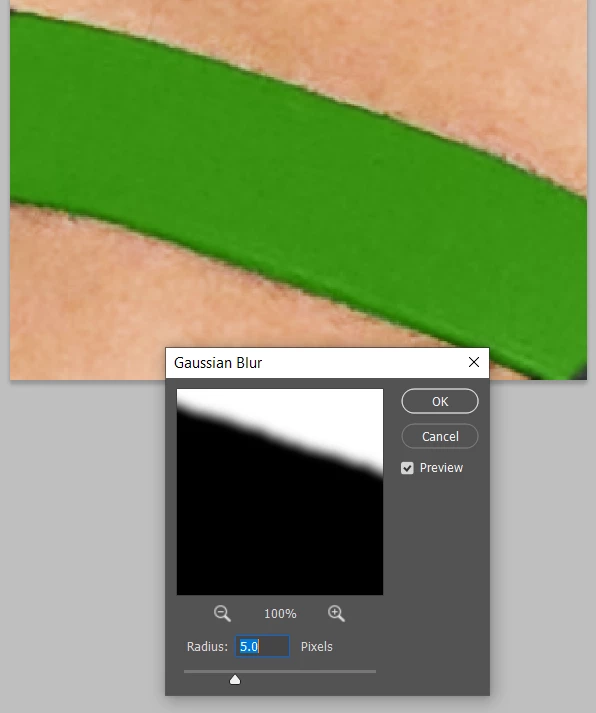
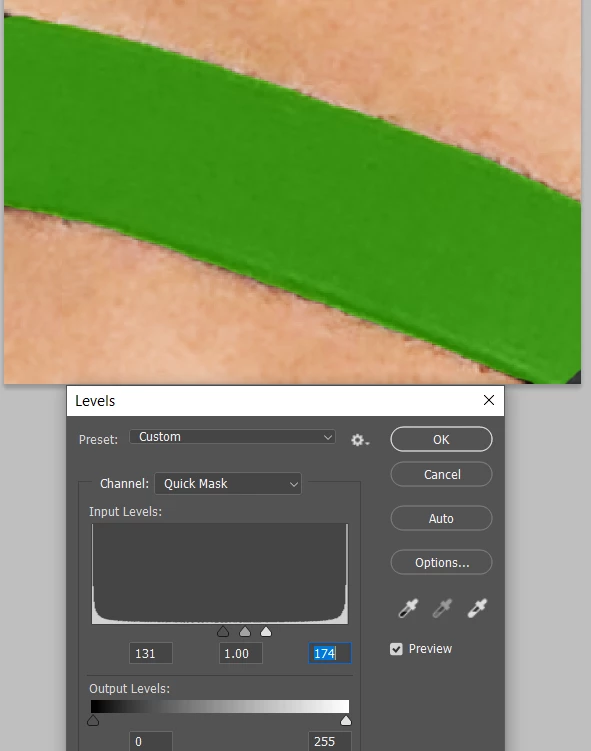
Even though I have gone in and tried to neated up the selection by using select and mask, and altering radius/smooth/feather/contrast/shift edge etc (I have tried subtly and all options) . I still can not solve it.
Below is everything that I have been doing...
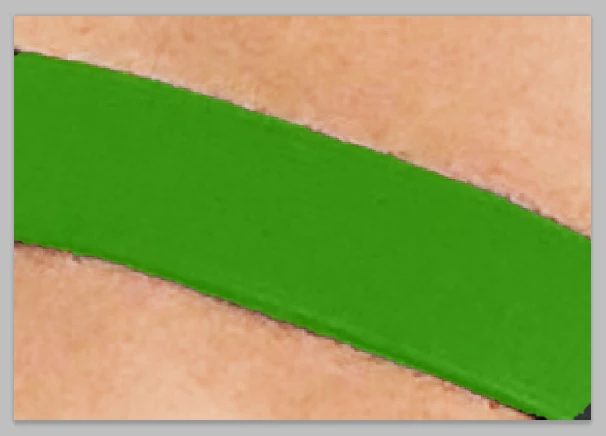
This is the part of an original picture taken with my Iphone, it looks smudged when zoomed in
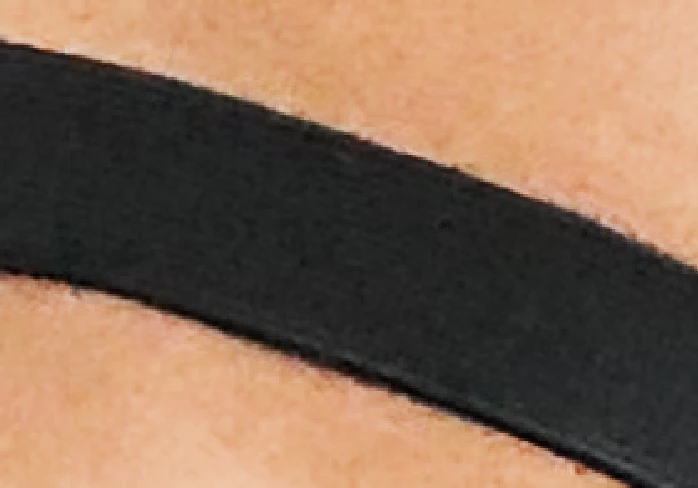
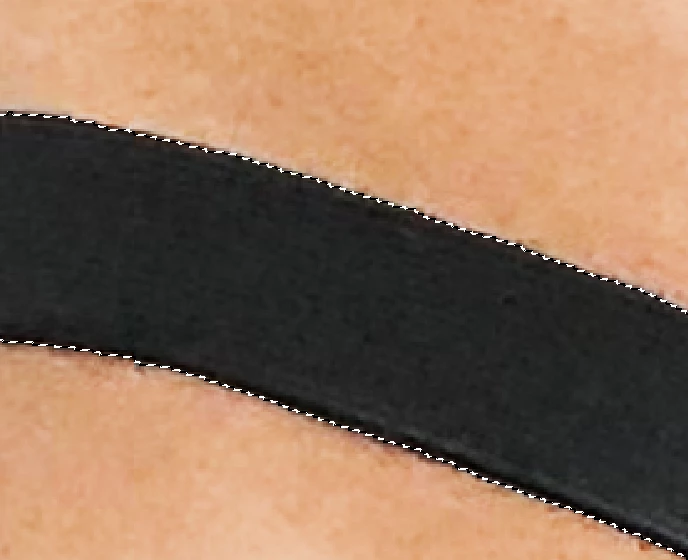
I used the quick selection tool to cut out so I can change the section to various colours. I neatened it up a few times.
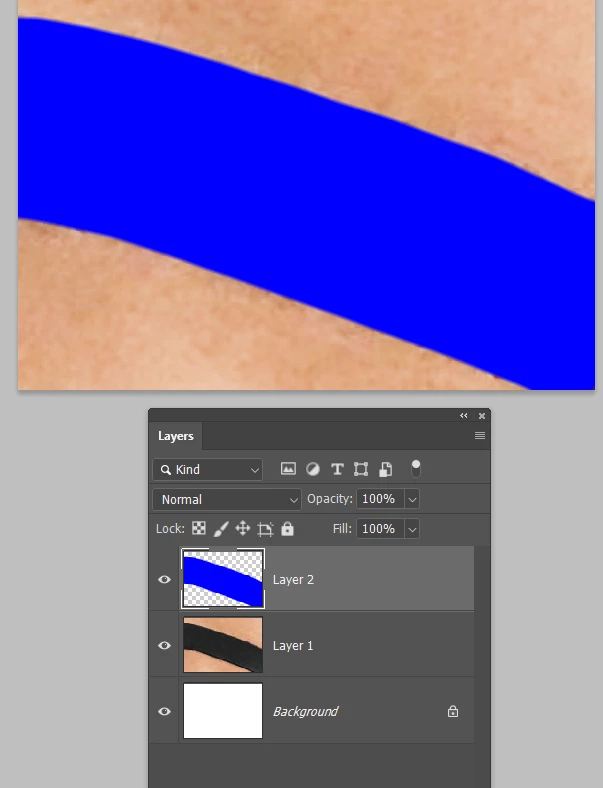
I used colour fill to fill the selection with this blue/purple and also a red.
As you can see it is still bleeding, rough edged and you can see the original black on the edges.
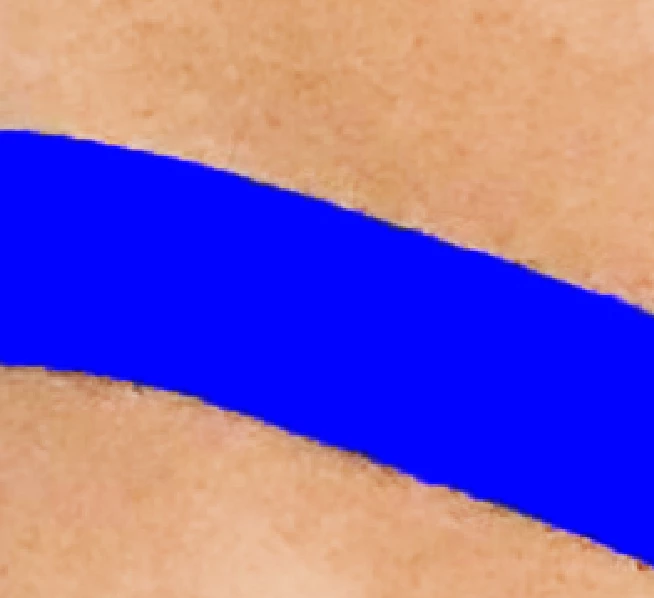
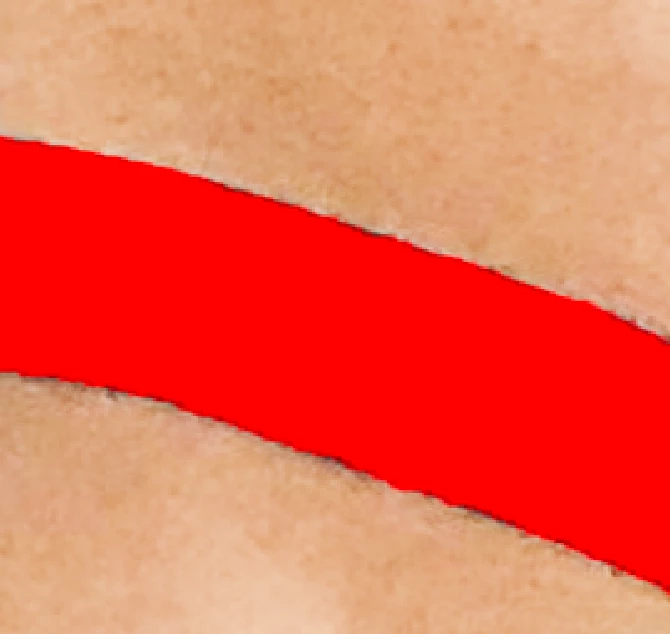
I am not sure if the problem is my initial selection and how I am doing it? Or If I am using the wrong method to fill colour?
I realy hope someone can help me, as it is driving me crazy.
Thank you so much in advance.
 AdChoices