
Participant
April 2, 2025
Answered
Please return adjustment layer handling to how it was
- April 2, 2025
- 1 reply
- 147 views
Photoshop version 26.5 | macOS Sequoia 15.3.2
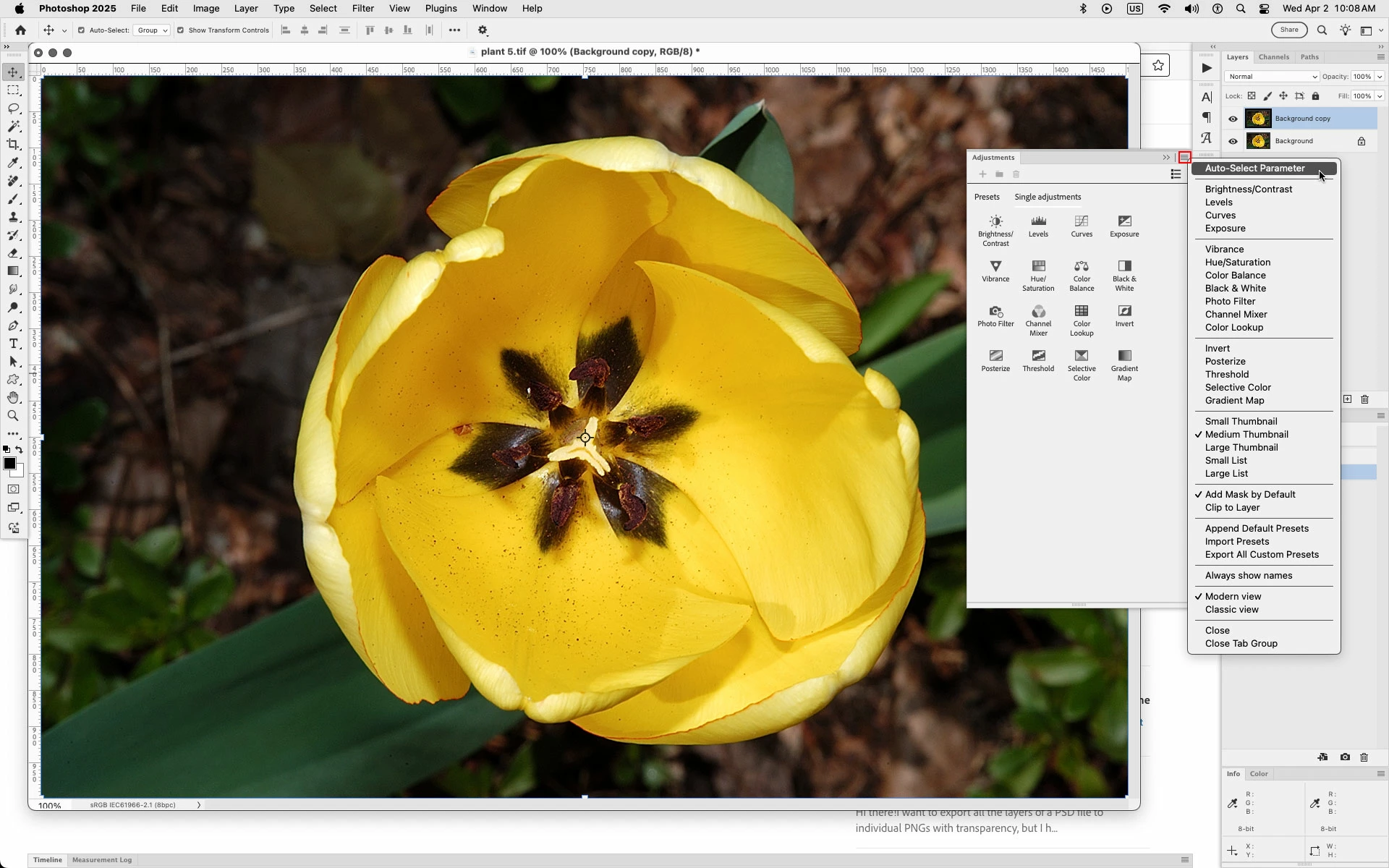
Since version 26.4.1 Photoshop has started handling adjustment layers differently. If the adjustment layer has a text field, it will be active once the layer is clicked.
This breaks some shortcuts like copying the adjustment layer, or deleting it via keyboard shortcuts.
 AdChoices