May 24, 2022
Answered

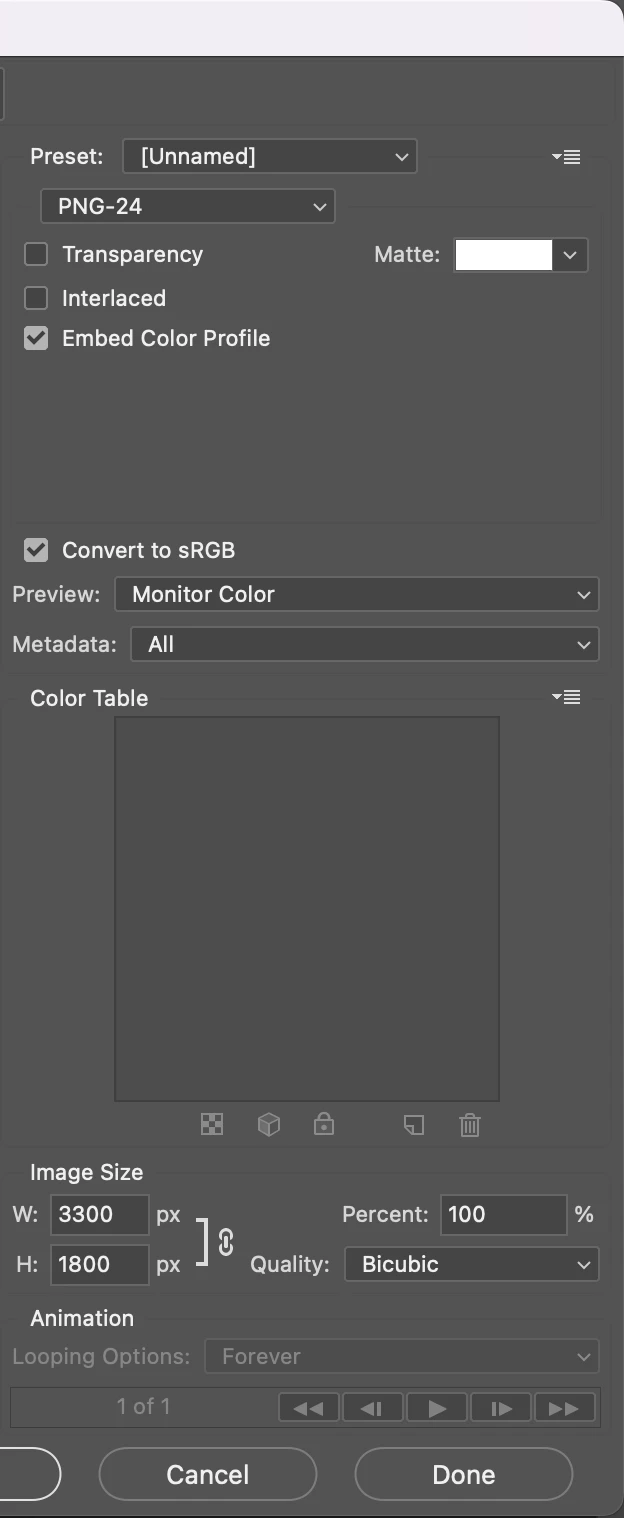
PNG-24

  • May 24, 2022
  • 3 replies
  • 1072 views

Hi, 


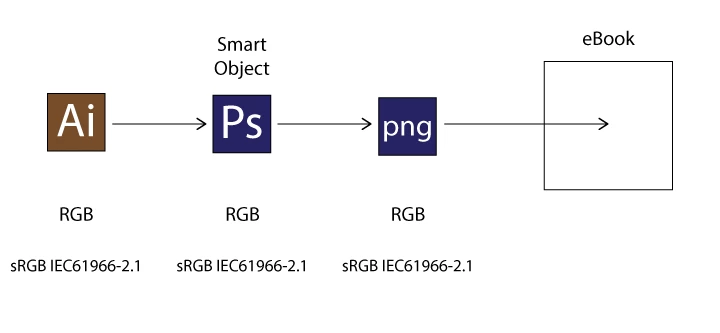
In my workflow above, is PNG-24 OK?


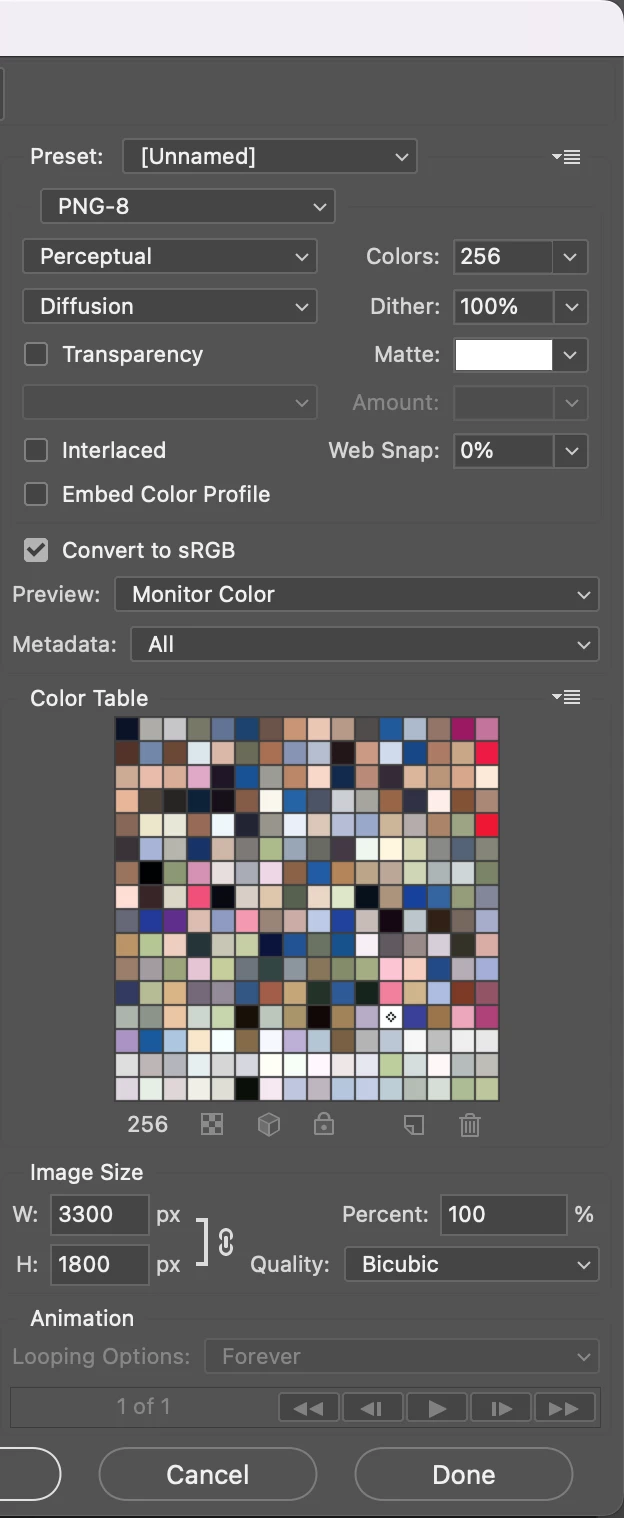
There are unfamiliar options in PNG-8.


Hosun
 

This topic has been closed for replies.
Correct answer davescm

When I place them on Pages, I see some difference.


Hosun
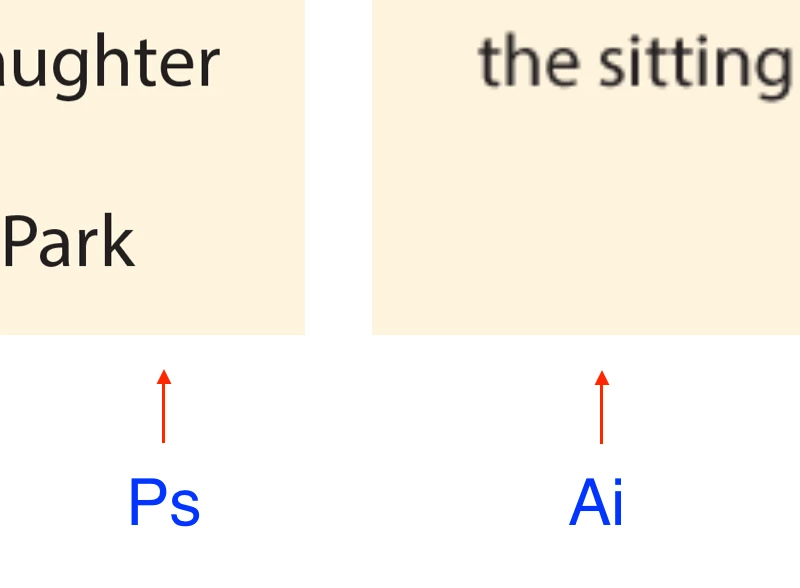


You appear to be placing text. I would use Photoshop for images only and take them into InDesign where I would add the text. Then export in the format you require for your e-book.


Dave

3 replies

jane-e
Community Expert
Community Expert
May 24, 2022

Is there a reason you are going from AI to PS to PNG and not directly from AI to PNG?


Jane


May 24, 2022

Option 1.

Ai -> png


Option 2.

Ai -> Ps -> png


In my current situation, png from Option 2 gives a better quality.


Hosun


Nancy OShea
Community Expert
Community Expert
May 24, 2022

If all depends on your image.


PNG-24 produces larger filesize and can support 16 million colors.  Best for photos, gradients and more complex images.


PNG-8 produces smaller filesize, but supports only 256 colors.  It might be OK for simple drawings that contain no gradients & few colors.


Does that help you?


Nancy O'Shea— Product User & Community Expert
davescm
Community Expert
Community Expert
May 24, 2022

Hi

PNG24 is 8 bits per channel and has three channels - red, green and blue. So that is the right option for a full colour image and gives a possible 256 x 256 x 256 = 16.7 million colours.


PNG8 has only 8 bits which means 256 values. It uses each value to represent one of 256 colours stored in a table. Hence the term index color. Whilst it is efficient on space, it cannot represent the full range of values that an 8 bit per channel image can hold.


So use PNG24.


Dave