May 24, 2022
Answered

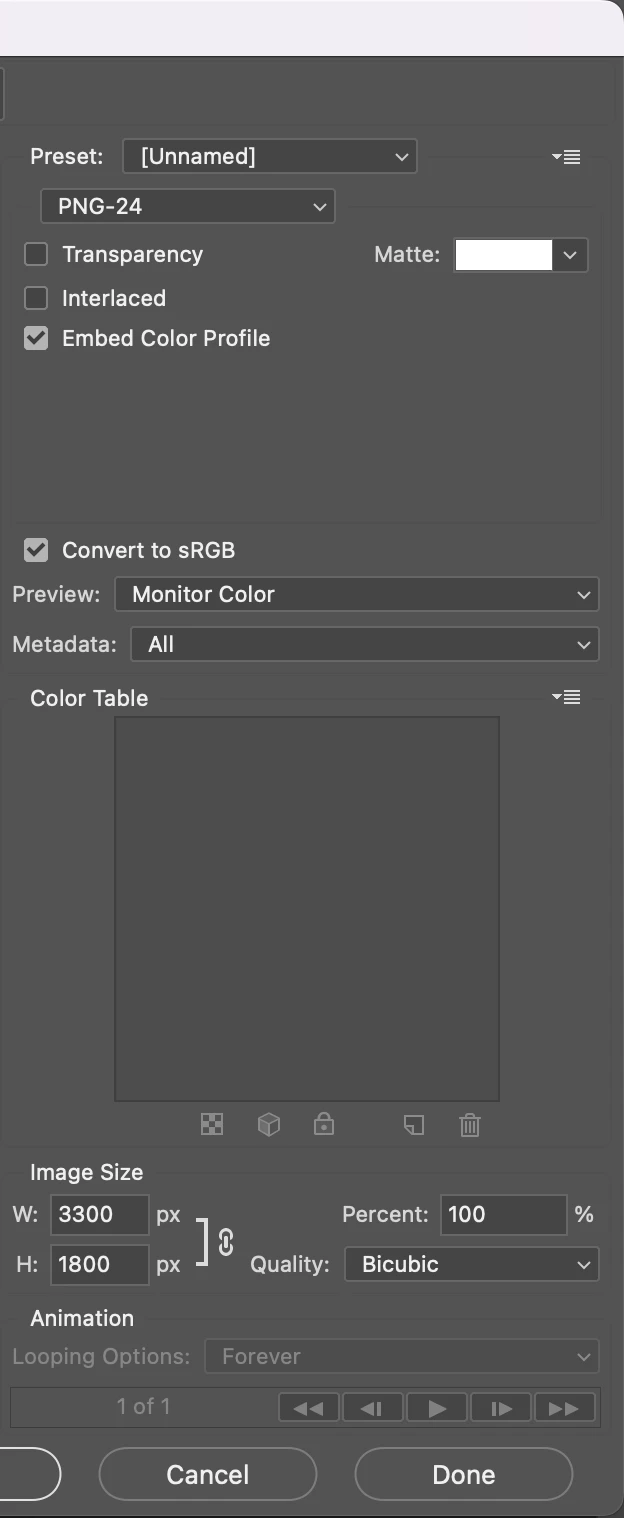
PNG-24

  • May 24, 2022
  • 3 replies
  • 1073 views

Hi, 


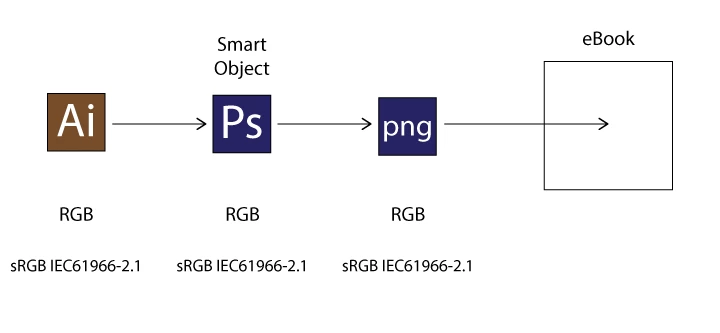
In my workflow above, is PNG-24 OK?


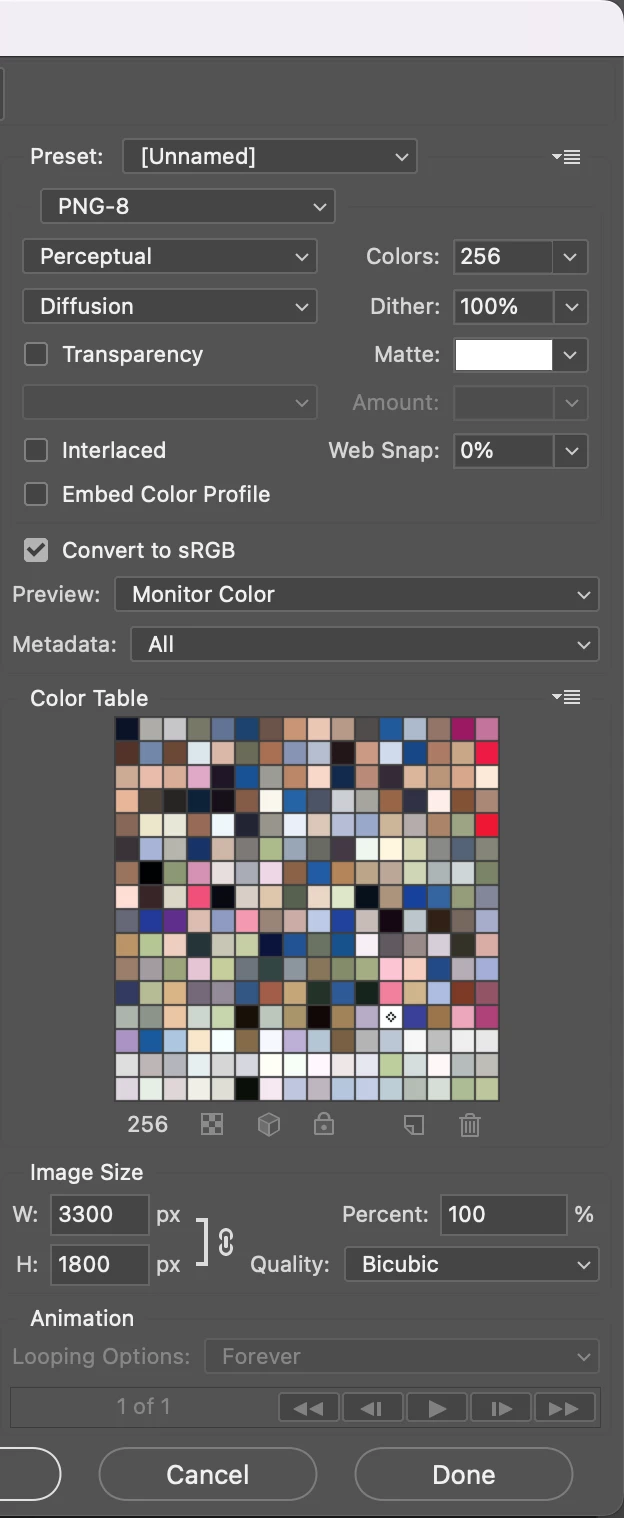
There are unfamiliar options in PNG-8.


Hosun
 

This topic has been closed for replies.
Correct answer davescm

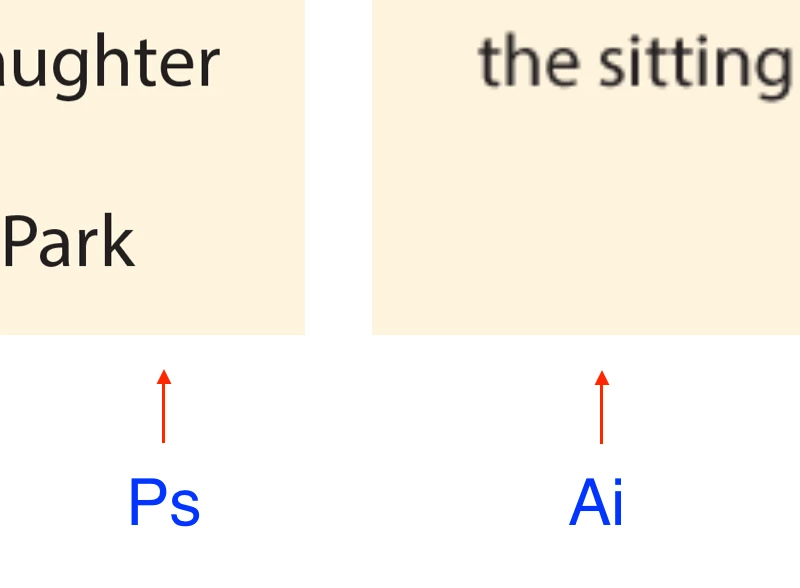
When I place them on Pages, I see some difference.


Hosun


You appear to be placing text. I would use Photoshop for images only and take them into InDesign where I would add the text. Then export in the format you require for your e-book.


Dave

3 replies

jane-e
Community Expert
Community Expert
May 24, 2022

Is there a reason you are going from AI to PS to PNG and not directly from AI to PNG?


Jane


May 24, 2022

I catiously think it might be related with rasterization.


Hosun

jane-e
Community Expert
Community Expert
May 25, 2022

You appear to be placing text. I would use Photoshop for images only and take them into InDesign where I would add the text. Then export in the format you require for your e-book.


Dave


Thank you for the screen shot @24523962 . An e-book is generic for any type of electronic book, including PDF, MOBI, and EPUB. You didn't say which you will be using or who the audience will be.


Dave is correct that you should used InDesign for the text for several reasons:

  • With any of these types of electronic books, live text should be searchable. "Text" that is actually an image is not searchable.
  • Live text is accessible for folks who use screen readers. If you have readers in the U.S., you may need to meet the requirements for Section 508. Even if it's not required, it's the right thing to do.
  • If you are creating a flowable epub, it won't flow across pages unless the text is live.
  • If you are creating a flowable epub, InDesign has the tools to write the correct CSS needed for the EPUB as part of the Paragraph and Character styles.
  • If you with converting from epub to mobi, it may be rejected by Kindle for not having live text


If this is your first electronic book, I highly recommend that you watch InDesign to EPUB by Anne-Marie Concepción on LinkedIn Learning. If you haven't subscribed before, you can get a free trial. It will save you time (and money) to do things correctly from the beginning instead of waiting until the end and finding out you've done it wrong.


~ Jane


Nancy OShea
Community Expert
Community Expert
May 24, 2022

If all depends on your image.


PNG-24 produces larger filesize and can support 16 million colors.  Best for photos, gradients and more complex images.


PNG-8 produces smaller filesize, but supports only 256 colors.  It might be OK for simple drawings that contain no gradients & few colors.


Does that help you?


Nancy O'Shea— Product User & Community Expert
davescm
Community Expert
Community Expert
May 24, 2022

Hi

PNG24 is 8 bits per channel and has three channels - red, green and blue. So that is the right option for a full colour image and gives a possible 256 x 256 x 256 = 16.7 million colours.


PNG8 has only 8 bits which means 256 values. It uses each value to represent one of 256 colours stored in a table. Hence the term index color. Whilst it is efficient on space, it cannot represent the full range of values that an 8 bit per channel image can hold.


So use PNG24.


Dave