
Participant
January 30, 2018
Answered

PNG created in photoshop corrupted

  • January 30, 2018
  • 7 replies
  • 5381 views

Hi all,

Over the past week I have had issues when I export a png from a photoshop file, this can happen using both export as and quick export, and when I come to place the png into another document it looks like this:
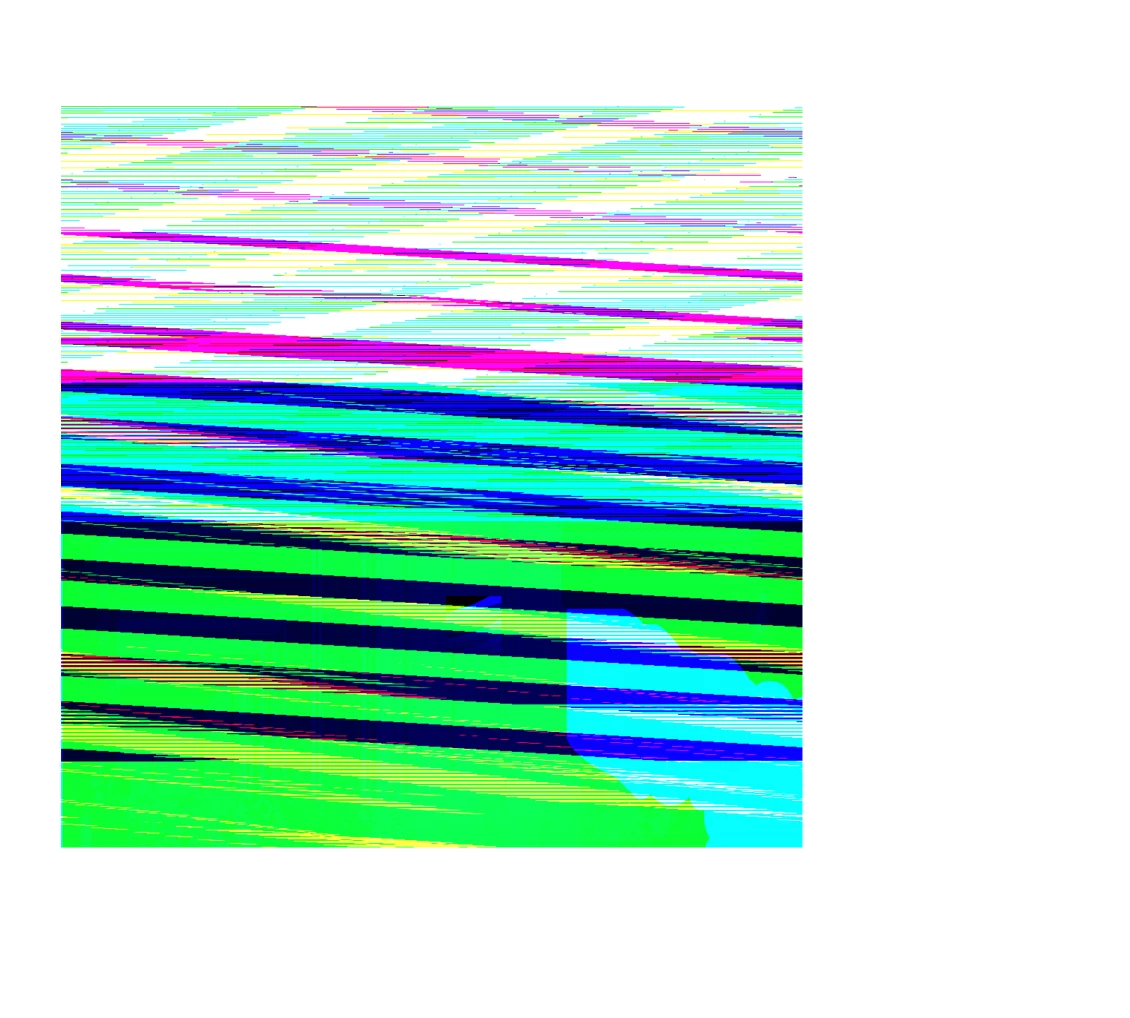
it is supposed to look like this:
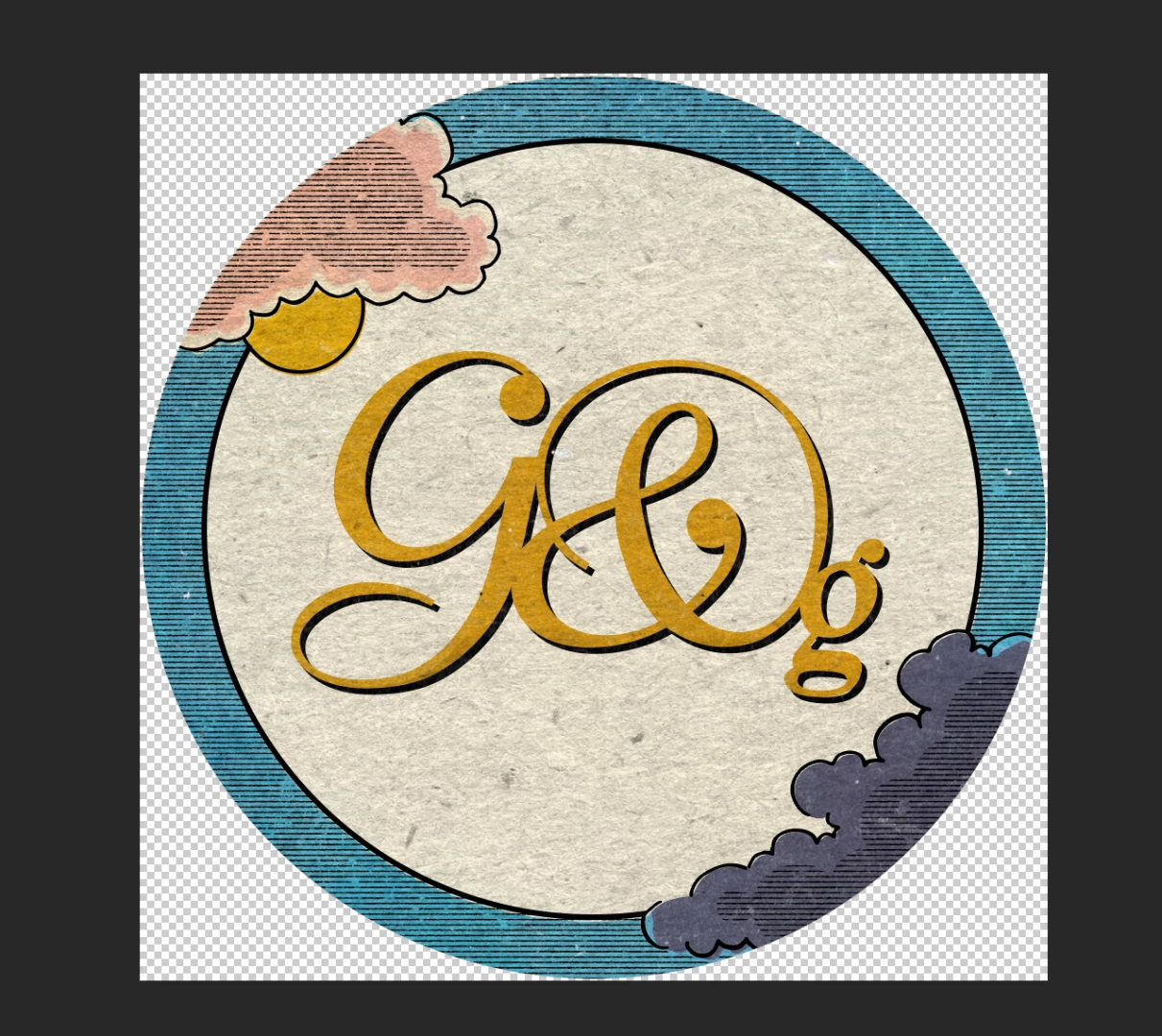
I have had it with nearly every png I have exported recently - is anyone else having this problem and do you know how to fix it?

Many thanks

    This topic has been closed for replies.
    Correct answer GautamBahl

    Hi All,

    This issue has been reported as a bug and we are working towards a fix.

    Regards,

    Gautam

    7 replies

    Participating Frequently
    February 28, 2018

    I have been having this issue as well for the past few weeks. Usually restarting Photoshop fixes it, sometimes I do have to relink the file. It doesn't seem to matter if it's local or server based.

    GautamBahl
    Community Manager
    GautamBahlCommunity ManagerCorrect answer
    Community Manager
    March 2, 2018

    Hi All,

    This issue has been reported as a bug and we are working towards a fix.

    Regards,

    Gautam

    Mohit Goyal
    Community Manager
    Community Manager
    March 14, 2018

    Hi All,

    This problem should be fixed after the Photoshop 19.1.2 update. You can install this update via Creative Cloud desktop app.

    Also, you can refer the list of the fixed issues after the Photoshop 19.1.2 update, here: Fixed issues in Adobe Photoshop CC

    Regards,

    Mohit

    mark.bult
    Participating Frequently
    February 21, 2018

    Yeah it's happening to me too. CC 2018. PNGs whether opened, imported, or placed and linked or embedded, are coming into the document looking corrupted. Preview in Finder looks fine.

    Happening with pretty much all PNGs. Restarting Photoshop sometimes works temporarily, sometimes not.

    Super hard to work this way.

    And yes, I did the Prefs setting change listed earlier in thread.

    c.pfaffenbichler
    Community Expert
    Community Expert
    February 21, 2018

    Have you tried turning off

    Preferences > Plug-Ins > Allow Extensions …

    Preferences > Plug-Ins > Load Extension Panels

    and restarting Photoshop?

    c.pfaffenbichler
    Community Expert
    Community Expert
    February 8, 2018

    Photoshop CC 19.1: PNG Images Opens with Distortion | Photoshop Family Customer Community

    Please try turning off

    Preferences > Plug-Ins > »Allow Extensions to Connect to the Internet« and »Load Extensions Panel«

    as per the advice in the thread above.

    Does it make a difference?

    Participating Frequently
    February 8, 2018

    Thx for the tip... I didn't find that thread, works fine alright. But what happened to my Creative Cloud Libraries.... I need those. ;-)

    c.pfaffenbichler
    Community Expert
    Community Expert
    February 8, 2018

    Well, it appears Adobe personnel is aware of and working on the issue but for now you seem to have two choices and each one has its drawbacks …

    Participant
    February 8, 2018

    I have the same problem with a lots of PNG files. New or old files, made with Photoshop on a MAC or other programs on a PC with Windows.

    Legend
    February 8, 2018

    So does this happen with OLD files not saved again, that were once OK, and now are not, viewed OUTSIDE Photoshop? (If so, Photoshop isn't doing it).

    Participating Frequently
    February 8, 2018

    No it is definitely photoshop. It happens when placing a file into a photoshop document. It happens with files:

    - from the creative cloud library

    - placed with drag and drop

    - copy pasted

    - ...

    Didn't happen before with the same workflow. Working with photoshop for over 15+ years now, this is a recent bug.

    Participant
    February 7, 2018

    I am experiencing the SAME. I saved my logo as a png, and have been placing it on my images for a year, now suddenly when I import my logo as a png, it’s corrupted! I’ve tried renaming, resaving the psd, and neither help. So.... what do I do? I’m putting together marketing materials, and I need these to

    go to print today! Help!!

    Just Shoot Me
    Legend
    February 7, 2018

    readyaimeeshoot  wrote

    I am experiencing the SAME. I saved my logo as a png, and have been placing it on my images for a year, now suddenly when I import my logo as a png, it’s corrupted! I’ve tried renaming, resaving the psd, and neither help. So.... what do I do? I’m putting together marketing materials, and I need these to

    go to print today! Help!!

    Where do you store the PNG file? Is it on a NAS or local drive? Are you using a Mac?

    Participant
    February 7, 2018

    It’s on a local drive. I’m using a MacBook Pro.

    Sent from my iPhone

    Participant
    February 5, 2018

    Me, too.  And if relink an old png in Photoshop that previously worked well, it is now displaying in a messed-up corrupt fashion.

    Participating Frequently
    January 31, 2018

    Yes same here, old fashioned pixelated screens... Restart mac nor restart photoshop helped.

    Participant
    January 31, 2018

    Hi Renate,

    Thank you for your post, can you see the image as a preview in finder ok? As I can so it looks like the file is ok until it comes to putting it into photoshop then it is corrupted.

    Thanks

    Participating Frequently
    January 31, 2018

    Hi Lucyo62559837,

    When I open or preview it is ok. After a second restart of my computer and photoshop it looks ok. But this is the third time it happens... only restarting a couple of times helps. Something I look forward too ;-P

    Still a have a problem with the quality of the smartlayers but that is a whole other discussion ;-)

    Have a wonderful day

    Renate