
Participant
April 30, 2024
Question

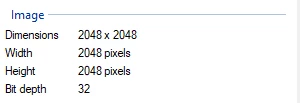
png export setting??? always 32 bit

  • April 30, 2024
  • 1 reply
  • 492 views

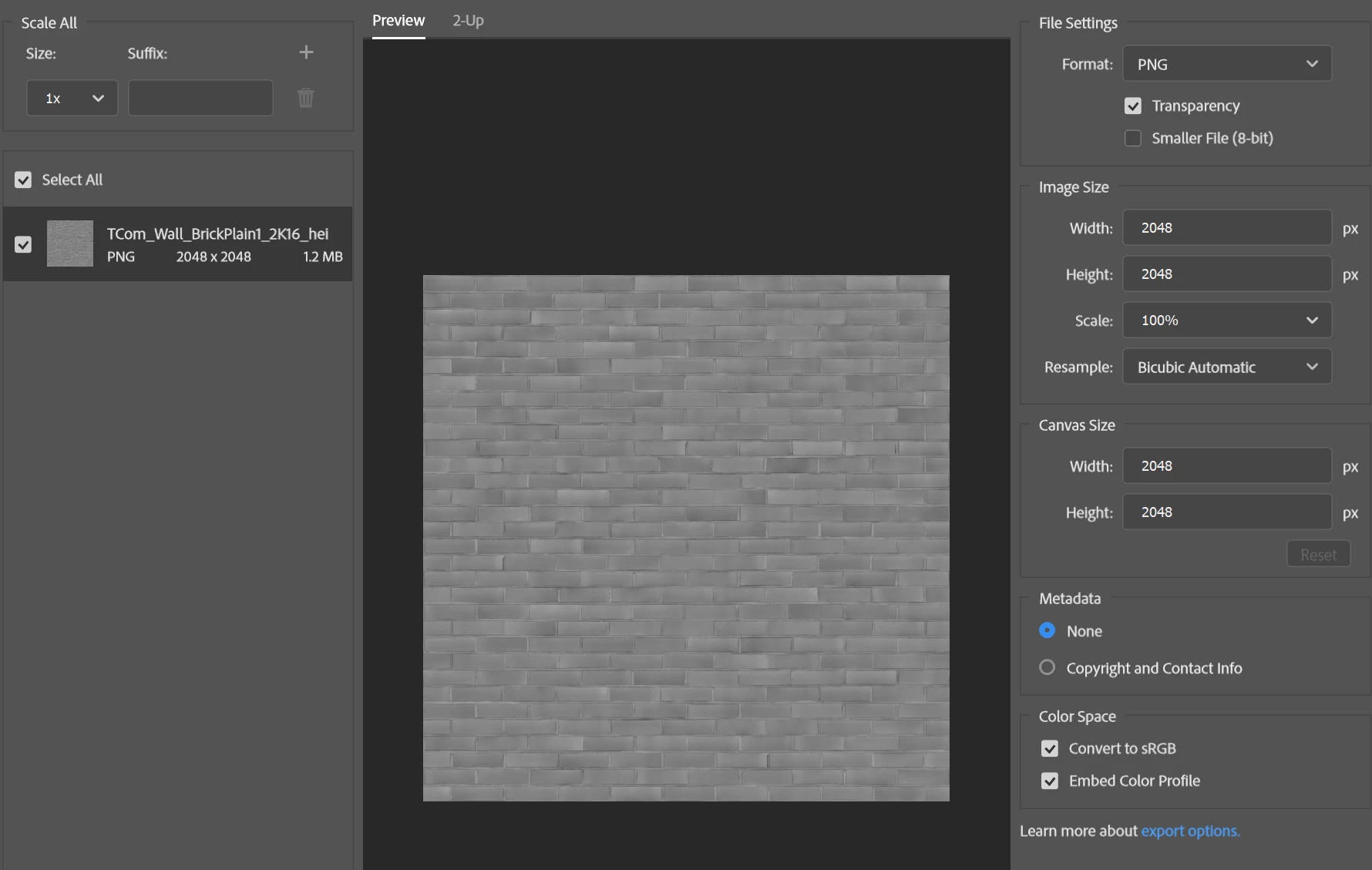
I'm trying to export some texture maps as pngs. Some of them should be 16 bit and some should be 8 bit, but although I changed them in Image -> Mode -> 16 bit/channel. The exported image still says 32 bit, i can only get 8 bit by checking the "smaller file option". How to export them in the bit I need? please help


This topic has been closed for replies.

1 reply

D Fosse
Community Expert
Community Expert
April 30, 2024

Just different conventions for indicating bit depth - bits per channel or bits total. 8+8+8+alpha=32.


The "smaller file" option gives you 8 bits total, indexed color.

Lemon322Author
Participant
April 30, 2024

When people talk about "8 bit/16 bit texture map" do they mean total or per channel? Kind of confused here, in the original tif. file it says total 8 or 16. I'm just trying to convert the tif. to png. or change colours but otherwise with original everything but not sure how to do that

D Fosse
Community Expert
Community Expert
April 30, 2024

That would normally refer to per channel.


In Photoshop bit depth is always per channel.