

Question
PNG Turns Image Blue
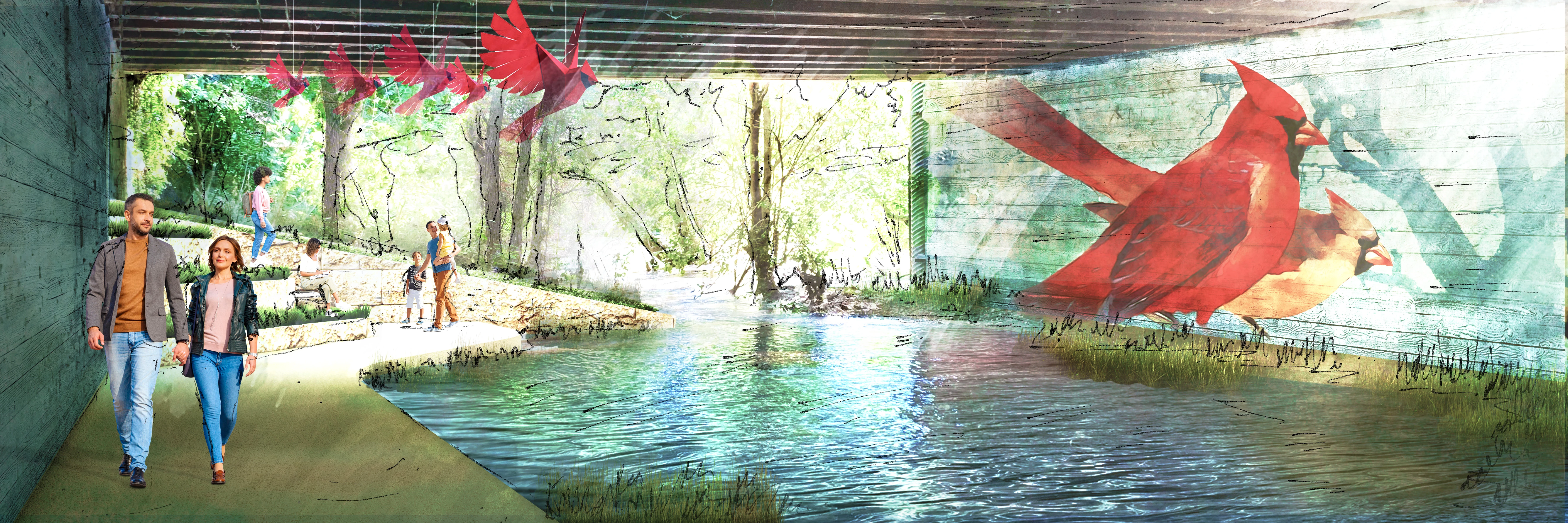
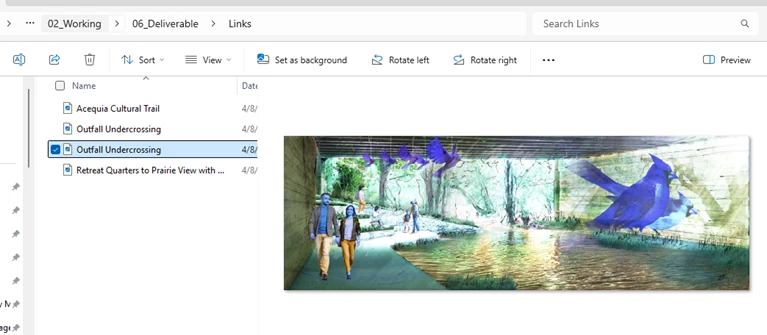
Hi, I made the attached image in Photoshop. In the original image, the birds are red, but when I export to PNG, they sometimes appear blue in the image viewer (and subsequently turn my people into Smurfs). I exported to a JPG and it doesn't seem to hinder it, but now I am curious why this is happening. I made this image years ago and have viewed it as a PNG many times, but I have never seen the image turn blue until now.
Any thoughts on why this is happening and how I can avoid this with future PNGs? What changed that might have influenced its view settings?
 AdChoices