
Known Participant
September 20, 2020
Question

Png with opaque glow

  • September 20, 2020
  • 1 reply
  • 157 views

Hi i am rendering some 3d imagery from cinema 4d. I have light in my scene and i need to be able to create layers over the top in oder to change the colour on-the fly.

I have this type of image:
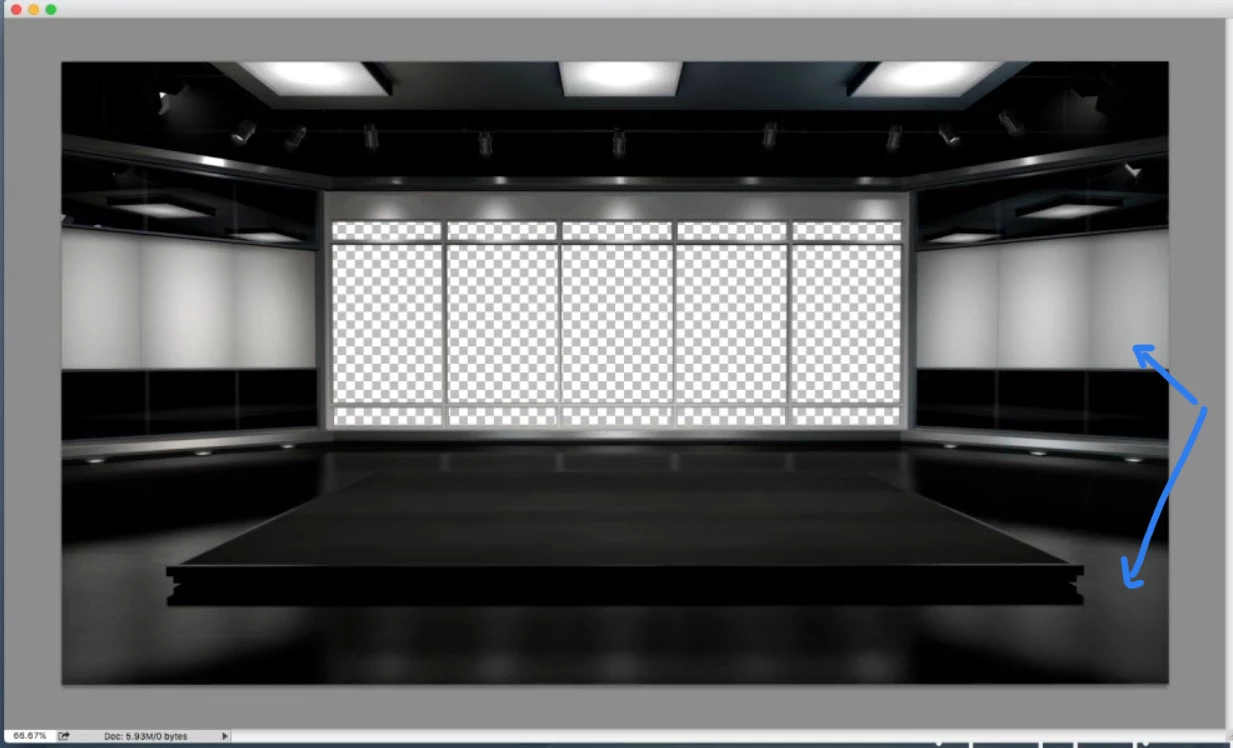
I want to change it to something like this by clicking on a layer in Photoshop The arrows show the area i am interested in.

 

I think I need something like this to do the job.
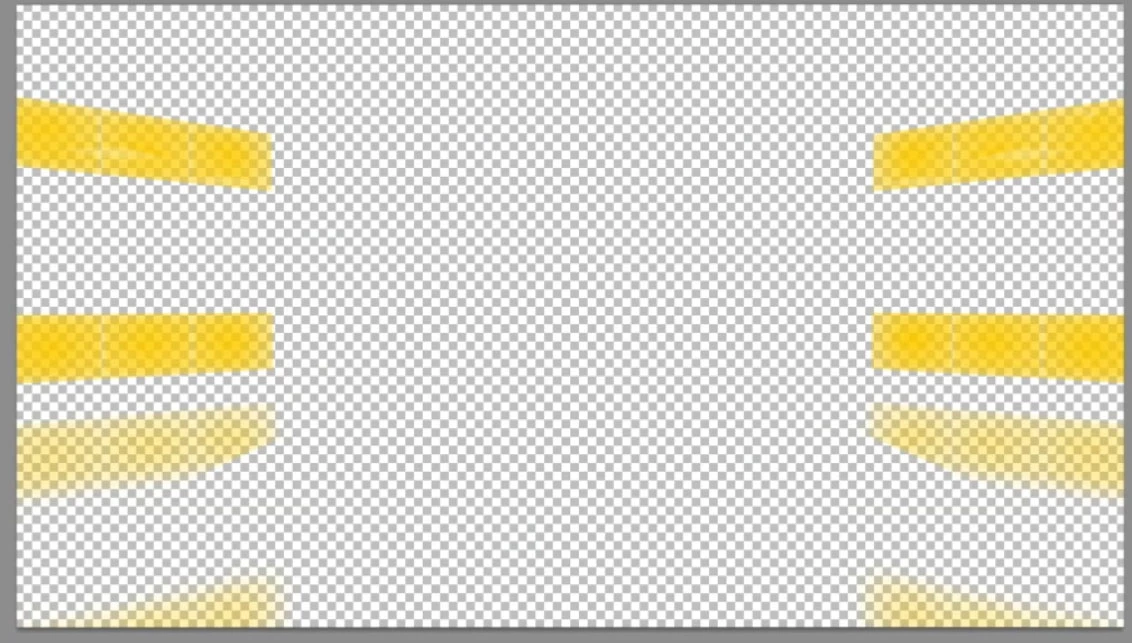
 

Can any wise members tell me how I might acomplish this. I can use a pen tool to create the shapes but I'm not sure what type of fill to give it. 

Any help would be most appreciated.

This topic has been closed for replies.

1 reply

Mylenium
Legend
September 20, 2020

The image itself was likely based on a render pass as well. you might want to study up on how to use object buffers and multipass rendering in C4D. The yellow stuff looks like to simply be the masked panels multiplied with the reflection pass, the nthe whole shebang may have been overlaid using Color blending mode (given, how physically inaccurate it looks). Start by generating the actual passes, then play around with Image --> Calculations to create a custom layer mask for your yellow stuff.


Mylenium