Participant
February 25, 2020
Answered

Portraiture 3 Plug In Not Working in Photoshop
  • February 25, 2020
  • 12 replies
  • 34379 views

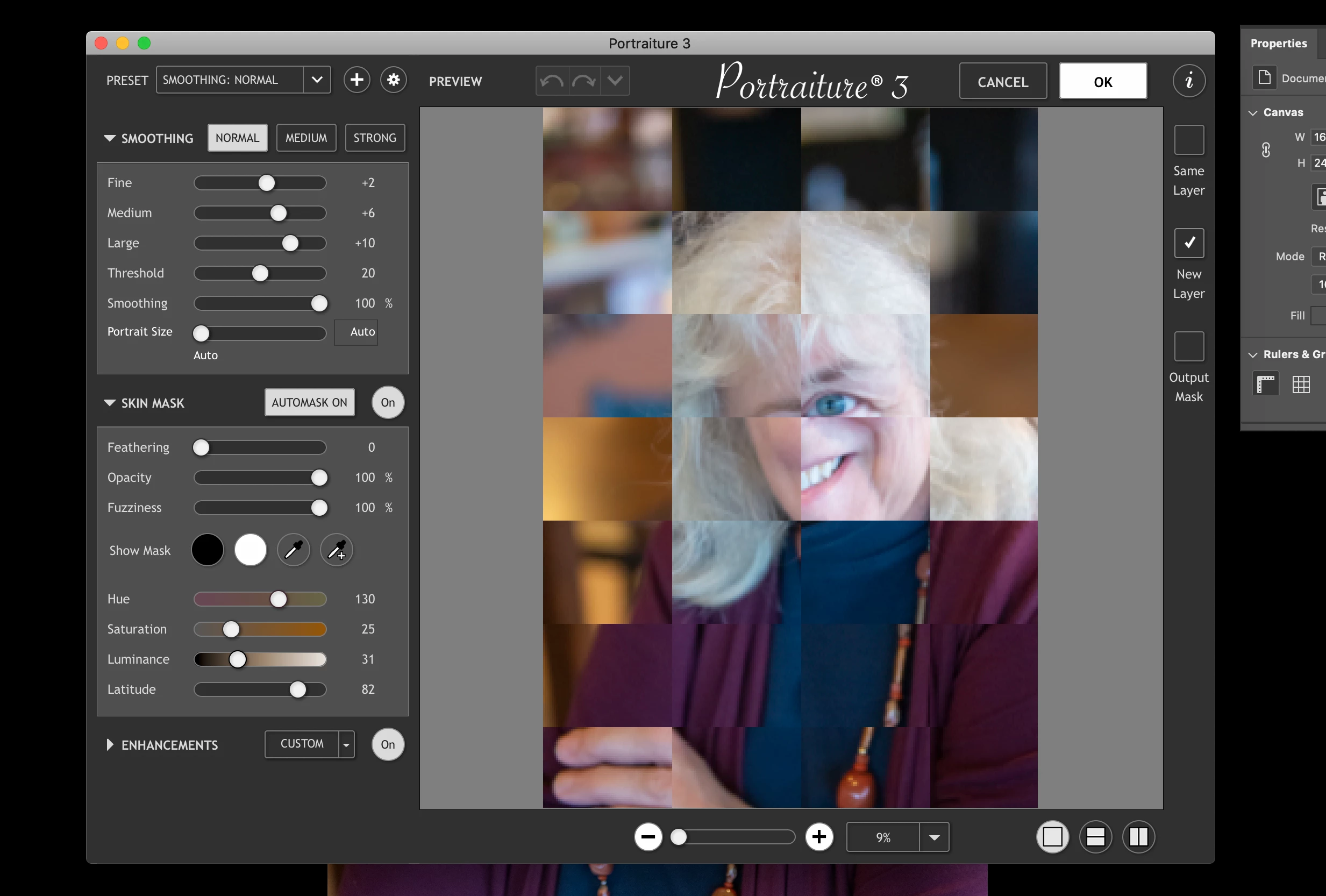
My preview for portraiture now looks like this and if I click OK it shuts down photoshop.  Anyone having this issue too or know of a solution?


{Thread renamed by moderator}

Correct answer jane-e

Hi

Here is the support page for the Portraiture 3 plug-in:

https://www.imagenomic.com/Support


This is the link to their knowledge base on PS 20.1.0:

https://imagenomic.kayako.com/Knowledgebase/Article/View/55/0/adobe-photoshop-2110-and-imagenomic-plugins

~ Jane

12 replies

Kevin Stohlmeyer
Community Expert
Community Expert
February 25, 2020

If you are running Photoshop CC2020, you need to update your Portraiture plugins from Imagenomic.

Inspiring
November 21, 2020

Kevin, you don't know what happened to this company, vanished from earth. I'm now with Anthropic,  but guy George there for years,  very prompt and now, no one home.

Sahil.Chawla
Adobe Employee
Adobe Employee
February 25, 2020

Hi there,

That does not sound good, could you please let us know the version of Photoshop you're working with?
Could you please check this article and let us know if it helps? https://helpx.adobe.com/in/photoshop/kb/plug-ins-photoshop-troubleshooting.html

Regards,
Sahil

Participant
February 26, 2020

I'm having the same issue. System, photoshop and Portraiture are all up to date!

Kevin Stohlmeyer
Community Expert
Community Expert
March 2, 2020

Are you on Portraiture 3.5.1?