
Position with the Ruler tool. How?
This is a useful help description on how to use the Ruler tool.
But it gives no information on how to position an object or layer with this tool.
I want to select an object, then nudge it using the keyboard to a specific (pixel) position, or by typing in the target x, y position. So I need to define how an object's position is specified (top left, centre etc) and see the position coordinates of the object at any moment as it is moved. Then repeat this process for a number of objects, hopefully being able to go back to previously used objects to adjust their positions.
I have searched through the help pages, but nothing suitable comes up.
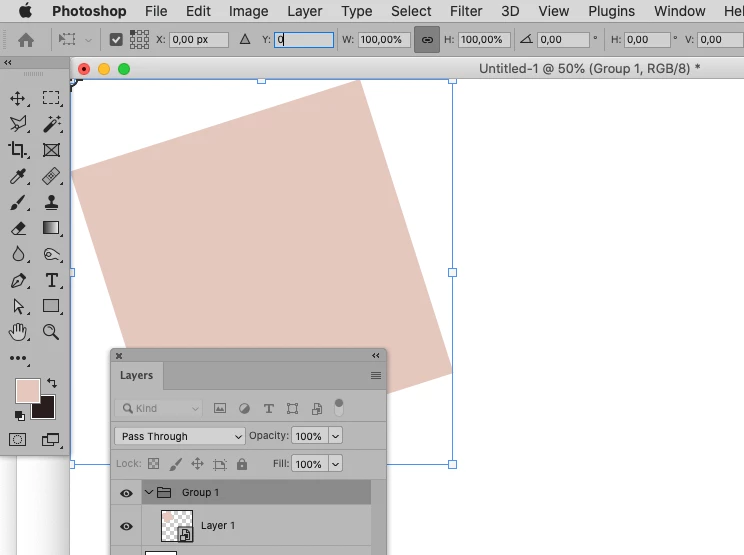
If I select an object/ layer, then choose the Ruler tool, the selected object can no longer be re-positioned.
Only the drawn ruler line can be re-positioned.
If I then select the object, position is removed from the option bar and the Ruler tool is closed.
The Info box gives the mouse, not the object, position - there does not seem to be an option to choose object position.
Is there a way to "Position with the Ruler tool. "?
I am using Win64, PS21
Thank you
 AdChoices