

DawnofDave88
Known Participant
February 14, 2020
Question

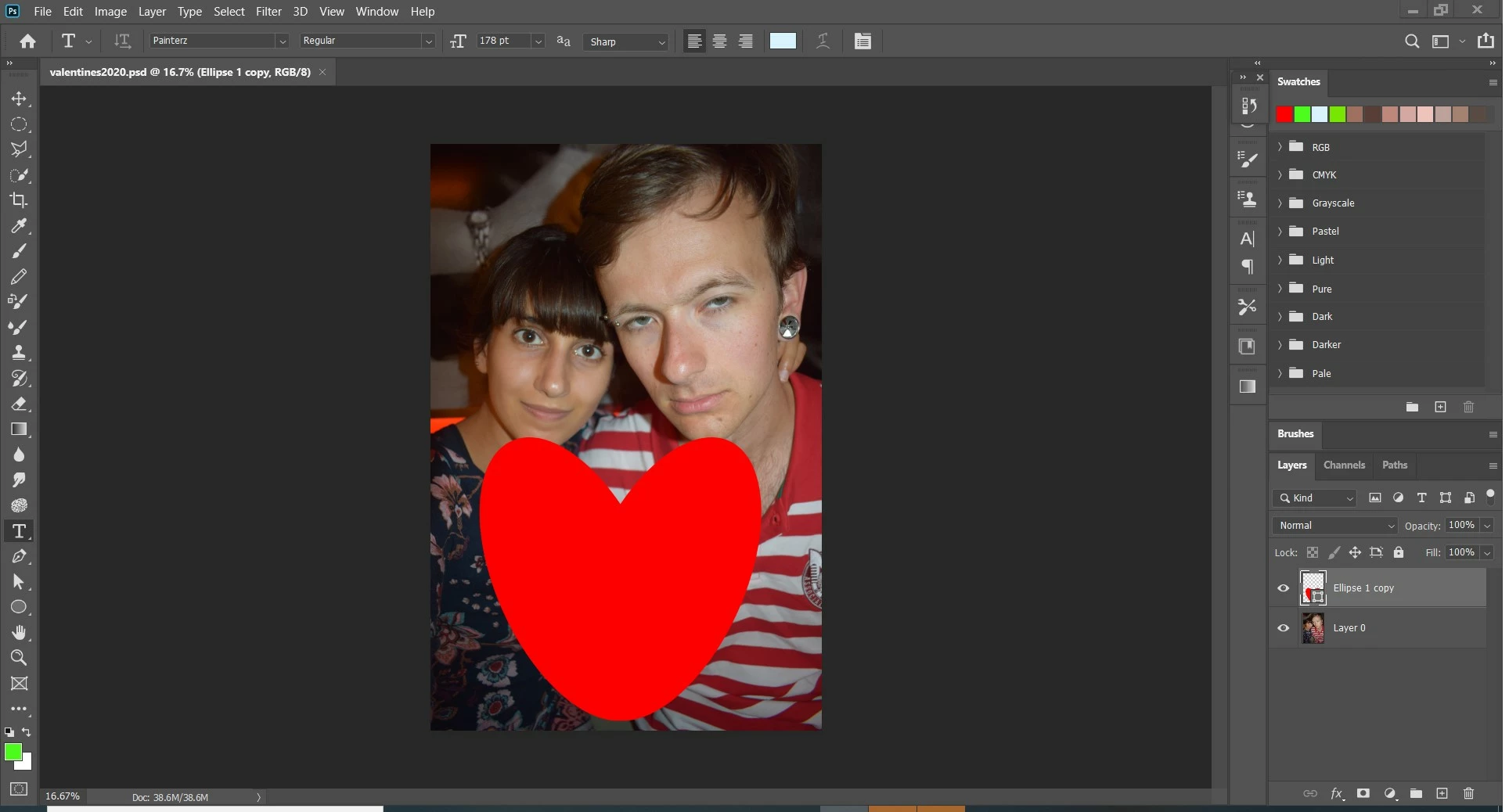
Posting text on top of a current shape causes Photoshop to freeze.

  • February 14, 2020
  • 1 reply
  • 217 views

Before applying the text/font option onto a currently existing shape layer will then immediately cause photoshop to become unresponsive [the font cusor will appear with a circular elipse around it] however crash report will not show up, stuck in limbo. Frustration leads me to reboot my laptop, problem has reoccured a couple of times now.
This topic has been closed for replies.

1 reply

italosan
Community Expert
Community Expert
February 14, 2020

Hi, sorry you are having problems with Adobe Photoshop. Which version of the software are you using? Does this problem also occur with other files or only with a specific file? Finally, we ask you to list the characteristics of your computer.

DawnofDave88
Known Participant
February 14, 2020

I've been able to work around the issue but i wanted to put it up here in case anyone else was having a similar issue, my laptop is an MSI gaming computer [so obviously not ideal specs for creativity apps] purchased in 2017 and i am using the latest photoshop version (21.0.3) so far this is the first time i have had this specific issue.