Inspiring
December 19, 2024
Question

PPI Mismatch Between Replacement Image and Smart Object Results in Noticeable Shrinkage

  • December 19, 2024
  • 1 reply
  • 1204 views

 The image used for replacement has a PPI different from the PPI of the smart object content, causing it to shrink noticeably after replacement. 

    Can you explain the relationship between the smart object layer and its content, and the underlying principles? I have a solution to convert the image's PPI to match the PPI of the smart object content. Is this feasible?


psd ,ppi=300
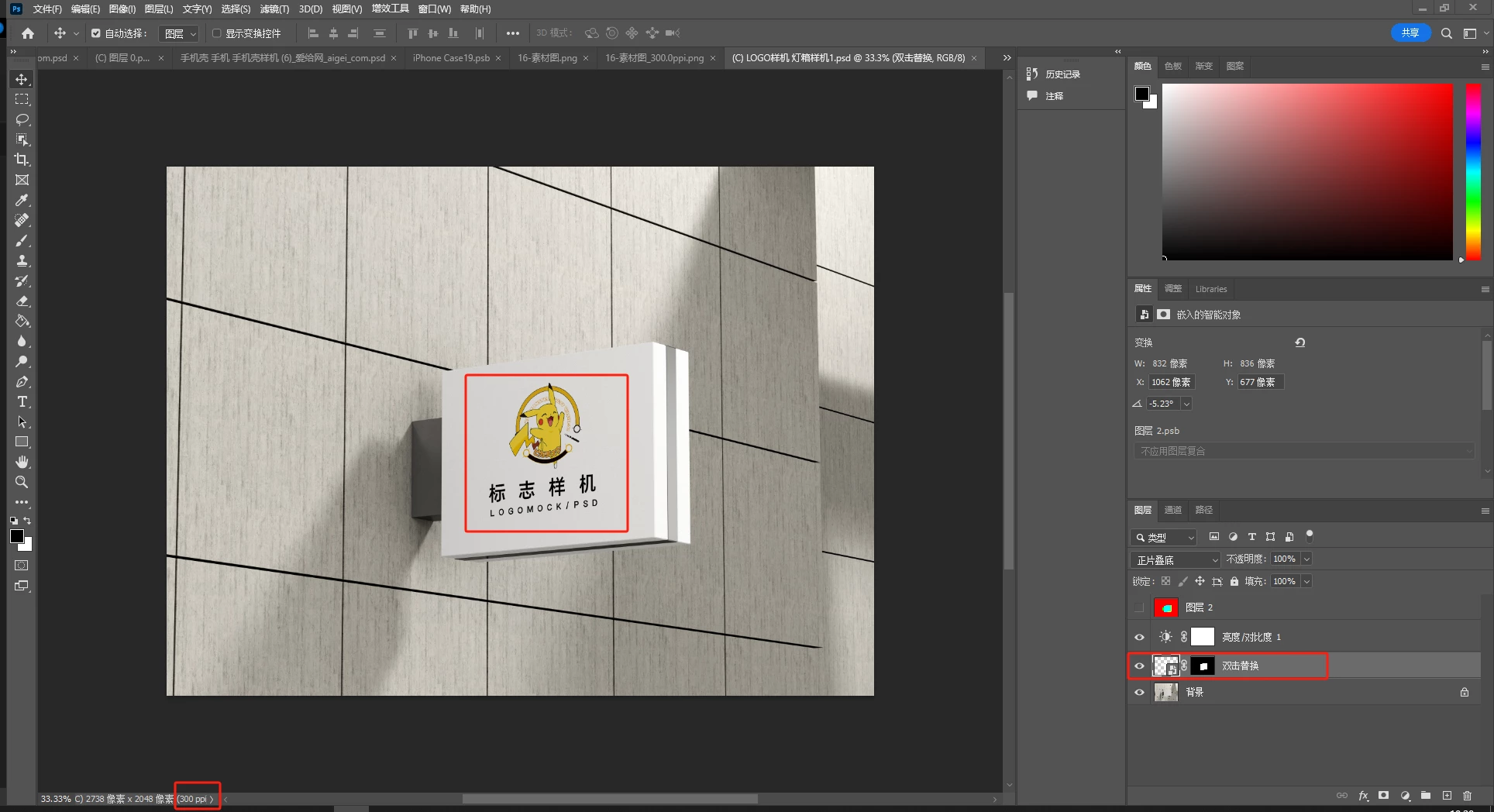
smart object content  ppi=72
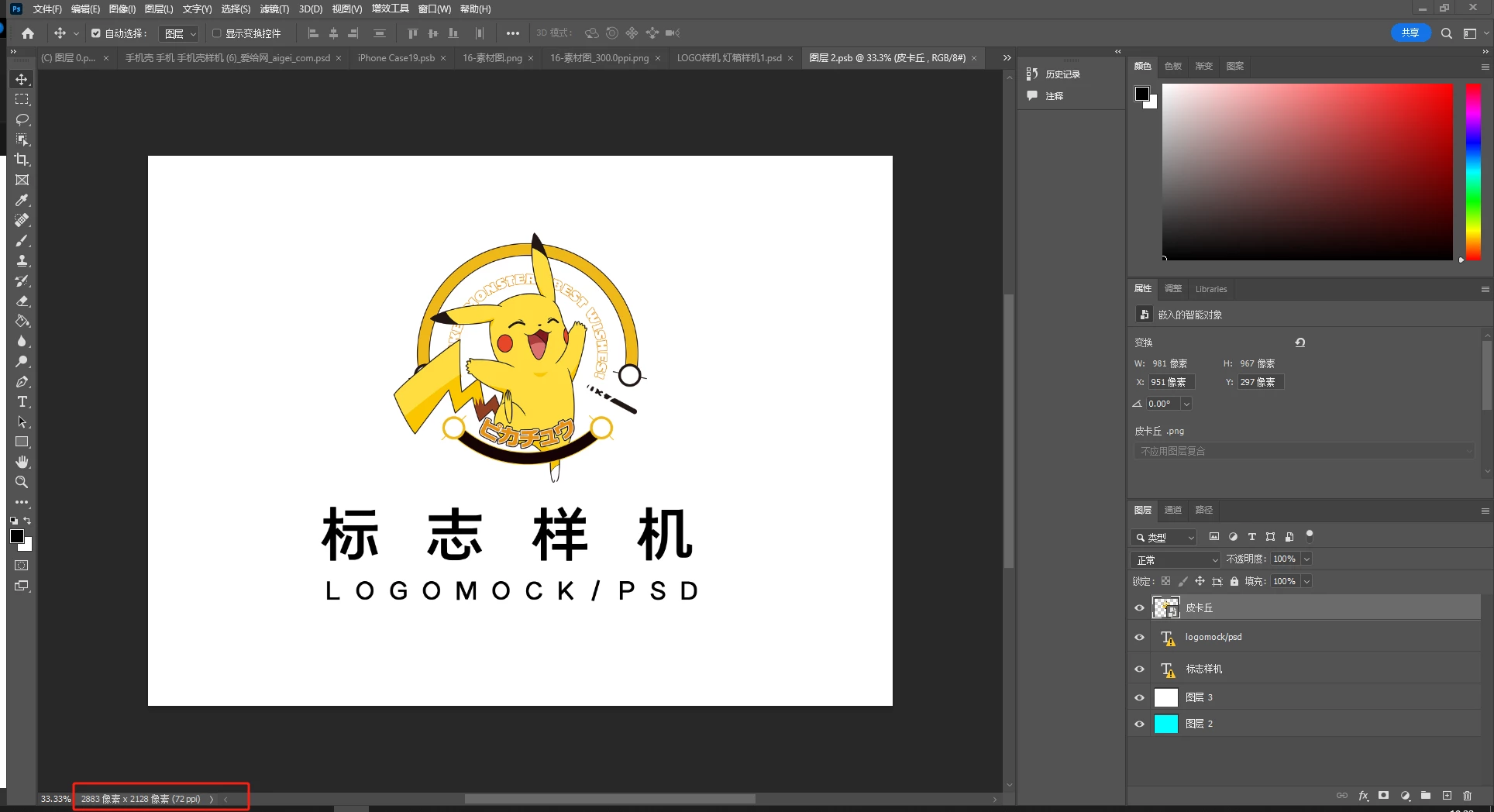
  Replacement Image 1  ppi=72
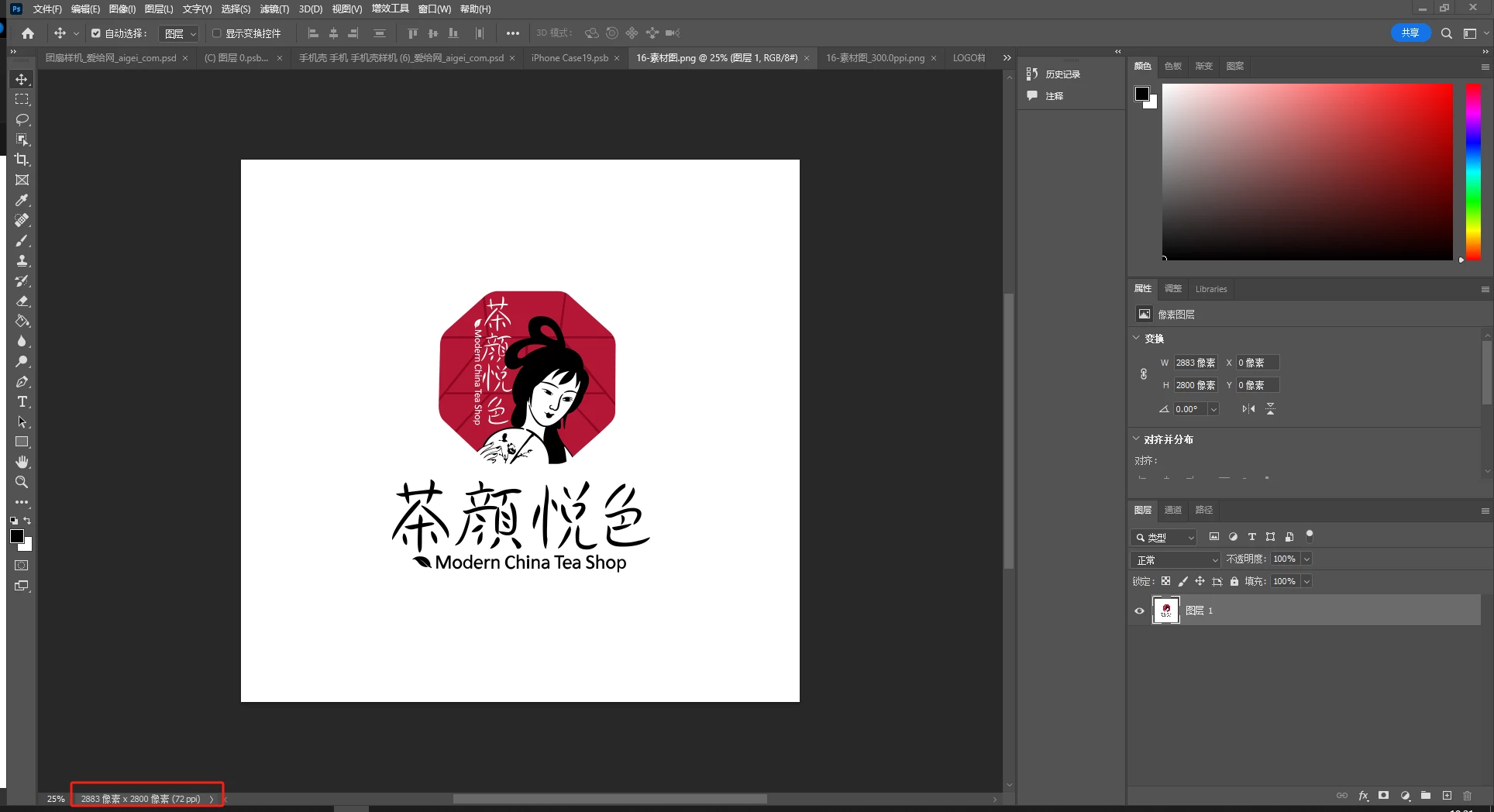
\

Replacement Image 2 ppi=300

Right-click and select "Replace Contents," then use a replacement image with PPI=72. The replacement works as expected.
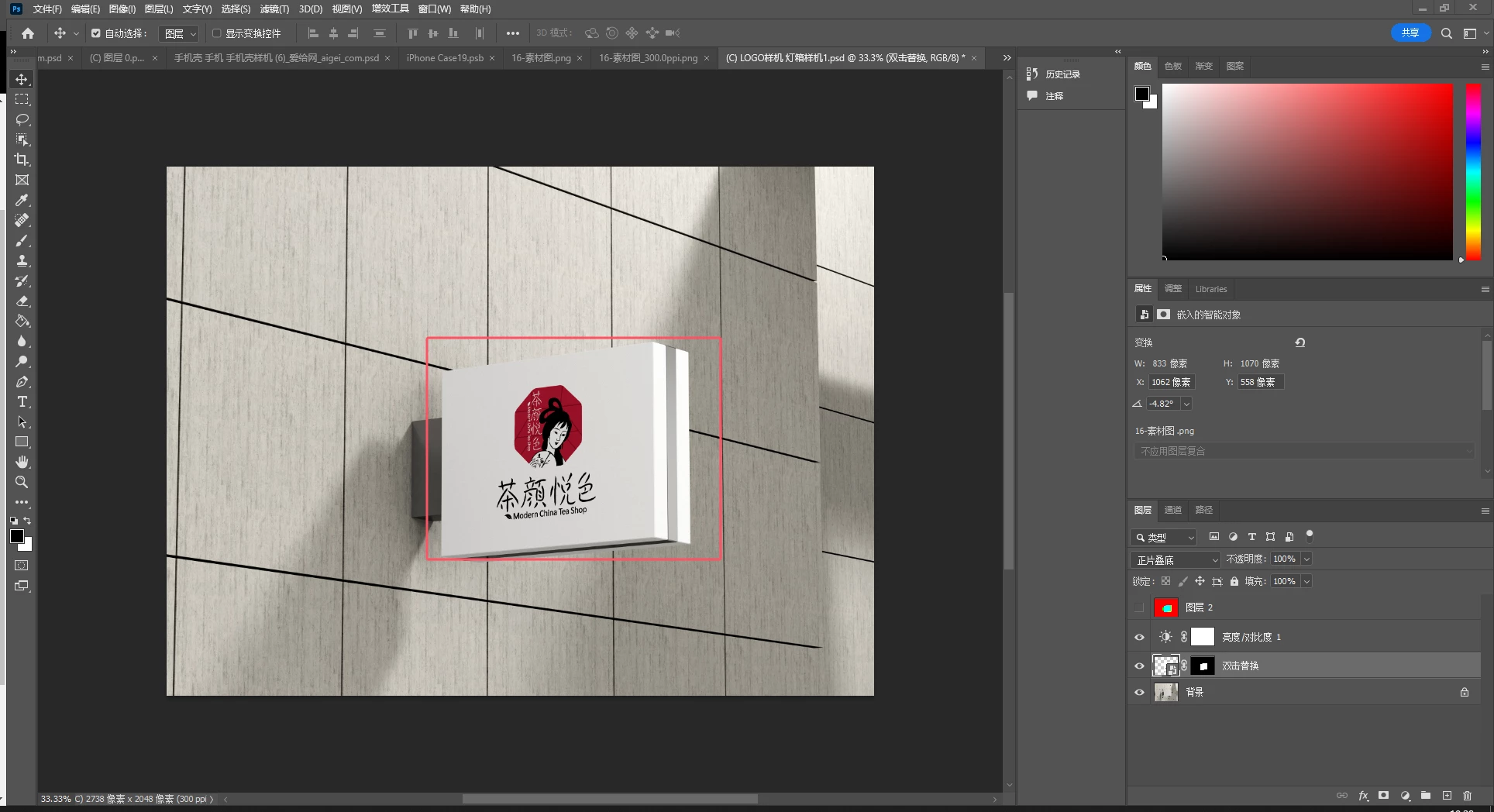
Right-click and select "Replace Contents," then use a replacement image with PPI=300. The replacement results in noticeable shrinkage.
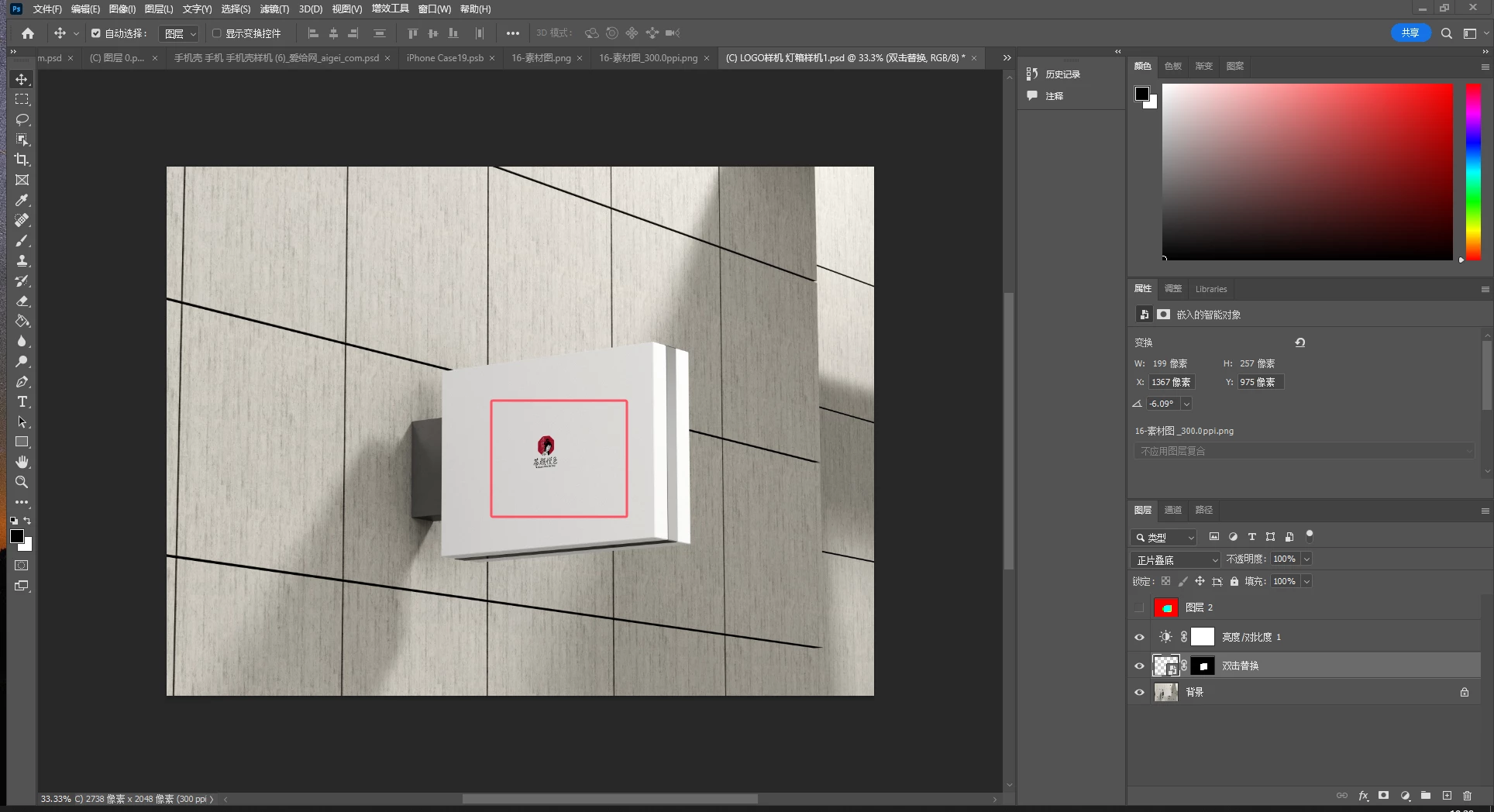
This topic has been closed for replies.

1 reply

Bojan Živković11378569
Community Expert
Community Expert
December 19, 2024

If a replacement image has a different PPI, Photoshop will silently match the PPI to the parent document in the background without any notification. Matching PPI can cause (and actually always does) the imported image to change its dimensions because this silent adjustment alters the resolution with Resample turned on.


For example:

The parent document is 3000x2000px at a resolution of 72.

The replacement image is 3000x2000px at a resolution of 300.


The imported image will be 720x480px because Photoshop silently changed the resolution from 300 to 72 in the background to match the parent document resolution (with Resample in the Image Size on).


There are a few solutions:

  • Adjust the image PPI before importing.
  • Adjust the image PPI after importing by editing the Smart Object layer. Go to Image > Image Size, disable Resample, then match the parent document's resolution and save the document.


javaerAuthor
Inspiring
December 19, 2024

What does "The parent document" refer to? Is it the outermost PSD file, or the document opened after editing the content of the smart object layer?   Which one are you referring to in my question screenshot? Is it the "psd, PPI=300" or the "smart object content, PPI=72"?

javaerAuthor
Inspiring
December 19, 2024

Parent is an open document containing the image that needs to be replaced.

The explanation above, under "For example" pertains to the situation depicted in the screenshot below.


I am using a script to replace the content of a smart object layer, so I need to confirm: should the PPI of the replacement image match the PPI of the PSD or the PPI of the smart object layer's content?