Question
Pressed something by accident and now need help
I'm sure this is such a noob question but I've only been using photoshop for a few weeks.
When working, I am used to having multiple files open at once and freely moving between them (by having a bar with all their names right underneath the top bar). However, today I pressed something by accident, then Photoshop froze for a second or two, and then that bar with the files disappeared. Now it shows as if I only have one file open at all times.
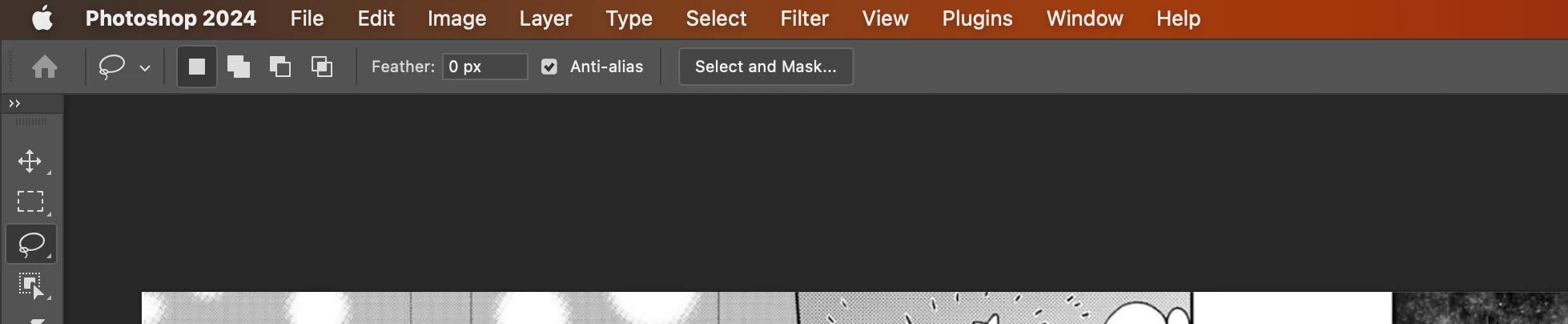
If it helps, I am working on a mac.
Thank you in advance!
 AdChoices