Participant
May 5, 2023
Question

Print size in photshop

  • May 5, 2023
  • 2 replies
  • 1730 views

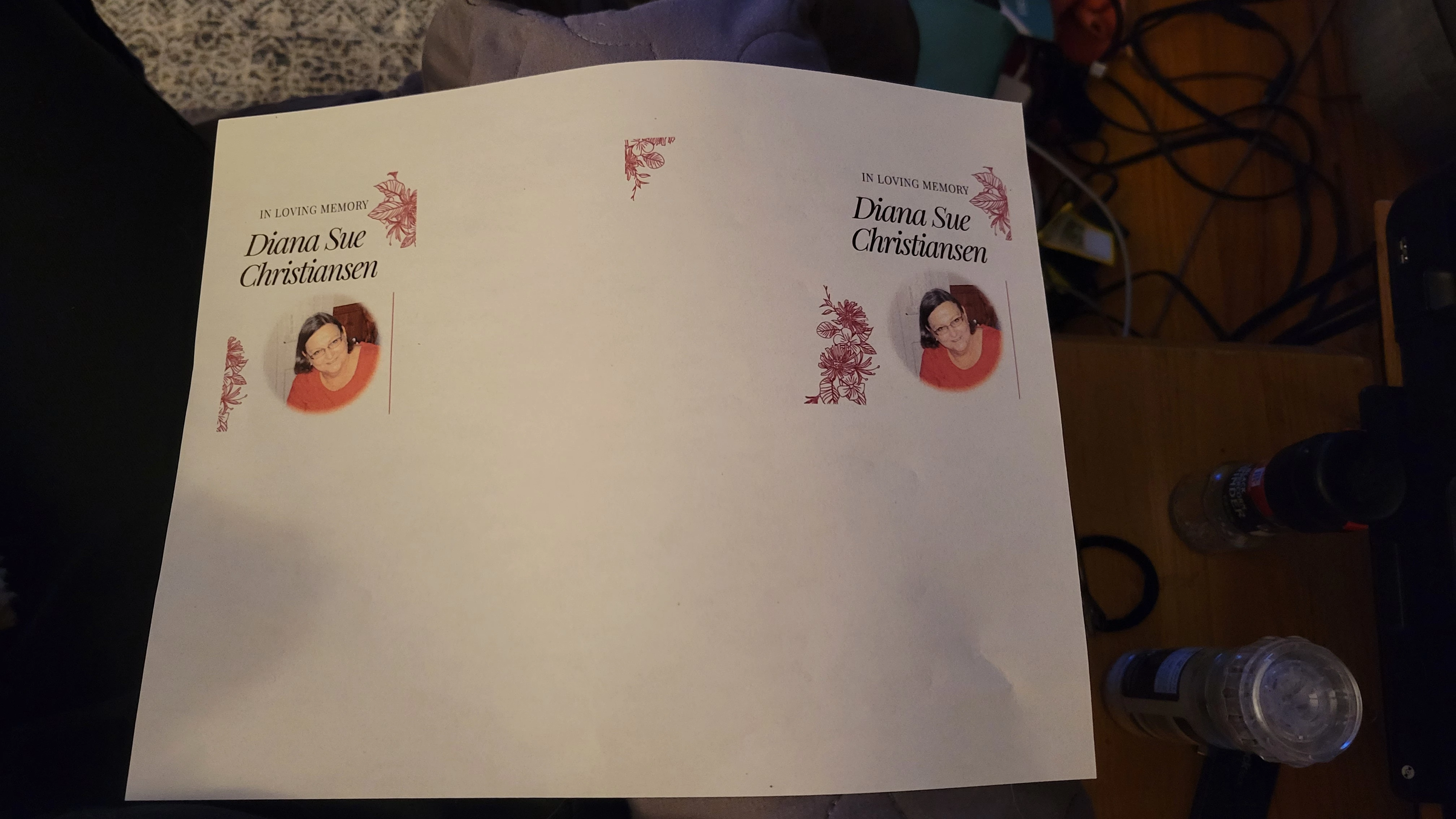
I have a project that is exactly 8.5"x5.5" and then I try to print it only covers 1/4 of the page.  I have tried different printers, messed with my settings and nothing is fixing the problem.  This is also supposed to be borderless but there is still a margin.  The print preview shows the print set up exactly how I want it but nothing I do is working. 
This topic has been closed for replies.

2 replies

TheDigitalDog
Inspiring
May 5, 2023

Do you have the correct PPI set in your Preferences (Units) for your display? Photoshop needs that. 

Its a good idea to find out what the true, native resolution of your display is (they are NOT all 72PPI!).
Measure the width of your display and divide that by the number of pixels its displaying.
For example,on my NEC PA271Q, the width is 23.5 inches. Its resolution is 2560x1440. 2560/23.5=109PPI.


Author “Color Management for Photographers" & "Photoshop CC Color Management/pluralsight"
Participant
May 6, 2023

I'm sorry, but some of that was Greek to me.  I've tried to fit everything to an artboard that is the same dimentions (or pixel ratio) to 8.5" W x 5.5" H.  It is still turning the image sideways on all printers so it is only printing 1/4 page.  I've tried different templates, etc.  Nothing is working.  These are for a funeral and the pressure is on.  When explaining things, please use laymans terms, since I've been teaching myself on the fly for about 7 years.  Thanks!

Participant
May 8, 2023

Hi @J.Renae.Studio I SEE THE ISSUE!

You have set "2 pages per sheet" - turn that off! It's reordering your pages. If you want to print two up - build it in Photoshop and print 1 page.


So, I got one side to print correctly using Photoshop and the other side to print correctly out of InDesign.  I don't know what I did, but it worked and they came out beautifully.  (Altered photo to hide personal details)

Kevin Stohlmeyer
Community Expert
Community Expert
May 5, 2023

Hi @J.Renae.Studio it would be helpful to show your print window in a screen shot. Also what resolution is your file? Are you certain your printer is borderless?

Participant
May 5, 2023

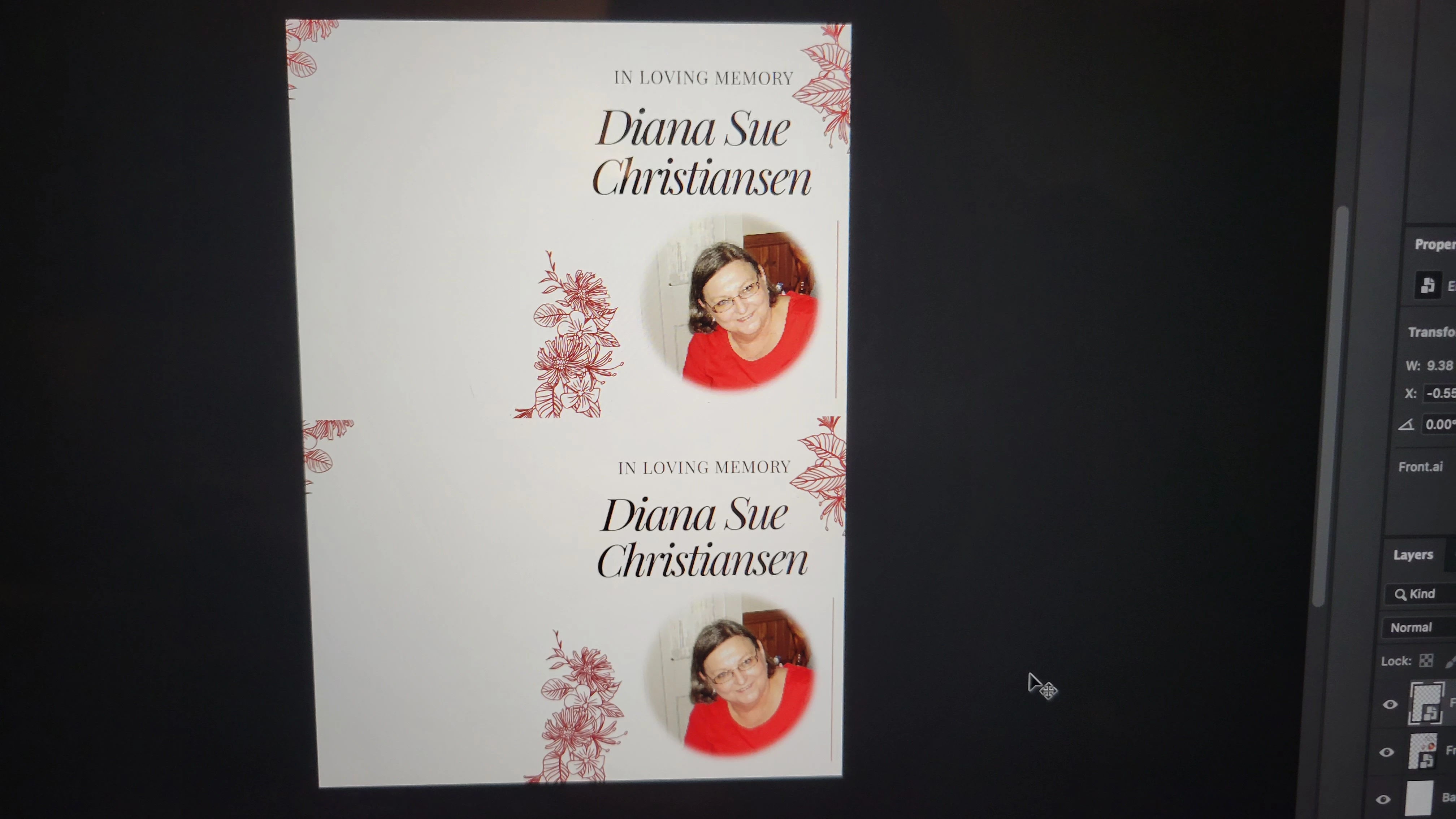
Hi, see my screenshots below.  I'm trying to print one image on 1/2 sheet of letter size paper, to fit two images on one side.  Sorry if that's not clear.  2 - 1/2 sheet size designs on one sheet. My printer is borderless because I've been able to print an entire pattern on a full sheet for screen printing.  My issue is that in the print dialog it shows that it will print on 1/2 sheet of paper but ends up printing on 1/4 of the paper.  

Kevin Stohlmeyer
Community Expert
Community Expert
May 5, 2023

Your document size is larger than the printable area - its showing your document as 11.693 tall instead of 11.

What are your Print Settings for the printer? Are you choosing the correct Canon settings in that window?

https://ij.manual.canon/ij/webmanual/PrinterDriver/M/iX6800%20series/1.0/EN/PPG/dg-c_borderless.html