Exit
  • Global community
    • Language:
      • Deutsch
      • English
      • Español
      • Français
      • Português
  • 日本語コミュニティ
  • 한국 커뮤니티
0

Problem enhancing Fuji raw files with newly updated Camera Raw

New Here ,
Feb 14, 2019 Feb 14, 2019

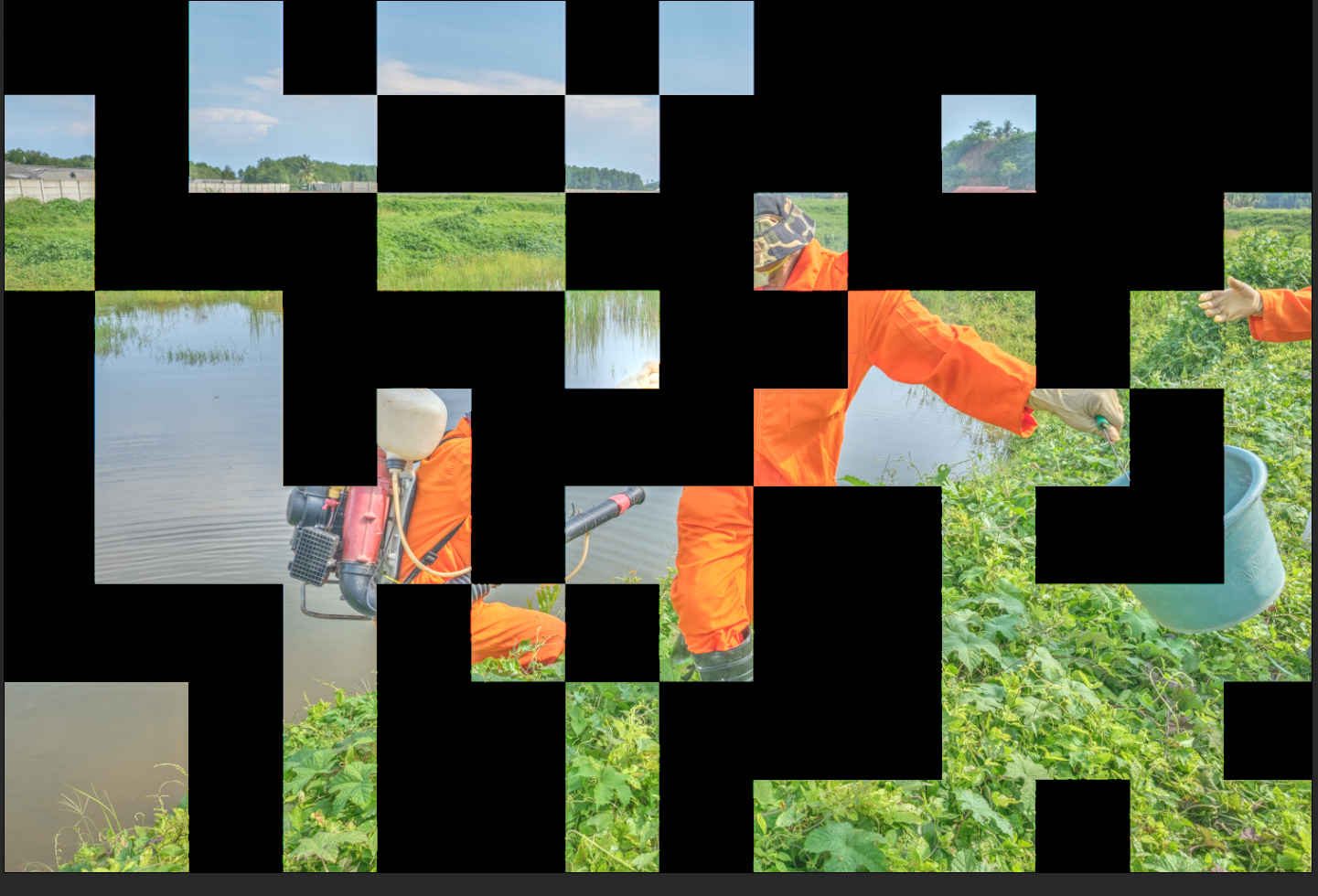
I just updated my Camera Raw and Photoshop CC. I have been trying to use the new feature "enhancing" in Camera Raw on my raw file (uncompressed) taken with X-T3. It takes forever and enhanced images come out with some parts of photo missing like a puzzle, big and small black squares (see the image attached). I am wondering if anyone is having same issue. I am using MacBook Pro (Retina, 13-inch, Late 2012) with Intel HD Graphics 4000 1536 MB. I am using Macbook pro and running High Sierra which is a minimum requirement as it says on Adobe official site about the update.  Is my computer too old to use it?
adoberaw.png

479
Translate
Report
Community guidelines
Be kind and respectful, give credit to the original source of content, and search for duplicates before posting. Learn more
community guidelines
Adobe
Community Expert ,
Feb 14, 2019 Feb 14, 2019

Please take a look here, maybe it's a similar problem:

Black or white squares appear on a Photoshop image when zooming in or out

Translate
Report
Community guidelines
Be kind and respectful, give credit to the original source of content, and search for duplicates before posting. Learn more
community guidelines
New Here ,
Feb 15, 2019 Feb 15, 2019

Thanks so much for your reply Francesco. I read the page you suggested and tried a few things mentioned but no luck. By the way, it's a file form X-T2, not X-T3 as I originally stated.

Translate
Report
Community guidelines
Be kind and respectful, give credit to the original source of content, and search for duplicates before posting. Learn more
community guidelines
Guest
Feb 15, 2019 Feb 15, 2019
Translate
Report
Community guidelines
Be kind and respectful, give credit to the original source of content, and search for duplicates before posting. Learn more
community guidelines
New Here ,
Feb 15, 2019 Feb 15, 2019

Thanks for this Ged. I guess it has some bugs and Adobe needs to look into it. Do you think Adobe folks read community thread or I should write to them? I was quite happy that they finally got their act together....

Translate
Report
Community guidelines
Be kind and respectful, give credit to the original source of content, and search for duplicates before posting. Learn more
community guidelines
Guest
Feb 15, 2019 Feb 15, 2019

Hi

That link I posted if for bug reports so you can add a comment to that thread if you like

Translate
Report
Community guidelines
Be kind and respectful, give credit to the original source of content, and search for duplicates before posting. Learn more
community guidelines
New Here ,
Feb 15, 2019 Feb 15, 2019

Thanks Ged. Will do that. Really appreciate it.

Translate
Report
Community guidelines
Be kind and respectful, give credit to the original source of content, and search for duplicates before posting. Learn more
community guidelines
Guest
Feb 15, 2019 Feb 15, 2019
LATEST

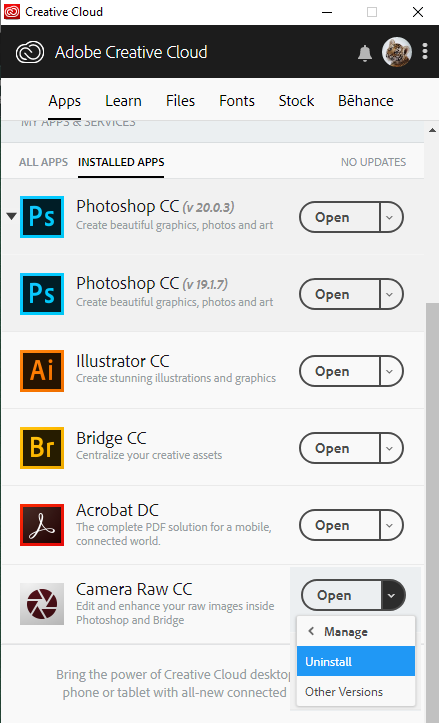
It's a pity Adobe don't make it easy to roll back to a previous version of Adobe Camera Raw something like this would be nice

Translate
Report
Community guidelines
Be kind and respectful, give credit to the original source of content, and search for duplicates before posting. Learn more
community guidelines