Known Participant
June 12, 2018
Answered

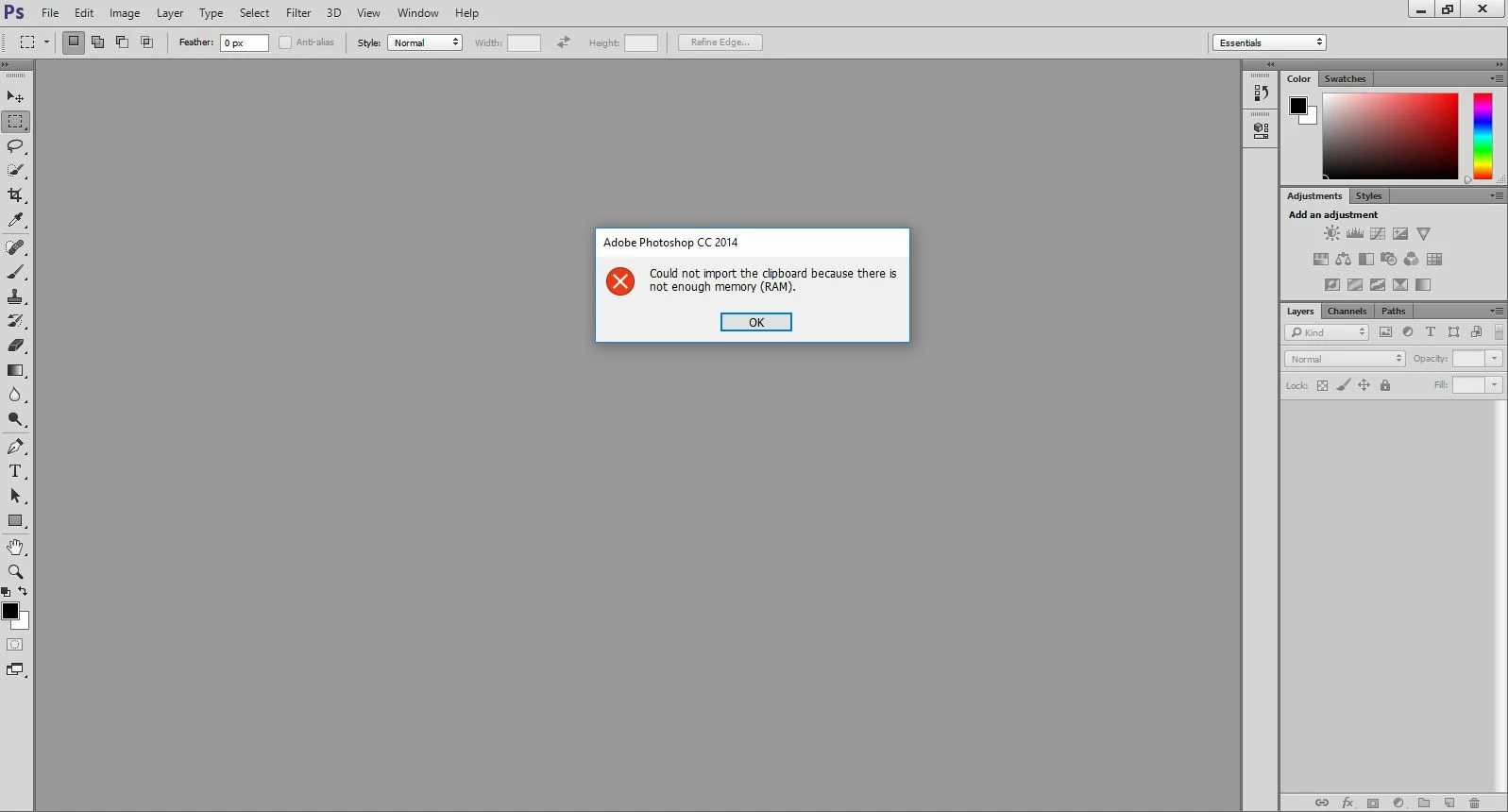
Problem There is not enough memory in the PS
  • June 12, 2018
  • 2 replies
  • 827 views

    This topic has been closed for replies.
    Correct answer Sahil.Chawla

    Hi there,

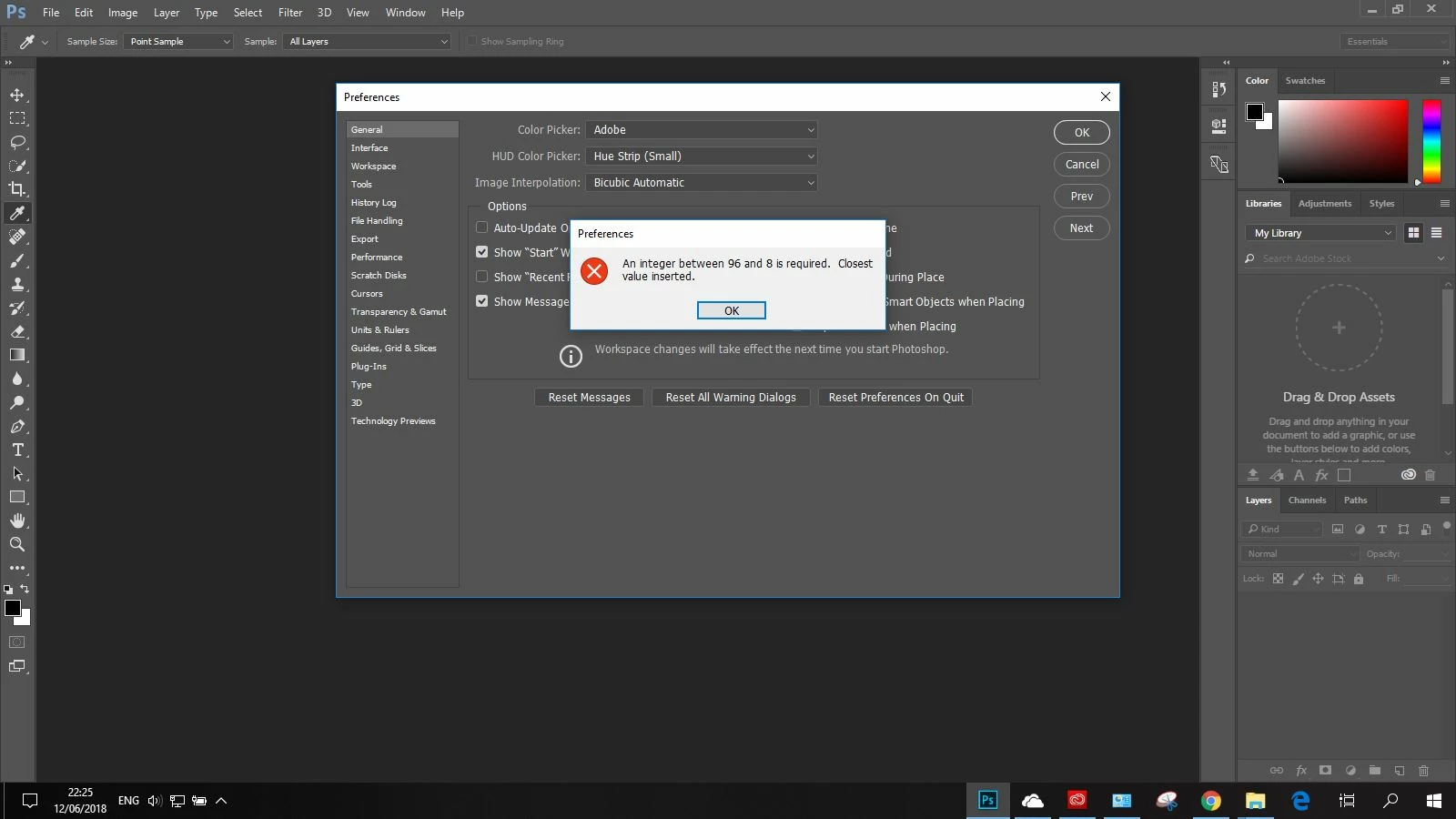
    We' sorry to hear about this error in Photoshop, could you please try the steps mentioned on this article and let us know if it helps? Error while accessing performance preferences - 'An integer between 96 and 8 is required.'

    Regards,

    Sahil

    2 replies

    Omar.Fathy
    Community Expert
    Community Expert
    June 12, 2018

    You just need to increase your available RAM memory by closing any other applications or document your are not using.

    - In Photoshop go to Edit> Purge> All.
    and finally you can reset your RAM memory by Restarting your PC

    Known Participant
    June 12, 2018

    Thank you for the answer, but when I do this action it does not work. sorry and look in this pic

    Sahil.Chawla
    Adobe Employee
    Sahil.ChawlaCorrect answer
    Adobe Employee
    June 12, 2018

    Hi there,

    We' sorry to hear about this error in Photoshop, could you please try the steps mentioned on this article and let us know if it helps? Error while accessing performance preferences - 'An integer between 96 and 8 is required.'

    Regards,

    Sahil

    Known Participant
    June 12, 2018

    I checked your answer correctly and the problem is over. Thank you my dear!