
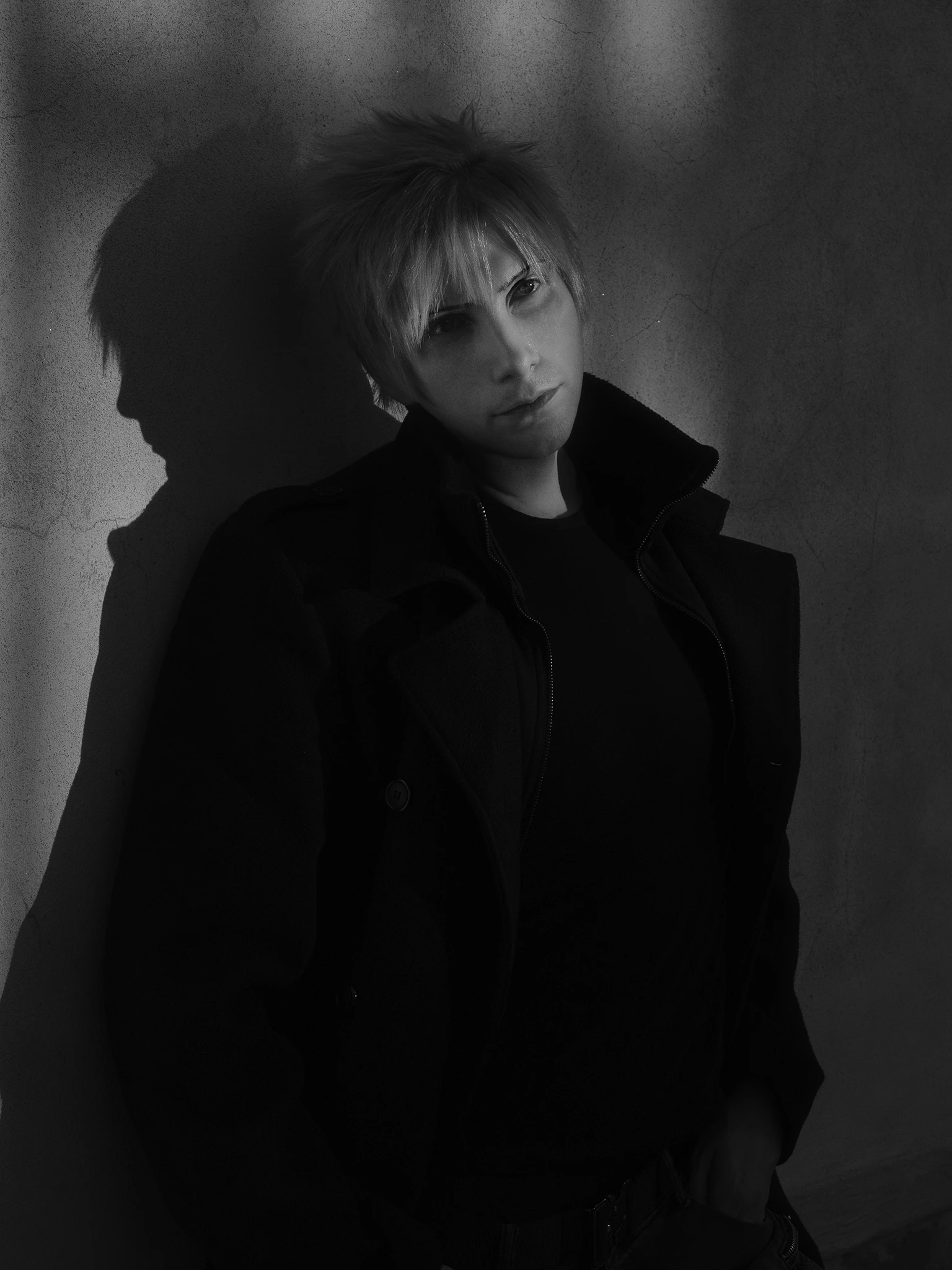
Problem while reviewing colors on pictures.
- April 29, 2022
- 3 replies
- 2015 views
Hello There.
I'm posting this because its becoming frustrating..
I am currently on a M1 2021 MacBook Pro with LG 5k Ultrafine Display (K-L).
I did calibrate and test the monitor with colorcheker (X-Rite) with DisplayCAL and test confirms the calibration is fine with all the Green Marks. Now, after all this data, let's dive into the problem.
When i save the pictures, they look oversatured and more dark on the image preview in the make and even uploaded into the browser. Why?
I Shoot in Adobe RGB on my Sony cameras.
I Edit in working space Adobe Rgb.
I Convert into SRGB Space before i publish to web Of course and i did try many settings out, PNG and JPGs with or without embed profiles, and different profile conversion option, from manual ( first from 16 to 8 bit and than manually converting to srgb, than saving it) to exporting it, to save for web. Every result found my images to look darker and oversatured OUTSIDE from photoshop.
I did have similar problems on windows but i did manage to fix it, here on mac looks like impossible after all the combination i did. Nothing is effective.
Hope someone can help me fix this.
 AdChoices