
Problem with Brush Presets appeared in 2021, after installing 2022, also causing app to freeze
When launching PS2021 Mac OS - comes up with this message
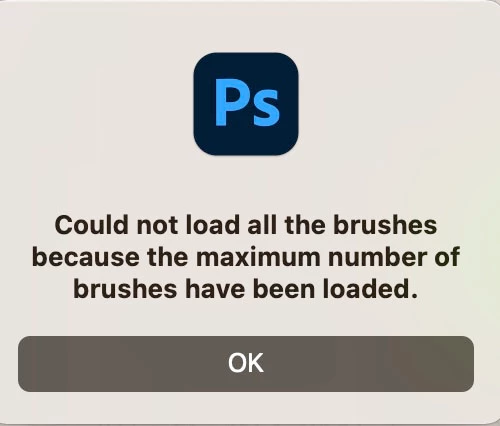
The problem? It’s loading the same brushes in from the drive, not once but THREE times. giving two unwanted copies with the words "local" appended. Meaning that you are exceeding the maximum limit. If you are needing a large brush-set. There is a long pause downloading brushes. even in the latest system this process takes too long, and also dragging the old backed uop psp file (which always worked in past) causes the app to freeze
To try and be helpful I've investigated this. And have discovered that the problem is likely caused by an update to the "Brushes" file and its formatting in Photoshop preferences folder.? It seems the old version of photoshop has been updated and interfered with to accommodate a buggy new version?
This possibly has something to do with Preset "synching", which possibly is happening in trying to keep the two panels (Photoshop 2021 and 2022) in snych with each other?
Please do an update immediately, with the old format reintroduced so it is possible to retrieve many days of work putting these sets together.
 AdChoices