
Question
Problem with Focus Stacking using Auto Blend
Hi
Could somebody,please help me with a problem I am experiencing when focus stacking in CC 2019.I am operating on Windows 10.
I have opened three images from Lightroom as layers in PS,and then selected the three images and then -edit-auto align.
No problems up to this stage.
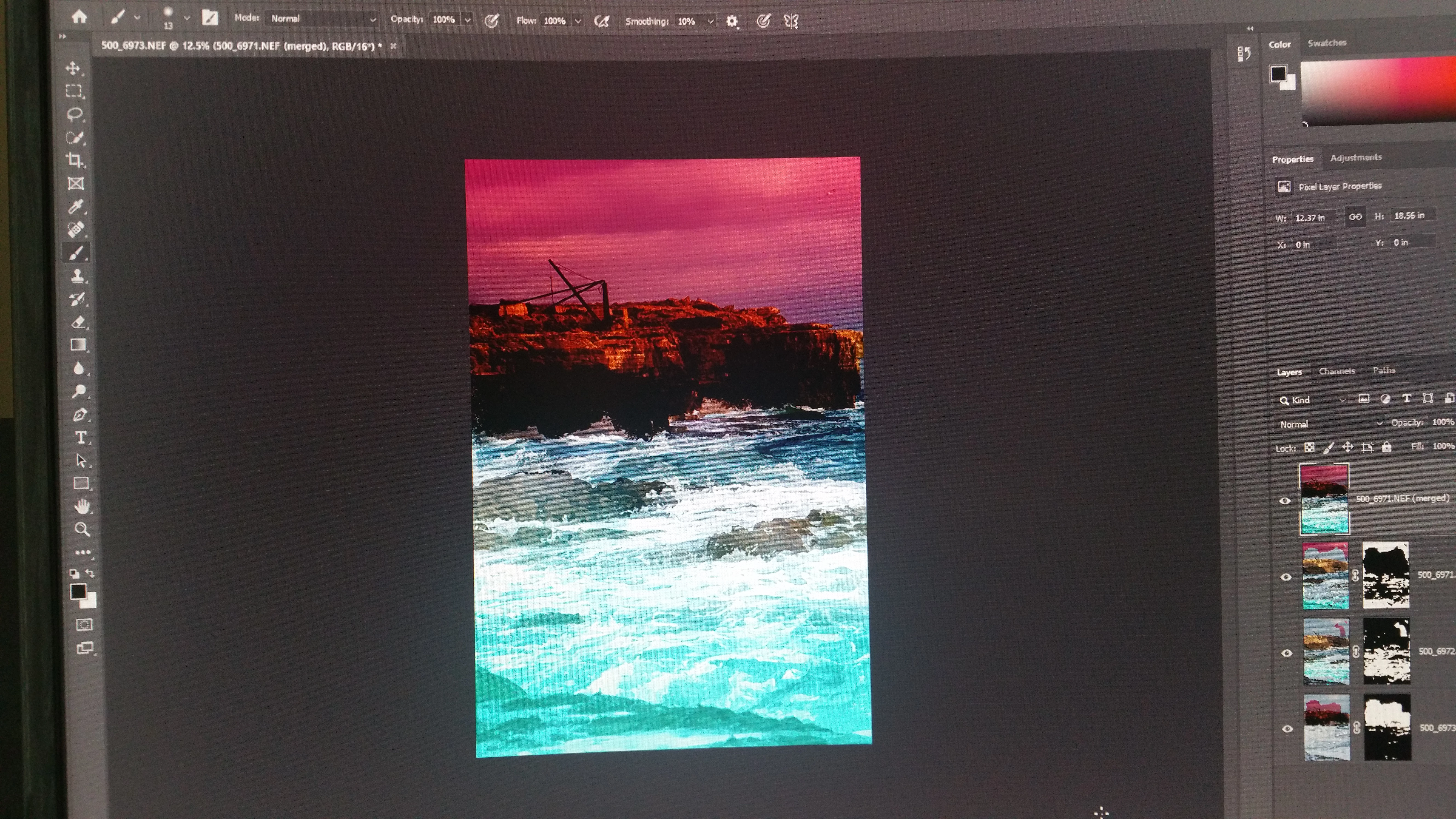
I then edit using Auto Blend. The results I get are frankly weird.I get what looks like a graduated mask overlay.
I am relatively new to Photoshop,so any help you guys can give me to get rid of this overlay,would be appreciated.
I have reset my preferences as I thought that might cure the problem,but to no avail.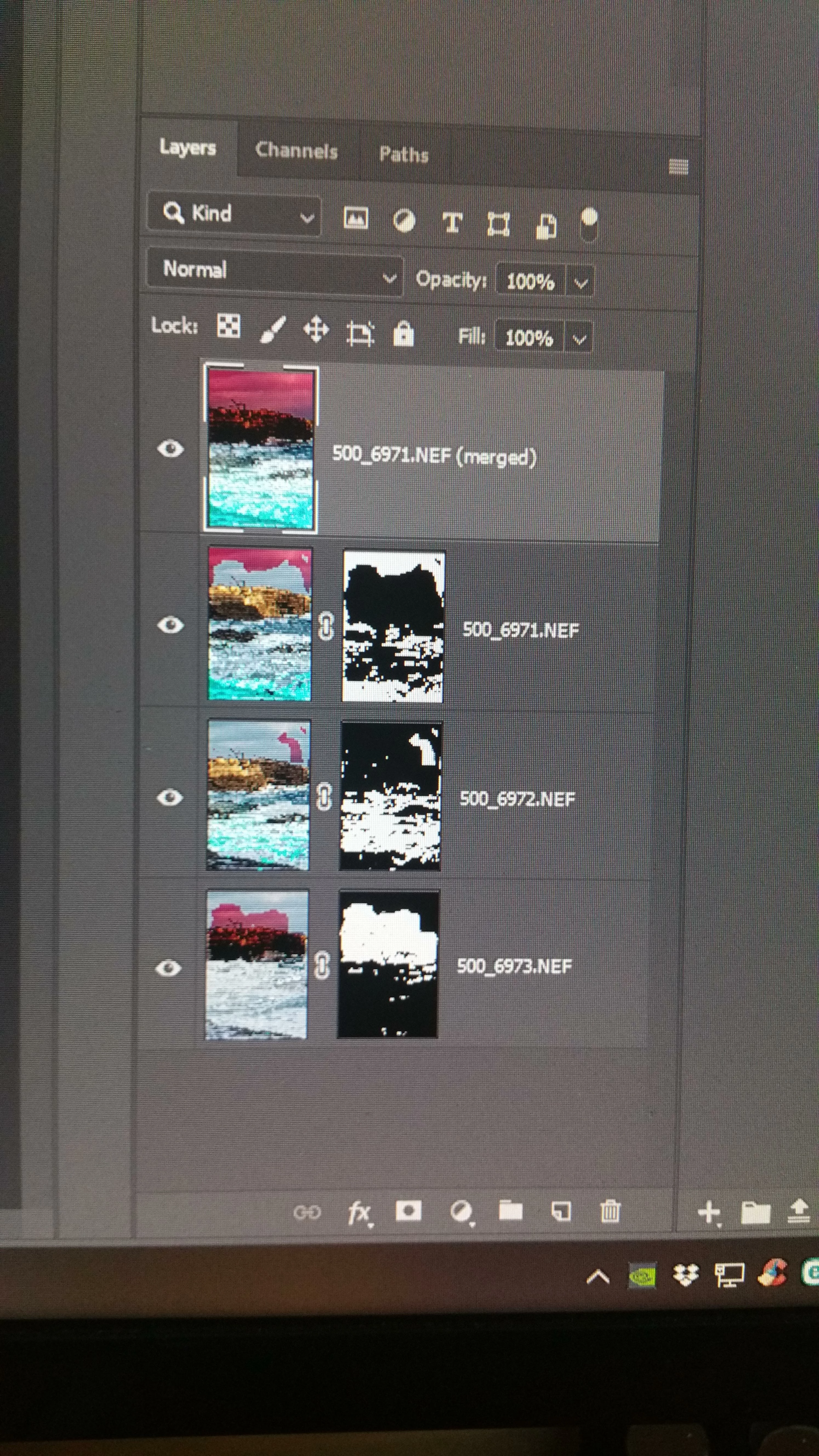
 AdChoices