Participating Frequently
July 13, 2021
Answered

Problem with leading in Photoshop

  • July 13, 2021
  • 3 replies
  • 4600 views

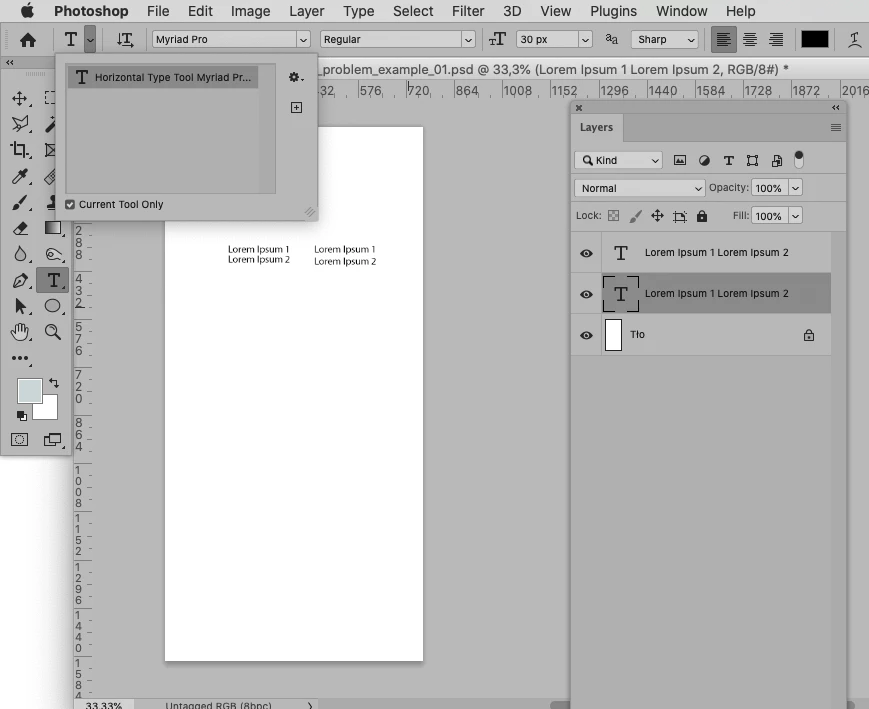
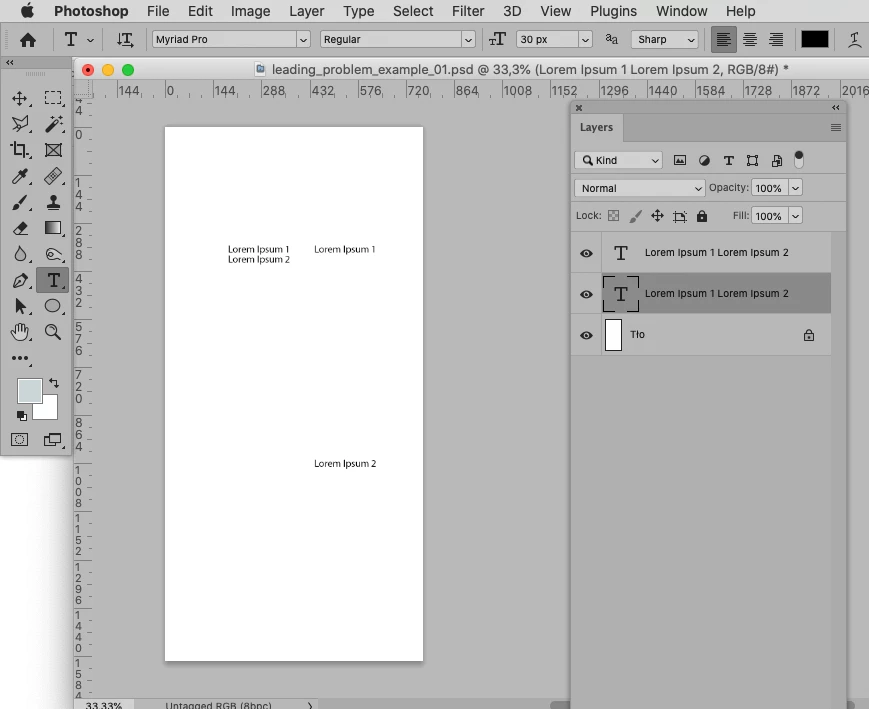
I have a problem with leading in Photoshop. When I set the value to "auto", the gap is very large. An example is shown in the picture below. This has been happening for a long time. The last update of the program did not change anything. How can I fix it?

Correct answer c.pfaffenbichler

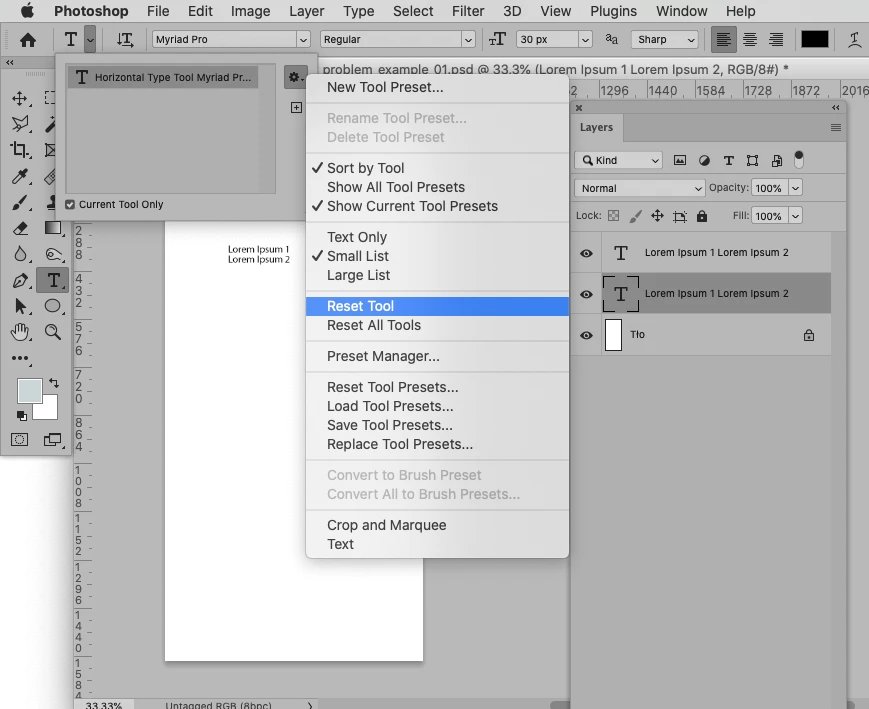
Please try resetting the Type Tool with the Type Layer selected. 


3 replies

Xingqi29506591eilo
Participant
April 6, 2024

Hi I'm currently running into a similar issue, and although manually reset leading to 120% solves the problem, when I reset the type tool (or reset paragraph from the panel) auto leading value somehow becomes 175%, instead of 120% defalt as described everywhere. Currently on Photoshop 25.6, windows.

My friend on an earlier version (also on windows) found the same issue as mine, however it doesn't happen on my mac which is also running Photoshop 25.6. Would be great to know why (and more importantly how to fix it). 

jane-e
Community Expert
Community Expert
April 6, 2024

@Xingqi29506591eilo 


This sounds like bug with 25.6 and Windows. Resetting Preferences may or may not solve it, but it's something you can try. Otherwise, please start a new post and select Bugs instead of Discussions so the Photoshop team will see it and track it.


Details on resetting Preferences manually are here. First, follow the link to back up preferences, then the one to reset them manually so the file can be restored if it doesn't solve the issue.

https://helpx.adobe.com/photoshop/using/preferences.html


Jane

Participating Frequently
July 13, 2021

The type tool reset helped. Thanks to everyone for your help.

c.pfaffenbichler
Community Expert
Community Expert
July 13, 2021

Can you provide the file? 

Participating Frequently
July 13, 2021
Legend
July 13, 2021

In you paragraph Justification settings, Auto-Leading percentage is set to 500%. Change it to something smaller, like maybe 120% (or whatever works best in your context)