
Copy link to clipboard
Copied
So for some reason if I click once with a brush it is opaque like below
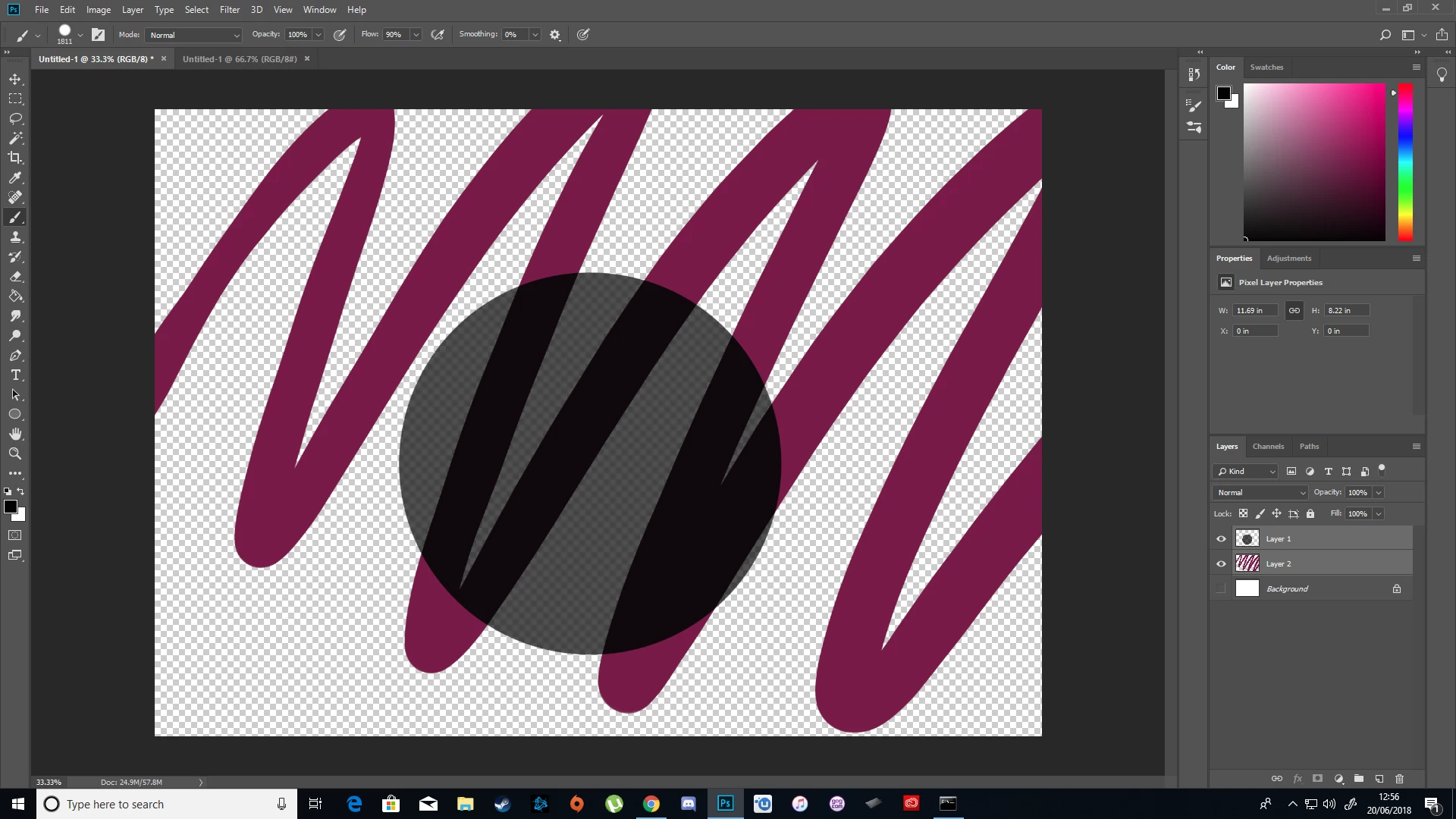
Both the brush settings and layer settings are set to opacity: 100%. I've tried this on multiple files, both a mouse and drawing tablet, and I've clicked "Restore Default Brushes".
If I drag the brush however it does become opaque, but it's more pressure sensitive than usual on the tablet. Below is a single stroke. It would often not vary that much from a single stroke.
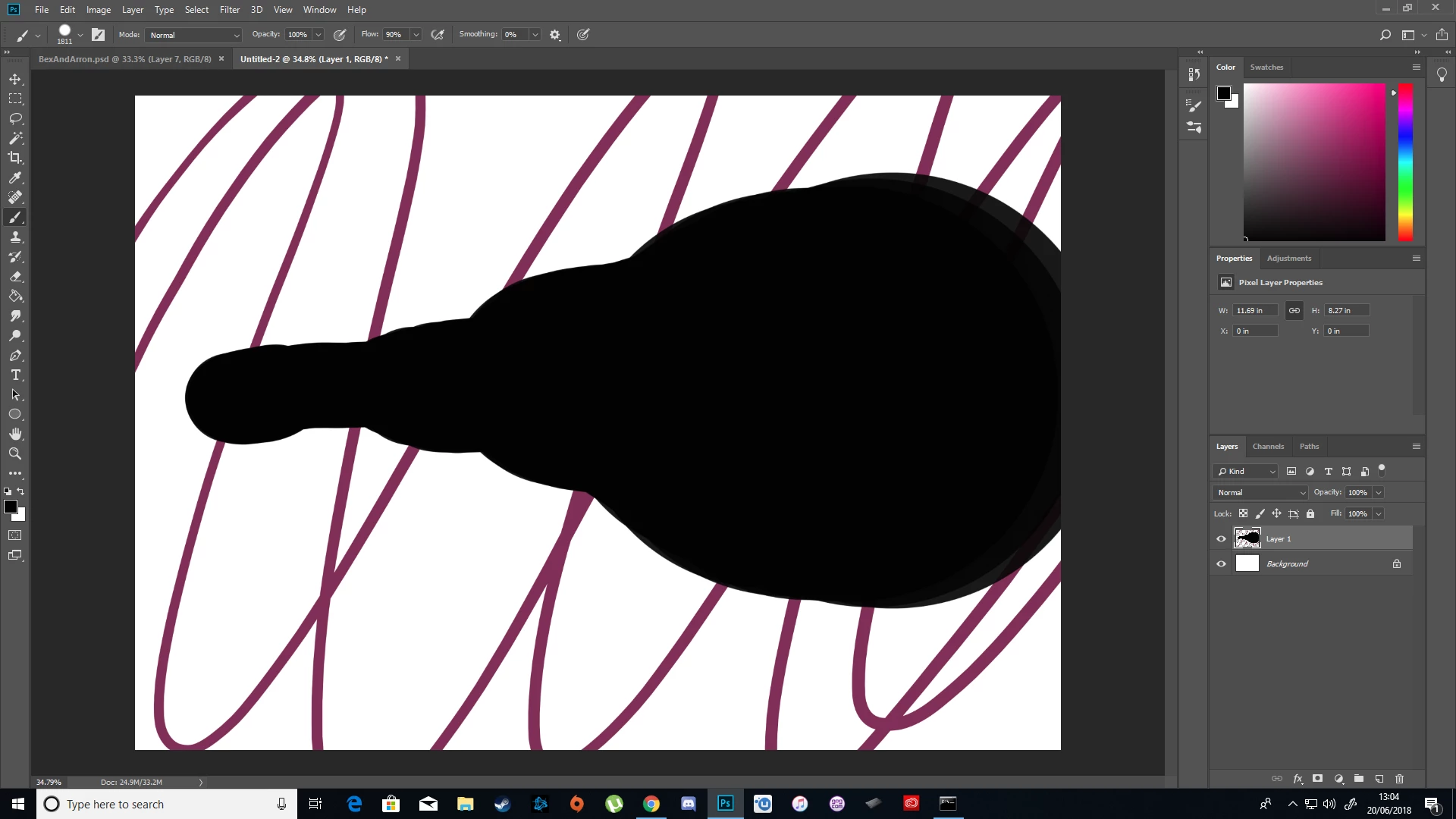
Update: I don't know what the problem was but it was solved by resetting the tool by clicking on the brush icon in the top left when the brush is selected, clicking on the gear icon, and clicking "Reset tool".
Copy link to clipboard
Copied
Update: I don't know what the problem was but it was solved by resetting the tool by clicking on the brush icon in the top left when the brush is selected, clicking on the gear icon, and clicking "Reset tool".
Copy link to clipboard
Copied
Second Update: The problem seemed to be that Flow was at 90%, when changing it to 100% the problem stopped
Get ready! An upgraded Adobe Community experience is coming in January.
Learn more