
January 21, 2020
Resuelto

Problem with paths in Photoshop

  • January 21, 2020
  • 3 respuestas
  • 1964 visualizaciones

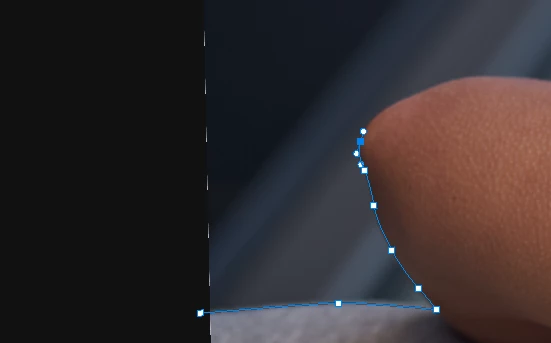
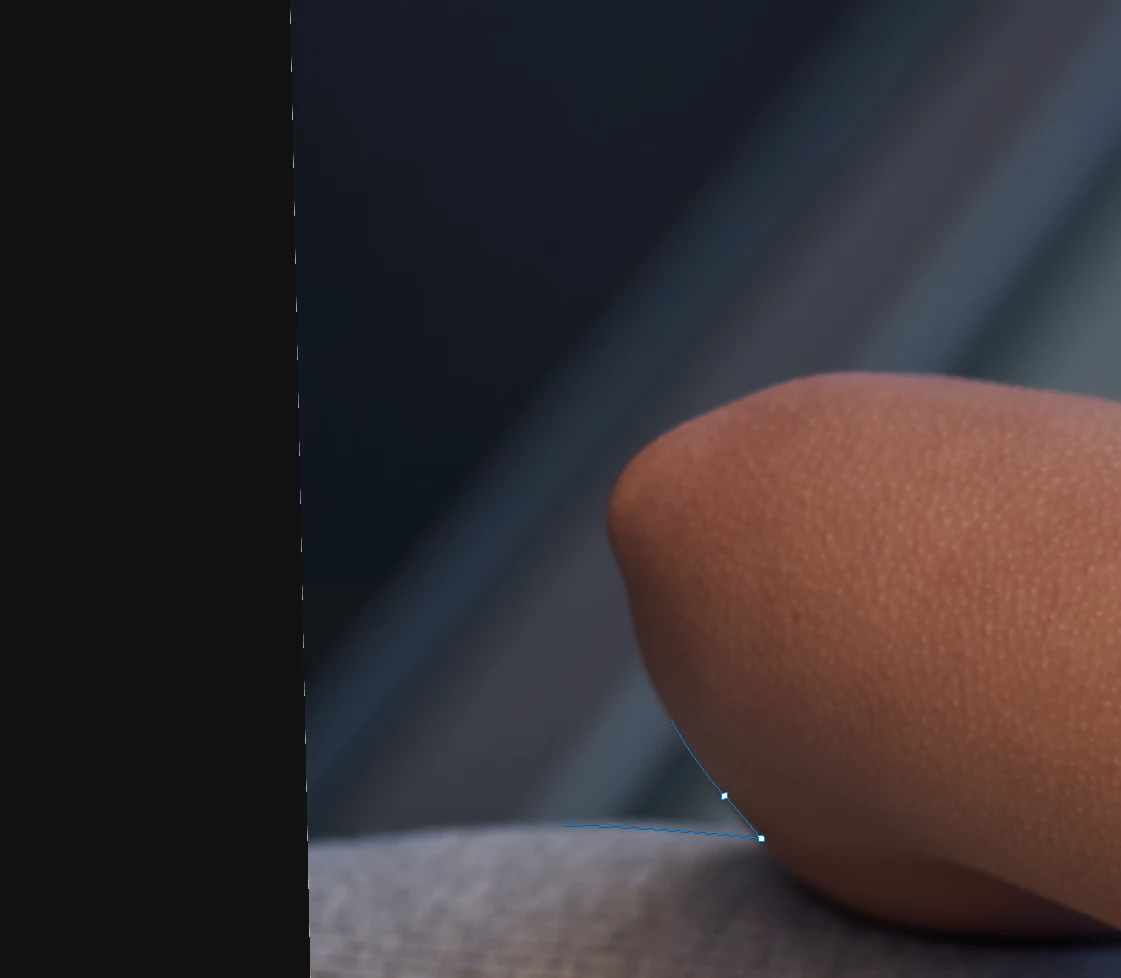
A lot of the times my paths get invisible close to the edges of the image and outside the canvas. I have to zoom out of the image to be able to see the entire path again. The problem is not consistent and comes up after a while not immediately. I have multiple versions of Photoshop installed (including v21.0.2), all have the same problem. Edit>Purge>All seams to help some times, but most times I have to restart Photoshop to solve the problem!
 

Este tema ha sido cerrado para respuestas.
Mejor respuesta de davescm

You could try turning "Use Graphics Processor" back on but change the drawing modes. Under Advanced settings , try Basic, Normal and Advanced. You will need to restart Photoshop each time  you change, but one of those modes may get  you working again.

Dave

3 respuestas

davescm
Community Expert
davescmCommunity ExpertRespuesta
Community Expert
January 22, 2020

You could try turning "Use Graphics Processor" back on but change the drawing modes. Under Advanced settings , try Basic, Normal and Advanced. You will need to restart Photoshop each time  you change, but one of those modes may get  you working again.

Dave

Mohammad.Harb
Community Expert
Community Expert
January 21, 2020

are you on the most recent graphic card driver update ?

January 22, 2020

I'm on the latest macOS (10.15.2) so I hope everithing is up to date! Do you know how or where to check?

Bob_Hallam
Legend
January 22, 2020

Check your PS Preferences and under the performance tab, make sure "Use Graphics Processor" is checked

ICC programmer and developer, Photographer, artist and color management expert, Print standards and process expert.
c.pfaffenbichler
Community Expert
Community Expert
January 21, 2020

I cannot reproduce the problem so far, you may have to provide information. 

Please read this (in particular the section titled "Supply pertinent information for quicker answers"):

https://community.adobe.com/t5/Community-Help/Guidelines-Tips-for-the-Adobe-Forums/td-p/4788157


Does turning off »Use Graphics Processor« in the Performance Preferences (Photoshop > Preferences > Performance > Graphic Processor Settings) and restarting Photoshop have any bearing on the issue? 

And a stab in the dark: When the issue occurs what happens when you hide Extras (cmd-H) and then reveal them and select the Path again? 

January 22, 2020

Thanks, I think you are on to something. Hide Extras doesn't change anything however turning off »Use Graphics Processor« eliminates the problem. It's not possible to rotate the canvas and I'm constantly rotating my canvas while clipping, it makes me a lot faster. I believe the rotate function is causing the problem! I tried to avoid any rotation and couldn't recreate the problem, then I tried with rotating and the problem was there just after a few clicks. Changing the rotation will reveal the path again.