sipivu
Participating Frequently
June 3, 2020
Answered

problem with the swatches panel

  • June 3, 2020
  • 1 reply
  • 2705 views

Hello


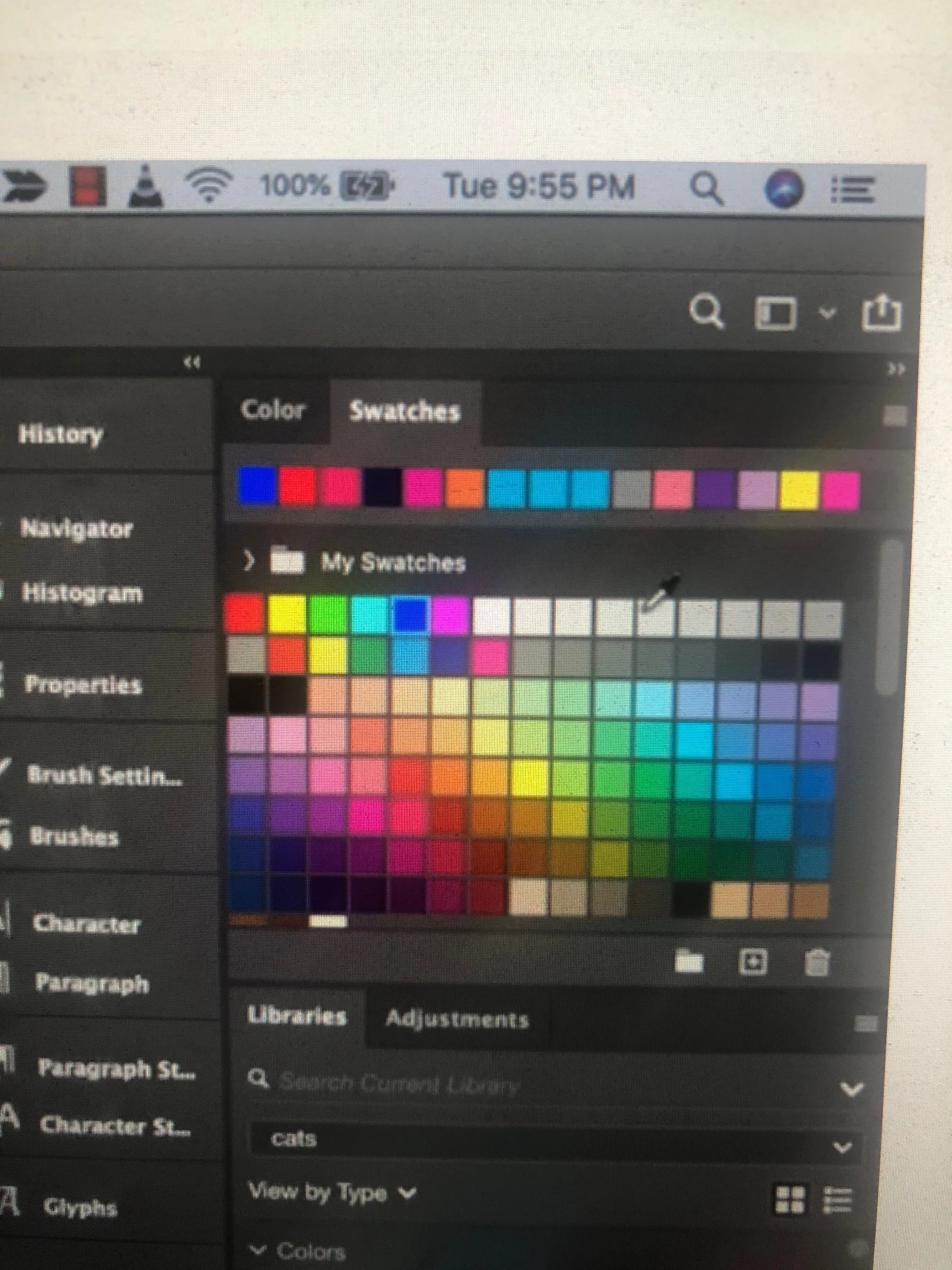
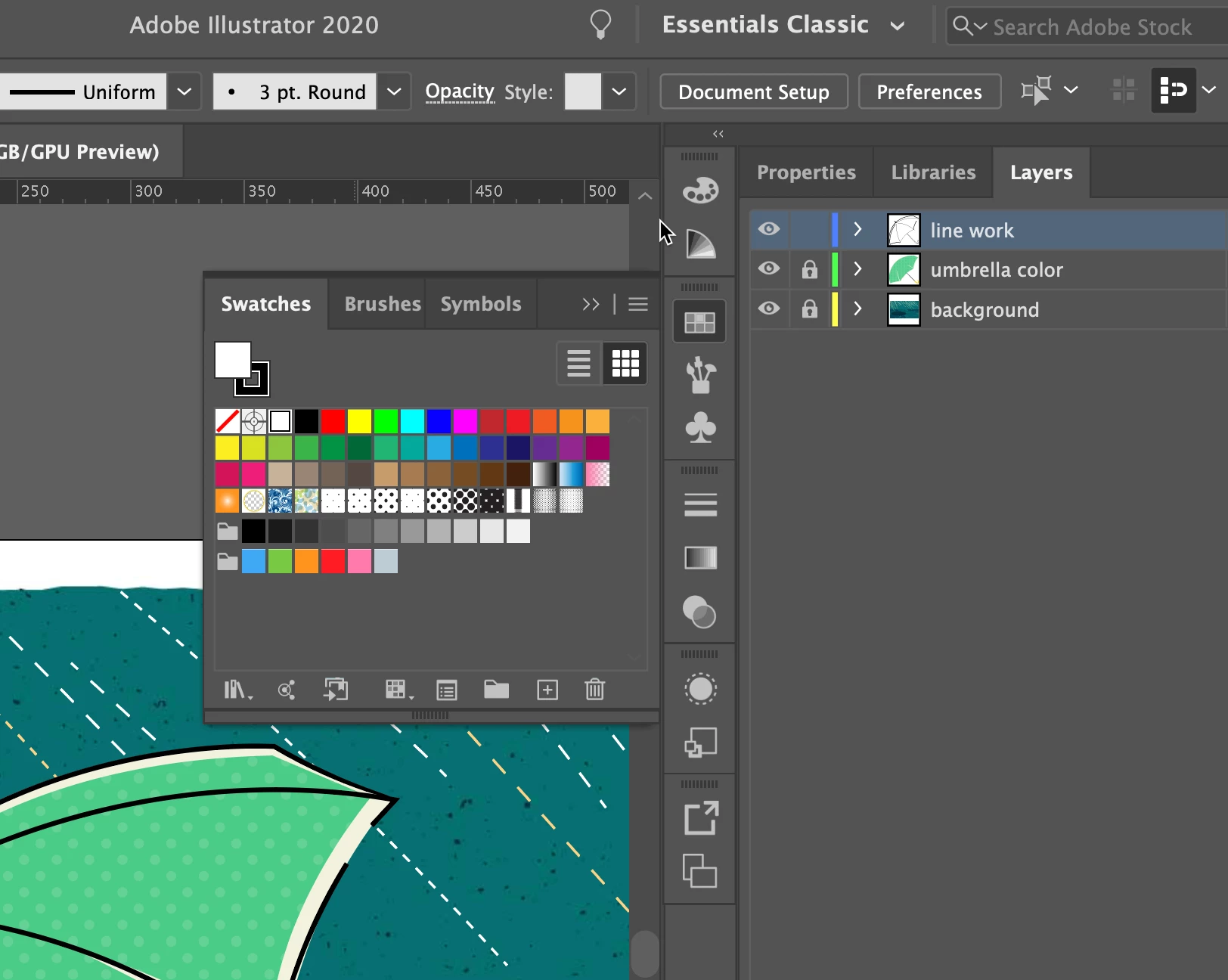
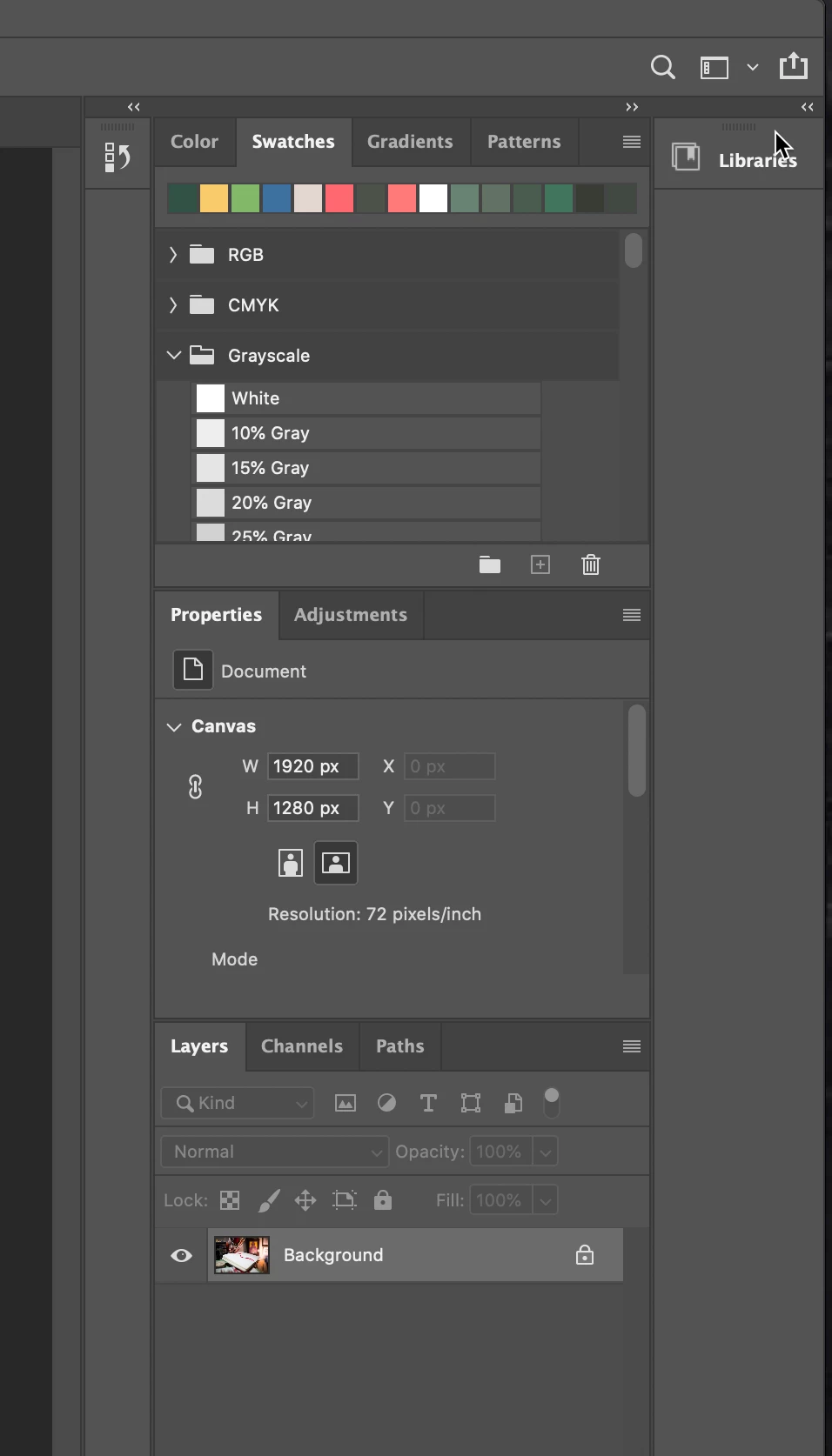
The swatches panels for Ps and Ai cc 2020 on my computer now looks like the top image since tonight. I don't understand what has happened. Is itr possible to revert back to the tradition swatches panel like on the image on the bottom, please?


I have reinstalled Ps without any change.


Thanks


This topic has been closed for replies.
Correct answer PECourtejoie

Thanks for taking the time to help me. 

I also have MacOS 10.15.5 and Ps 21.1.3.


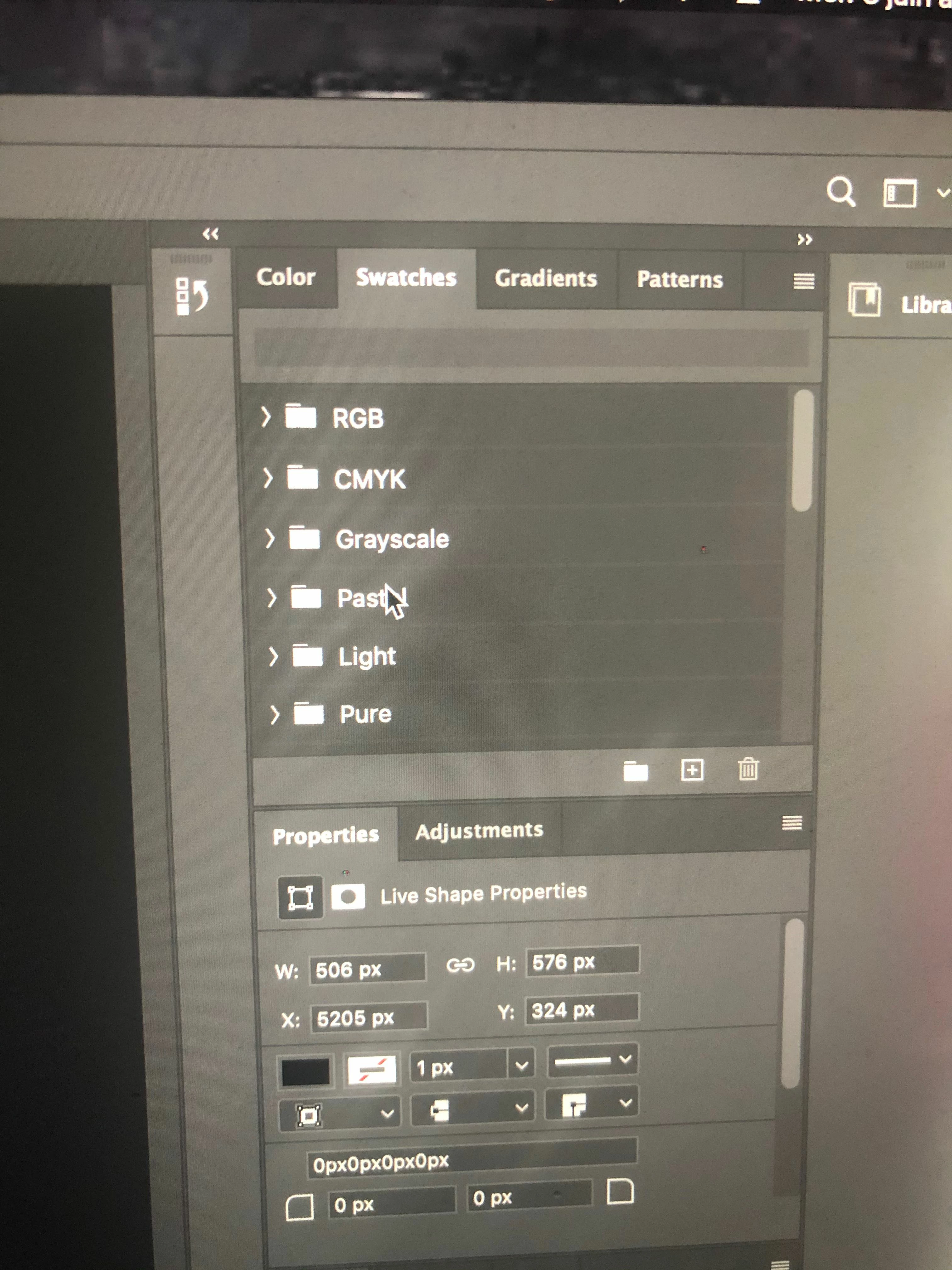
The swatches menus I now have is a vertical list of folders, within which are a verical list of colors - second attached screen capture

I don't know how to go back to the former way to present swatches i.e. a table with with several rows of colors on top of each other - first attached screen capture from Ai 24.1.3. I didn't find the answer in the different comments.


Thanks


Hi, click on the hamburger menu, and select "small thumbnail" rather than list, and you can click, shift+select last one and drag some out of the folder you want.

1 reply

Nancy OShea
Community Expert
Community Expert
June 3, 2020

For better help, please tell us the following:

  • Which operating system?
  • Which version # of Photoshop?
  • Which version # of Illustrator?
  • What if anything has changed on your system since yesterday?


[Moved to Photoshop from Get Started.]


Nancy O'Shea— Product User & Community Expert
sipivu
sipivuAuthor
Participating Frequently
June 3, 2020

Thanks for helping me:

MacOS 10.15.5 

Photoshop 2020, and Illustrator 2020, running from Creative Cloud

I just realized that I have updated the MacOS this morning with the latest version that was available this morning.


gener7
Community Expert
Community Expert
June 3, 2020

When you click on the right pointing arrow next to the folder, it shows the swatches in that folder as shown in the bottom screenshot.

So go through the list of folders until you arrive at one named "My Swatches" and twirl it open.


See how that goes. I also have 10.15.5 (latest fixes) and the 21.1.13  version of Photoshop 2020

Minor OS upgrades should not do anything to your libraries. They should all be there.


Now when you perform a major upgrade of PS, say from 2020 to 2021, remember to be sure "keep my settings" is checked on so you don't lose them.