Semaphoric • Community Expert, May 13, 2018May 13, 2018
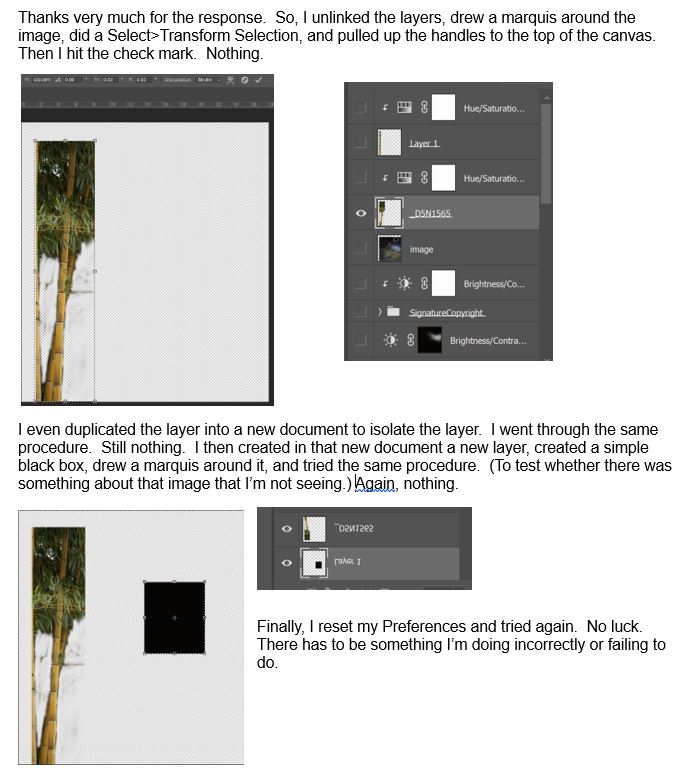
You are transforming the SELECTION, which is the box that holds the content. The content is what you want to transform. For that, you use Free Transform [Control+T] on the selected content.
/t5/photoshop-ecosystem-discussions/problem-with-transform-selection/m-p/9842268#M167791May 12, 2018
May 12, 2018
Copy link to clipboard
Copied
Are you trying to transform the layer itself or just the selection? If you're just trying to transform the layer you should just be able to select the layer and hit "CTR+t". This allows you to resize the layer that is selected. Transform selection is just for resizing the marquee.
You are transforming the SELECTION, which is the box that holds the content. The content is what you want to transform. For that, you use Free Transform [Control+T] on the selected content.






 5
Replies
5
Replies




 AdChoices