Copy link to clipboard
Copied
Hello!
The other day I bought the adobe subscription, and it turns out I can't open Photoshop. Everytime I try to open it, it says that my virtual memory is full, even though it's not. I'm on windows 10 with the newest version of Photoshop, I've tried to uninstall and install it again and it doesn't work. What can I do?
Thank you!

Copy link to clipboard
Copied
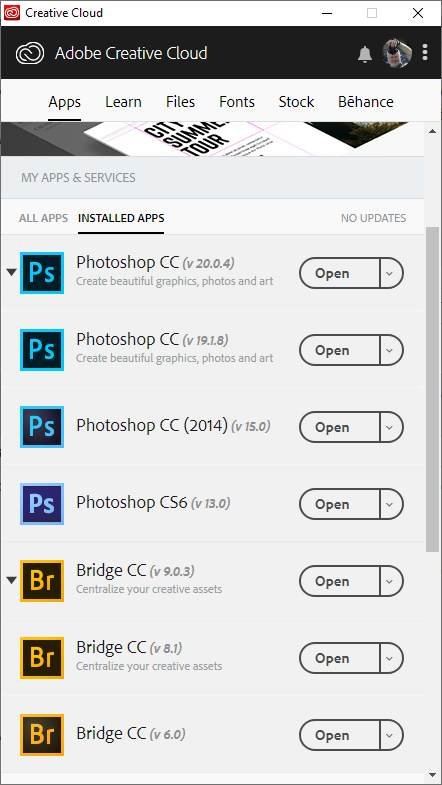
Does the Creative Cloud Desktop Application show thay Photoshop CC 2019 is installed and up to date. can you post a screen capture showinf the error message.
Supply pertinent information for quicker answers

Copy link to clipboard
Copied
Also, how exactly do you know your virtual memory is not full? How do you check it?
Get ready! An upgraded Adobe Community experience is coming in January.
Learn more