Hey, @brian_0075. Welcome to the Photoshop Community. I'll help you figure this out.
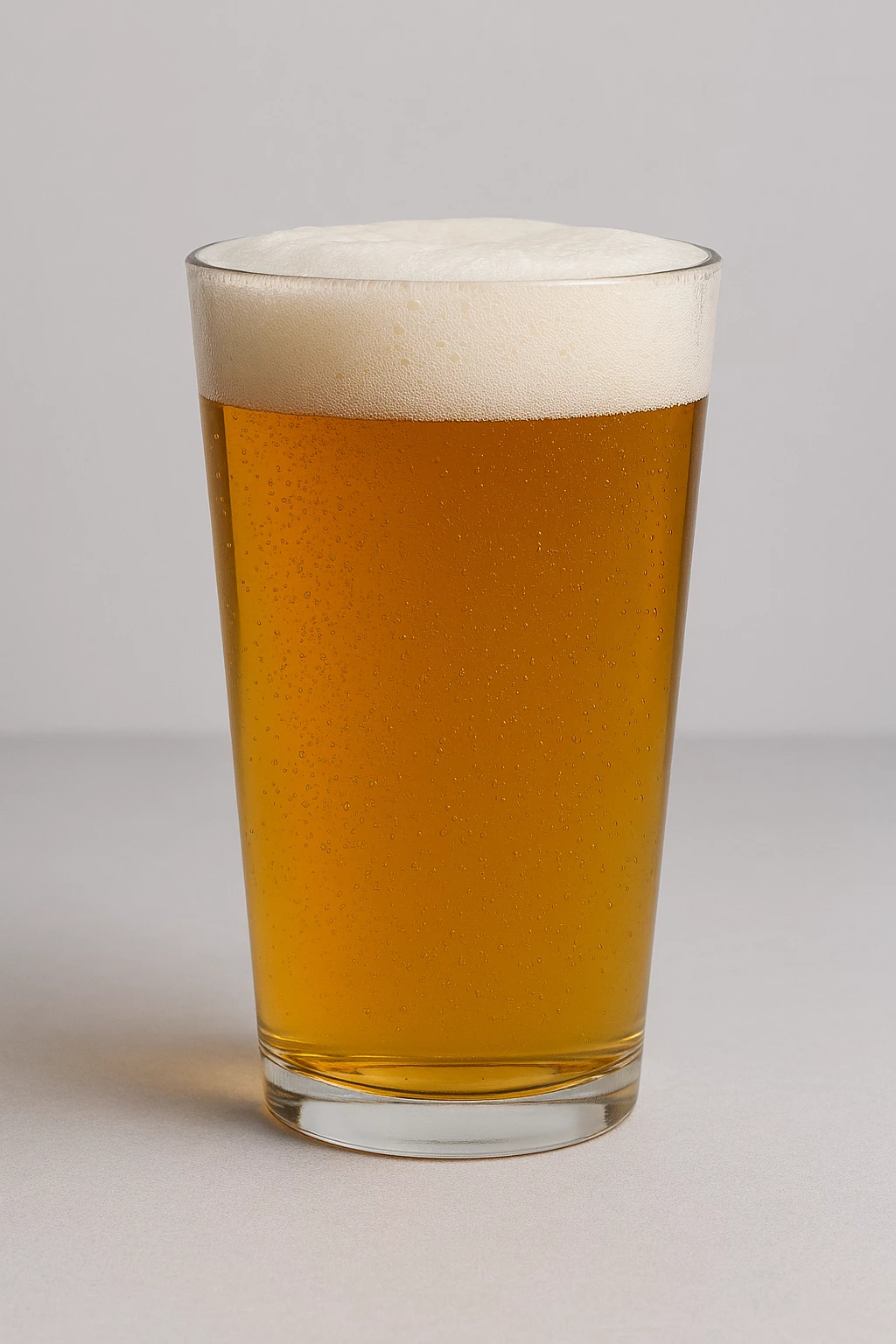
Go to Edit > Generate Image & use the Image you've shared here as a Reference Image in the Style tab.

You can check the Properties panel to regenerate with Style References for Generative Layers. Head here to learn more: https://adobe.ly/3UWIezP

I've used a detailed prompt I found online: "A realistic pint glass filled with amber-colored beer, topped with a thick, frothy white foam. The glass is clean and transparent, showing condensation droplets. It is placed on a smooth, light gray surface with a soft, plain light gray background. The lighting is soft and diffused, highlighting the golden hues of the beer and the texture of the foam."

I hope this helps. Thanks!
Sameer K
(Type '@' and type my name to mention me when you reply)

 AdChoices