

Prompt to Rasterize EPS Files in CC 2018
I recently installed the Photoshop CC 2018 update and I’m having issues with placing EPS files. Unlike CC 2017, when I place an EPS file, I get a prompt to “Rasterize EPS Format” and select pixel dimensions. If I don’t know what dimensions I need, I just have to guess and hope that it’s large enough to not be pixelated.
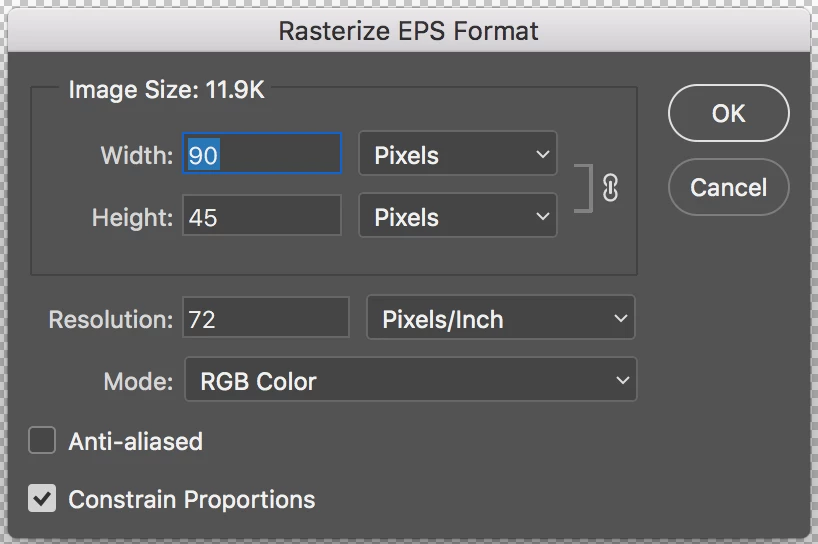
I use EPS files often because they’re vectors. There is no visible option to not rasterize the EPS and I’ve tried looking in the settings to see if maybe there was a new setting for placing images. This prompt does not happen with SVGs and PNGs. AI files seem to work but the prompt for the bounding box/media box makes the process slightly longer.
How can I place a file without having to rasterize, or stop this prompt from showing up?
 AdChoices