jow72584526
Participant
April 23, 2016
Answered

Properties panel is where?

  • April 23, 2016
  • 1 reply
  • 97611 views

where is the properties tab in photoshop cc 2015? I'm stumped, thanks in advance.

This topic has been closed for replies.
Correct answer Per Berntsen

Nope?


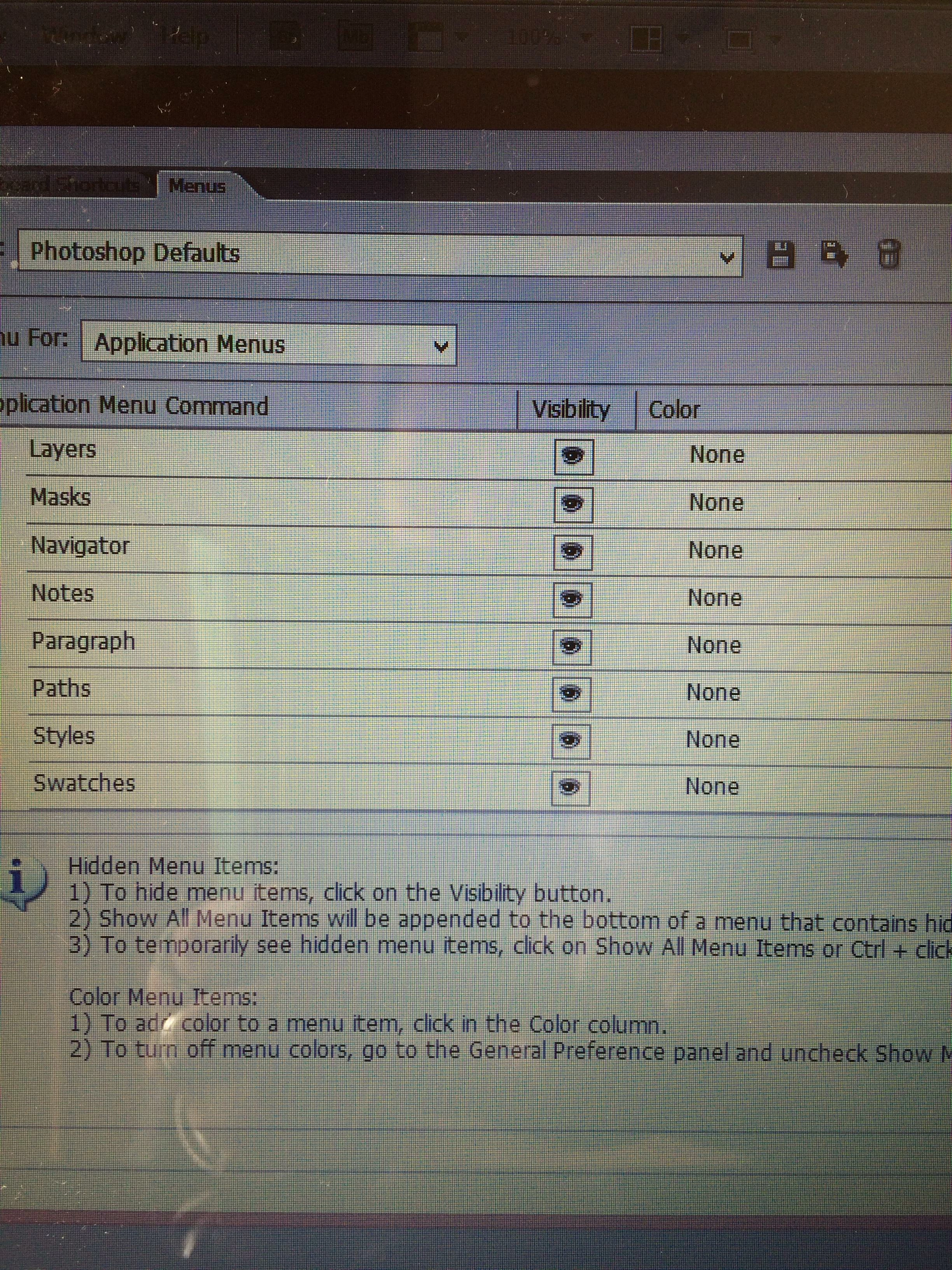
I see that Properties is missing.

But as far as I can tell, the screenshot appears to be from CS6, not CC 2015.

So if you are running CS6, an easy solution might to to use CC 2015 instead.

But whatever the version that you're running is, I would try resetting the preferences.

See Preference file functions, names, locations | Photoshop CC 2014

1 reply

Per Berntsen
Community Expert
Community Expert
April 23, 2016

Window > Properties.

jow72584526
Participant
April 23, 2016

Thank you but I have looked there 50 trillion times. I have no 'properties' in the list ???

War Unicorn
Community Expert
Community Expert
April 23, 2016

I see that Properties is missing.

But as far as I can tell, the screenshot appears to be from CS6, not CC 2015.

So if you are running CS6, an easy solution might to to use CC 2015 instead.

But whatever the version that you're running is, I would try resetting the preferences.

See Preference file functions, names, locations | Photoshop CC 2014


I'm venturing a guess that it might not even be CS6, as that was the first version to have the Properties panel, wasn't it? I don't believe earlier versions of Photoshop actually had it.