
Answered
Properties panel is where?
where is the properties tab in photoshop cc 2015? I'm stumped, thanks in advance.

where is the properties tab in photoshop cc 2015? I'm stumped, thanks in advance.
Nope?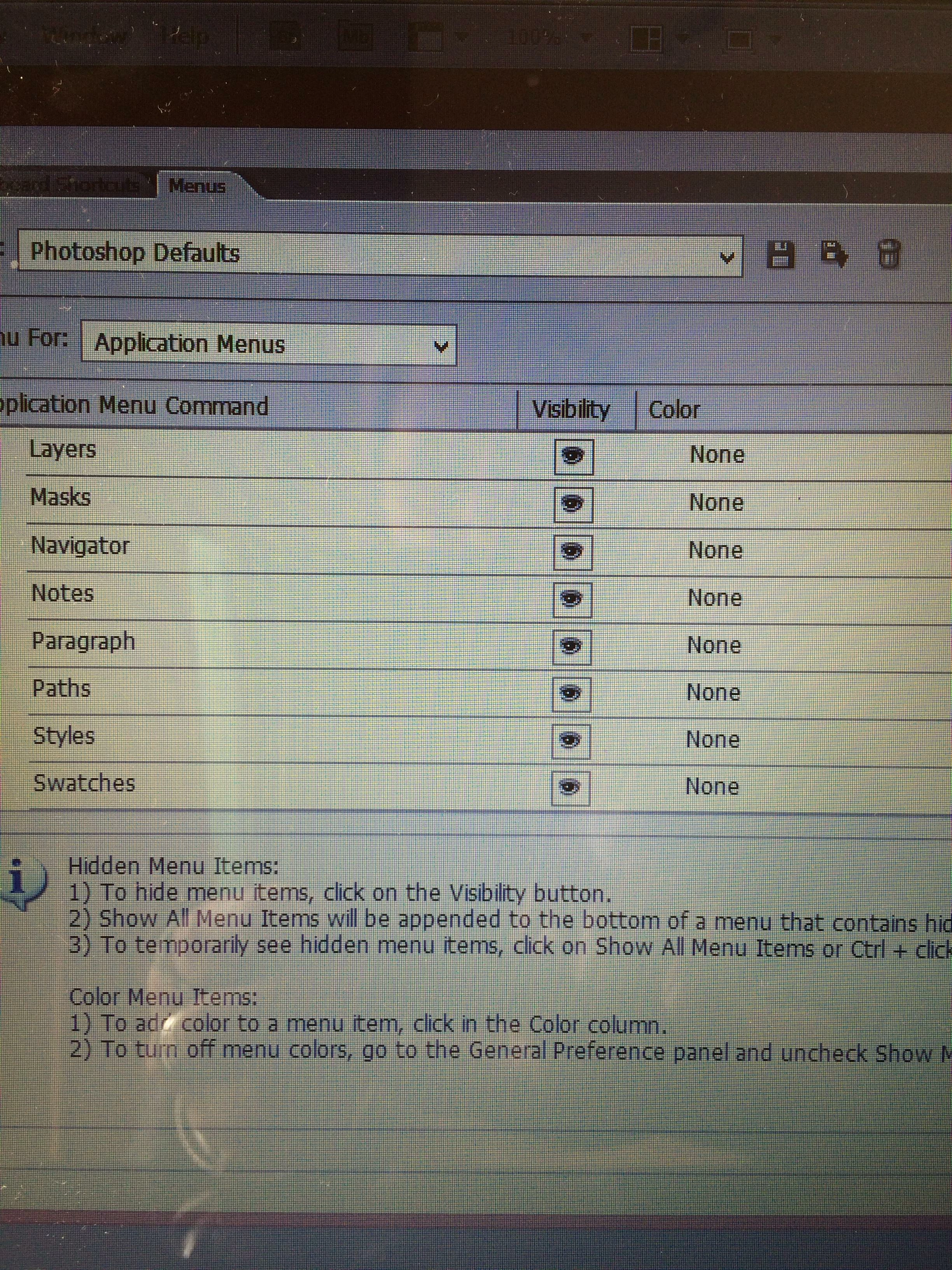
I see that Properties is missing.
But as far as I can tell, the screenshot appears to be from CS6, not CC 2015.
So if you are running CS6, an easy solution might to to use CC 2015 instead.
But whatever the version that you're running is, I would try resetting the preferences.
See Preference file functions, names, locations | Photoshop CC 2014
Already have an account? Login
Enter your E-mail address. We'll send you an e-mail with instructions to reset your password.
 AdChoices