Known Participant
September 18, 2023
Question

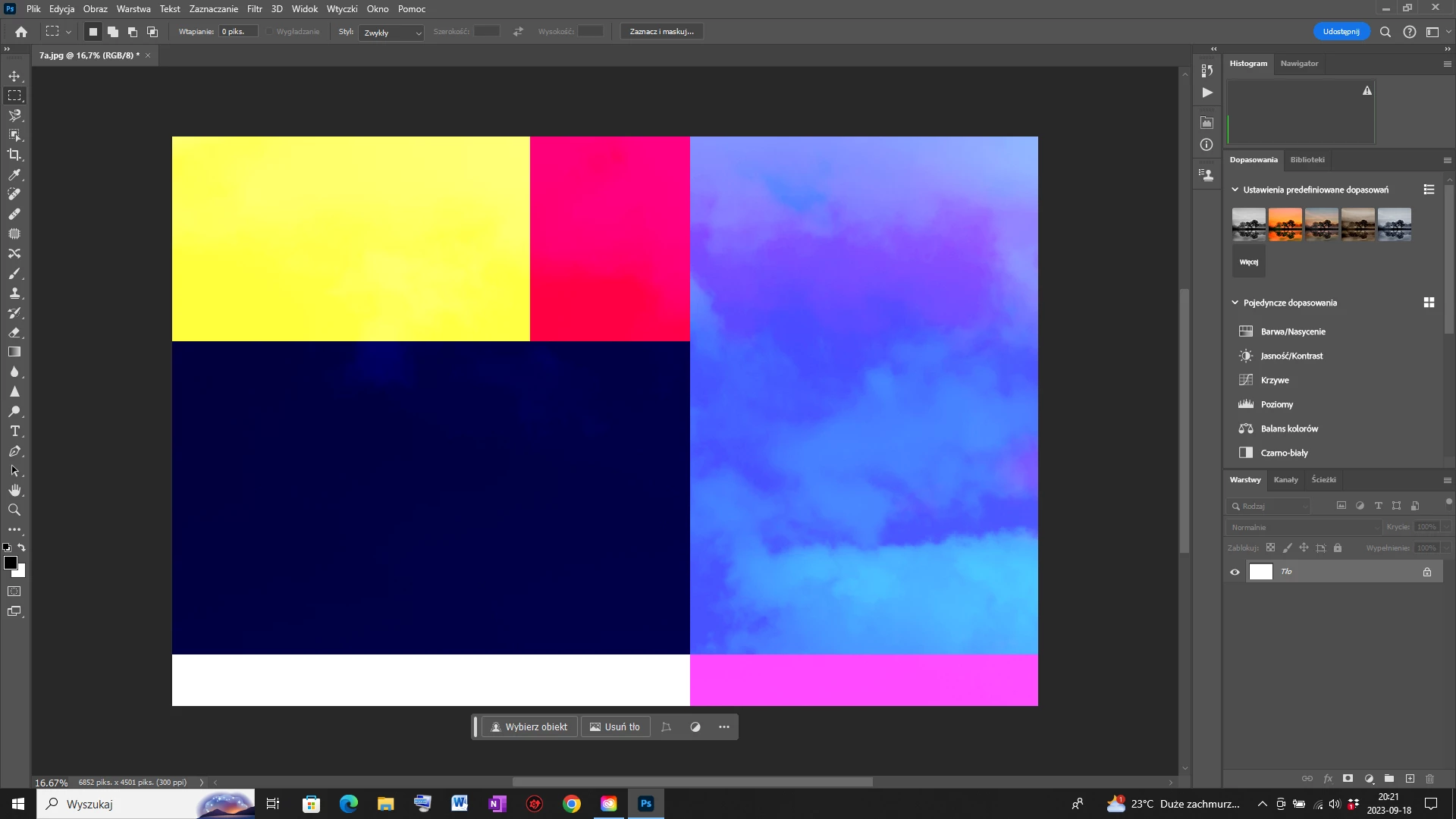
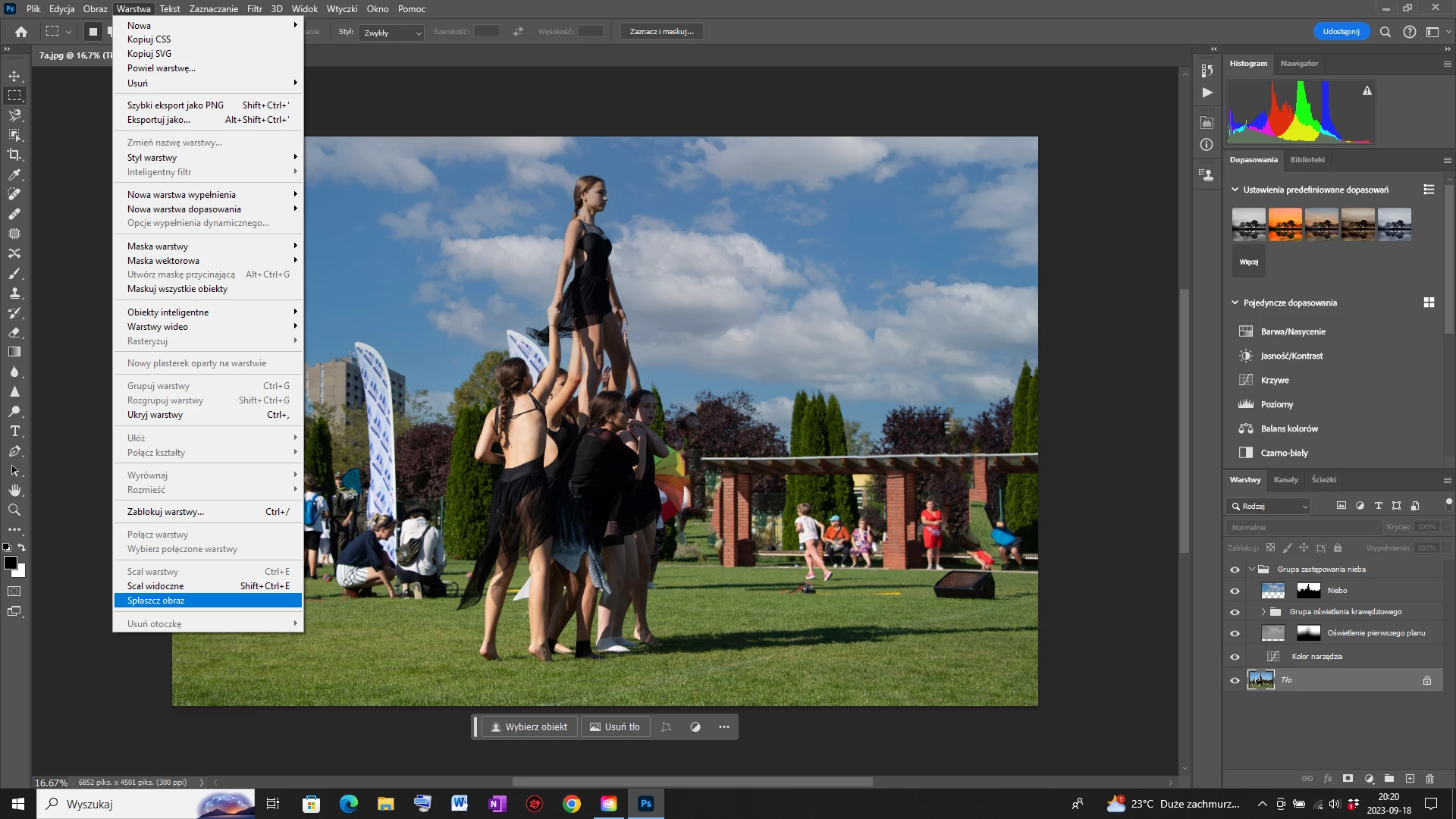
PS 25.0 problem with flatten layers after using sky replecement function . Could you help me ?

  • September 18, 2023
  • 3 replies
  • 1244 views

Windows 10. I have PS 25.0 installed. Function "sky replacement"  - I can't flatten layers after replacing the sky. What to do ? The PsBeta version does not have this problem. Could 
This topic has been closed for replies.

3 replies

Robert_Bl
Participating Frequently
January 21, 2024

I still have the same issue with Photosop 25.3.1 as well as with Beta 25.5.0 but NOT with PS 24.7.1 that is still on my Windows 10 PC.

However, I just found out that the issue is related to the image size.

It occurs when I use a full size image from my camera (6720px x 4480px).

When I resize the image to 4500px x 3000px, the flattening works fine after replacing the sky.

This made me think it might have something to do with the scale. I tried again witht the full size (6720px x 4480px) image and used the sky replacement tool but now I set the scale to 120 (default is 100).

And guess what! It worked.

So, increasing the scale seems to be a workaround but it's still a mystery to me why I don't need to do that in PS 24 with the same image size.

I hope this helps in sorting out the issue.

Participating Frequently
March 7, 2024

March 7, 2024

I have had this same problem with both the most recent updates to Photoshop as well a Photoshop Beta as well as when it came to saving files in layers that were not related to Sky Replacement - I try to flatten images and then turn out as colored tapestry of nonsense.


I just installed Photoshop 24.0.1 and the sky replacement problem is gone. As far as the regular file flattening - of a contrast layer, levels, hues etc - that hasn't been a problem with the recent versions. So, my work around is that I will use this old version of Photoshop 24.0.1 for sky replacement and most other things and when I need generative AI then I will resort to Photoshop Beta - which I have also found to be dangerously untrustworthy as it crashed the other day - on a project that I had spent five hours working on and deleted ALL the files - including the backups I had been working on.


Adobe needs to get its act together and stop releasing versions that cause irreversible problems - despite the nice new features they are rolling out.  Someone in product control needs to be fired or given a good talking to. FIVE HOURS of work - puff!

Known Participant
September 20, 2023
Thank you very much for your advice. Additionally, please let me know how I can remove the Beta program? Sorry for the naive question but I can't deal with it.
Trevor.Dennis
Community Expert
Community Expert
September 20, 2023

We can see you are using Windows, so to uninstall Photoshop beta go Control Panel > Programs and Features

Scroll down to Photoshop beta. Right click and uninstall.


Are you telling us that this is what you see when using Flatten Image after using Replace Sky?

If yes, that looks like a video card driver issue to me.  Before you try and action that, try selecting the Sky Replacement layers and making them a Smart Object.  Then try Flatten Image.


If that does not help, open Preferences to the Technology Previews tab, and checking Deactivate Native Canvas

Note: You have to restart Photoshop for this to take effect.

If still in trouble, come back and we'll try something else.


Participant
October 19, 2023

None of these steps work for me. The sky disappears when I convert to smart object. I deactivated native canvas and there is no flattening without the errors as shown above. Beta was uninstalled last month.


J E L
Community Expert
Community Expert
September 18, 2023

Hi @wandag28499196, hmm… it's working correctly for me (also Windows 10, Photoshop 25.0 Release). Did you try flattening a different file with sky replacement to see if it's particular to this image? Did you try resetting your Preferences? Are you still running the Beta program? I removed Beta after updating to 25.0 and did have to reinstall for another reason. Maybe reinstall Photoshop and/or Beta to see if it makes a difference? Let us know how it goes!

Known Participant
September 18, 2023
In Beta version all is correct ... I try with another photo in Ps 25.0 and
is that same ...
J E L
Community Expert
Community Expert
September 18, 2023

Okay. Just to check, it's only when you apply a replacement sky that you can't flatten your layers, correct? Did you try resetting your Photoshop Preferences? Instructions are here: https://helpx.adobe.com/photoshop/using/preferences.html#reset-preferences


Still have the problem? Try uninstalling both Beta and Photoshop (keep Preferences) from Creative Cloud Desktop, and then reinstall only Photoshop again. Try flattening with Sky Replacement again.