Answered
Ps CC 2020: How to change the color of an inserted shape?
Hi all.
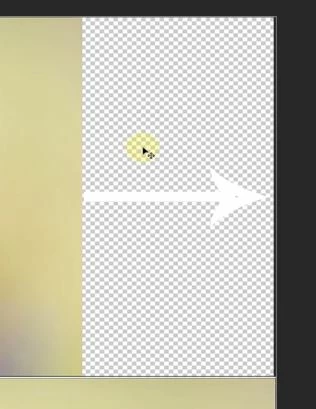
I inserted an arrow shape (from Photoshop's in-built shapes), and I want to change it from default white to black. How can I do this?
Thanks in advance.

Hi all.
I inserted an arrow shape (from Photoshop's in-built shapes), and I want to change it from default white to black. How can I do this?
Thanks in advance.
Could you please post a screenshot with the pertinent Panels (Toolbar, Layers, Options Bar, …) visible?
If it is a Shape Layer double-click its icon in the Layers Panel.
If it isn’t set the Shape Tool to Shape and start again or apply Layer > Layer Style > Color Overlay.
Already have an account? Login
Enter your E-mail address. We'll send you an e-mail with instructions to reset your password.
 AdChoices