John Blaustein
Inspiring
January 16, 2018
Answered

PS CC -- popup dialog boxes are blank

  • January 16, 2018
  • 1 reply
  • 2461 views

Hi,

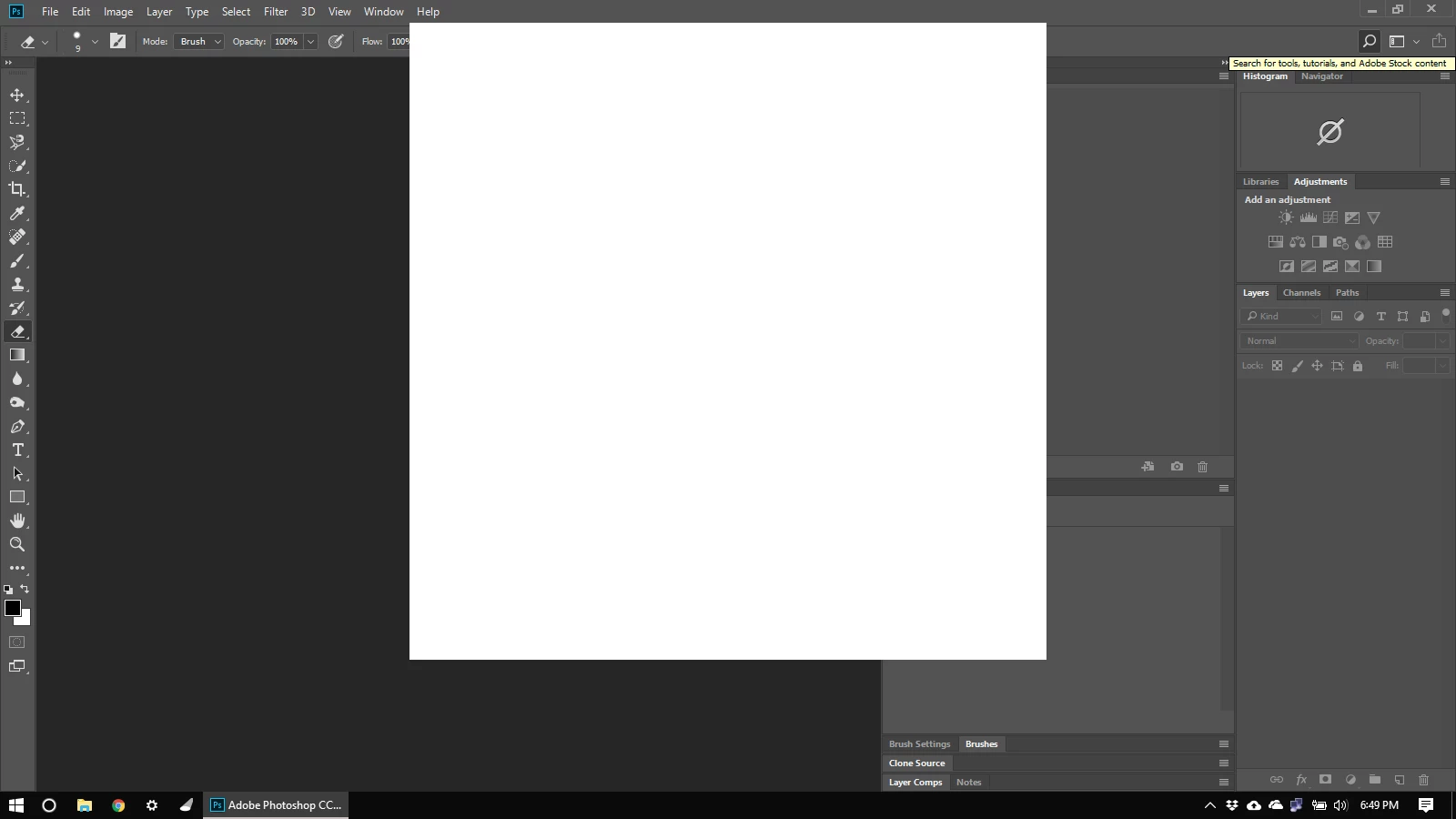
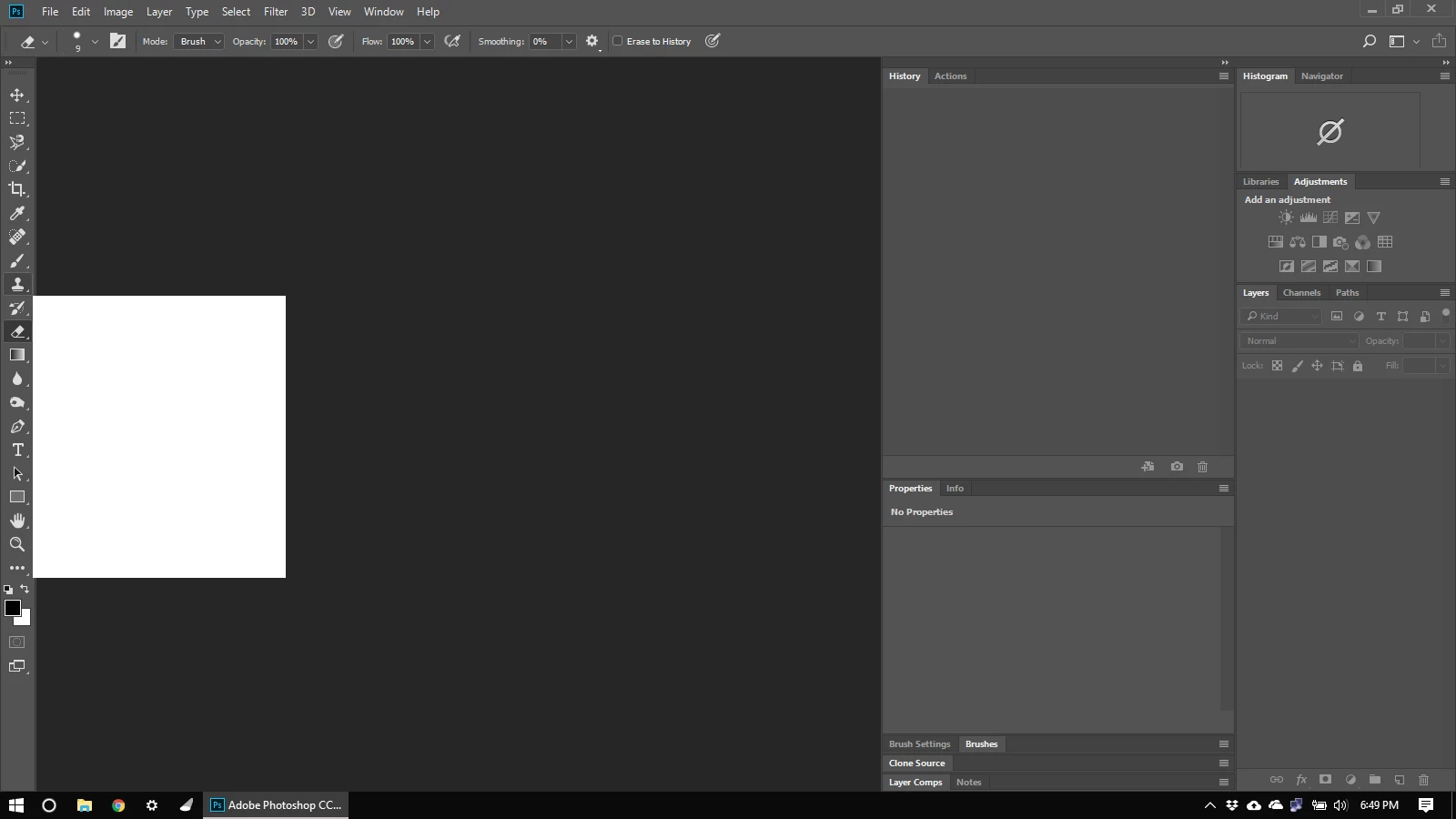
I have just recently installed the PS update to PSCC 19.0 Release.  I have noticed an odd behavior: when I point my cursor to any of the tools, a blank white box pops up.  In addition, if I click the search icon in the upper right corner, a large blank white box opens instead of the search interface.  This happens with or without an image open.

Here are two screenshots:
My system is an old Dell Latitude notebook running Windows 10 Home x64.  It's got an SSD C: drive with plenty of space, i7-2620M, 8GB RAM.

In PS Preferences>Performance, Use Graphics Processor is unchecked.  In fact, it's grayed out, not an option.  Cache Levels: 4.  Cache Tile Size: 128K.

The previous version of PSCC did not have this issue on this laptop.

Anyone have any idea what's causing this, and how to fix it?

Thank you.

John

    This topic has been closed for replies.
    Correct answer gener7

    It seems like a Graphics driver problem. You may need to go to the card maker and update the drivers...

    Note: not Windows update, but the card maker.

    Troubleshoot Photoshop graphics processor (GPU) and graphics driver issues

    1 reply

    gener7
    Community Expert
    gener7Community ExpertCorrect answer
    Community Expert
    January 16, 2018

    It seems like a Graphics driver problem. You may need to go to the card maker and update the drivers...

    Note: not Windows update, but the card maker.

    Troubleshoot Photoshop graphics processor (GPU) and graphics driver issues

    John Blaustein
    Inspiring
    January 16, 2018

    gener7,

    Thank you for the quick reply and your suggestion.  I read the troubleshooting page.

    It seems the problem is actually pretty simple: my laptop is too old!  I purchased it in 2011, and as I recall, it came with Windows XP on it, or maybe Windows 7.  In any case, I was pleased that I could update Windows to W10.

    I downloaded the most current driver listed on the Dell website (dated 2013), but it wouldn't install.  Dell doesn't support Wiindows 10 on this machine, so I suspect that's why the driver won't install.  I think I'm at a dead-end, and it may indeed be time for a new laptop.  Having said that, PSCC 19.0 and LR Classic CC are running fine (so far), except as noted above.  I will not be surprised to encounter more issues as I use PS and LR.

    Again, thanks for your help.

    John

    gener7
    Community Expert
    Community Expert
    January 16, 2018

    You're welcome. This should give you an idea of what cards are tested for Photoshop CC 2018 and it seems cards older than 2014 are hit and miss. Photoshop graphics processor (GPU) card FAQ

    You can install and run earlier versions that will work until you are able to upgrade the hardware. I would recommend CC 2017.

    Gene