

PS crashes when using Quick Selection tool - last ditch plea for help
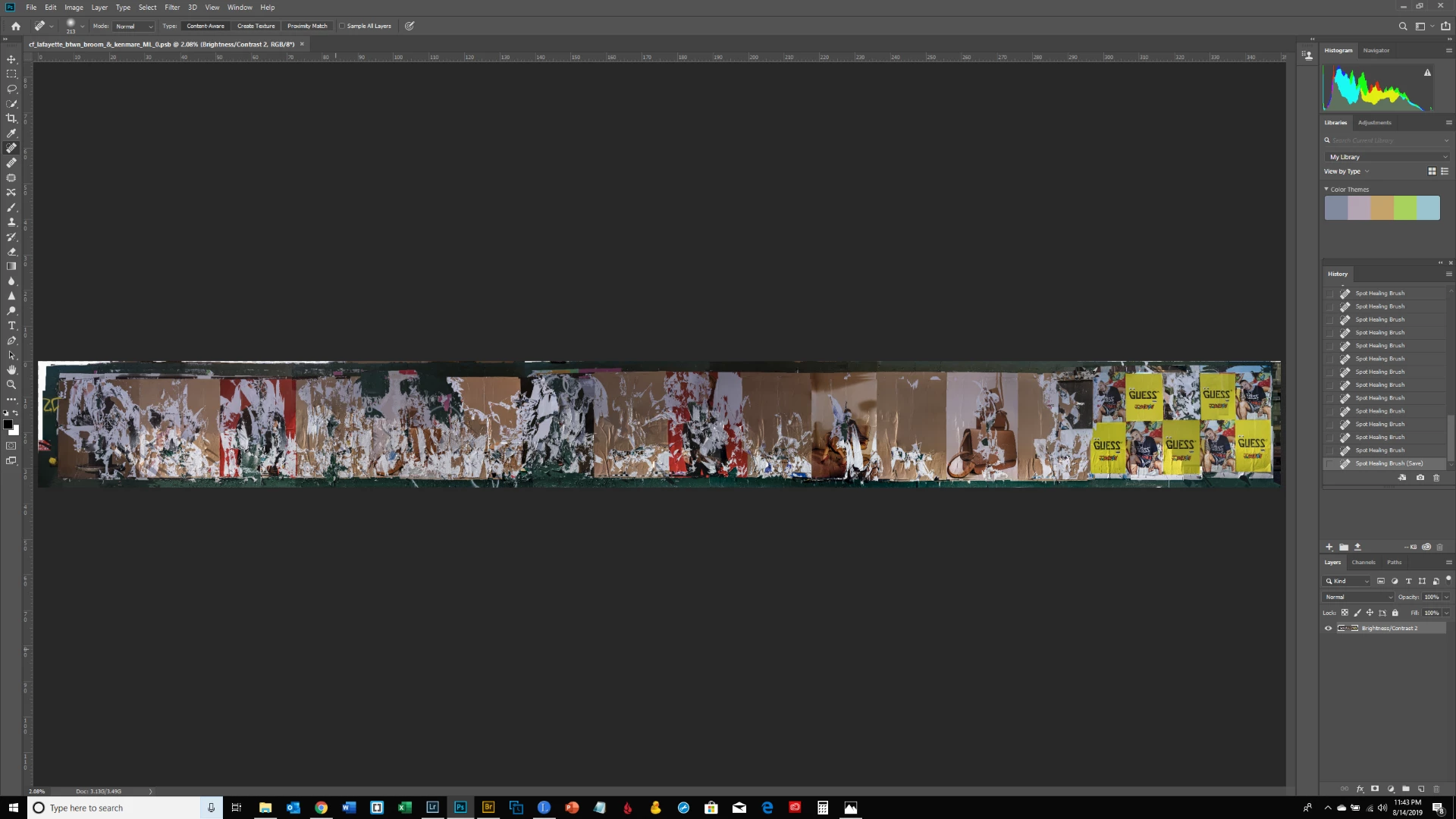
I've posted multiple times about this problem and can't get anyone to help. This is my final attempt at resolution. I am working in a huge file - screenshot below. It's a composite panorama of a construction fence that is approx. 50 ft. long and 8 ft. high (105000 px x 11000 px & 6.17 GB). It is so big as it may be printed and should be sharp from afar and up close. The file opens and saves with no problems; I can use various tools with no issues (Clone Stamp, Spot Healing Brush, Transform, etc.). When I use the Quick Selection tool however PS crashes. I have updated my graphics driver; used the Creative Cloud Cleaner Tool to reinstall PS; I believe I have sufficient scratch disk space - my scratch disk is my C drive which is 1 TB and has 500 GB free space. I need to make selections of areas that are over or underexposed and correct to create a uniform exposure. I have sent multiple crash reports but no one from Adobe has contacted me; I posted to the Photoshop Family Customer Community but no one responded. An Adobe staff member volunteered to help but never followed up with a 2nd post. Here is a link to another post with more information about the problem and the steps I took to address it: Photoshop crashing, quick selection tool, massive file What other recourse do I have to resolve this issue if no one is able to help me here? I would very much appreciate hearing from someone in the know. Thanks.
 AdChoices