
Known Participant
October 2, 2019
Question

PS EFFECTS!

  • October 2, 2019
  • 4 replies
  • 1453 views

Hi there,


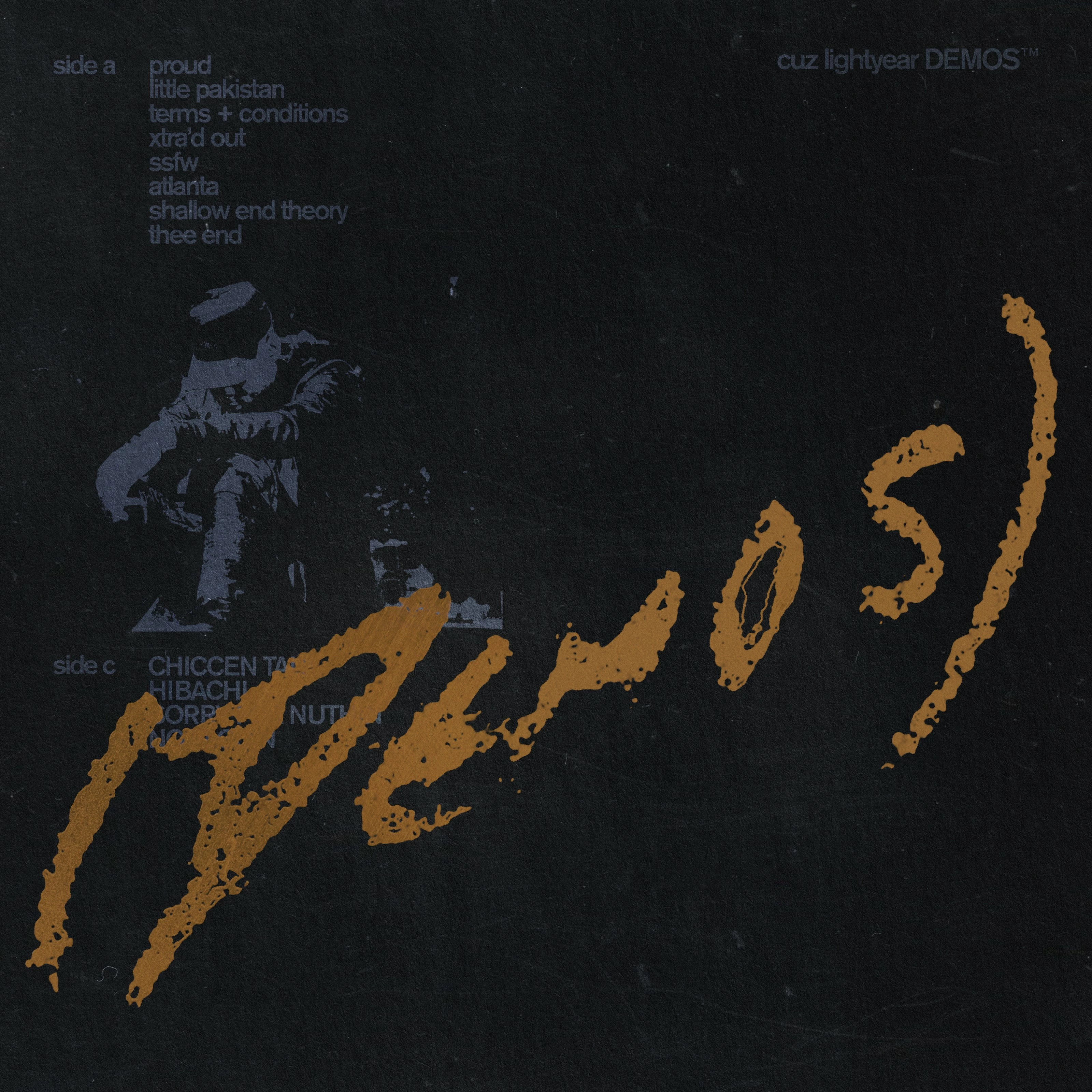
I am looking for clarification / explanation on the below effects. Desperately trying to improve my profiecincy and am struggling to find advanced / detailed tutorials. Any insight is very much appreciated, and extremely helpful. Thanks so much!


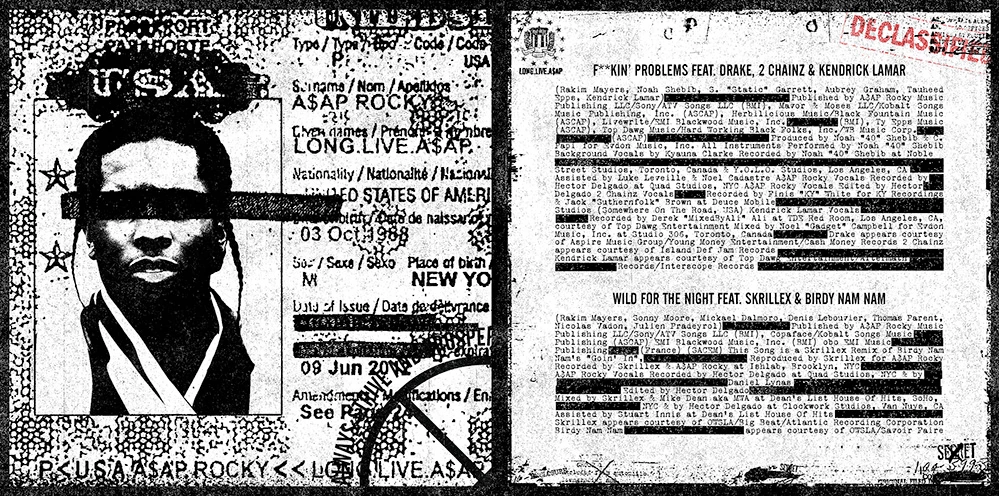
1. I beleive this is the result of the Bitmap effect, however, I have attempted this to no avail. I cannot seem to achieve the dotted background pattern / overall level of distortion.
 

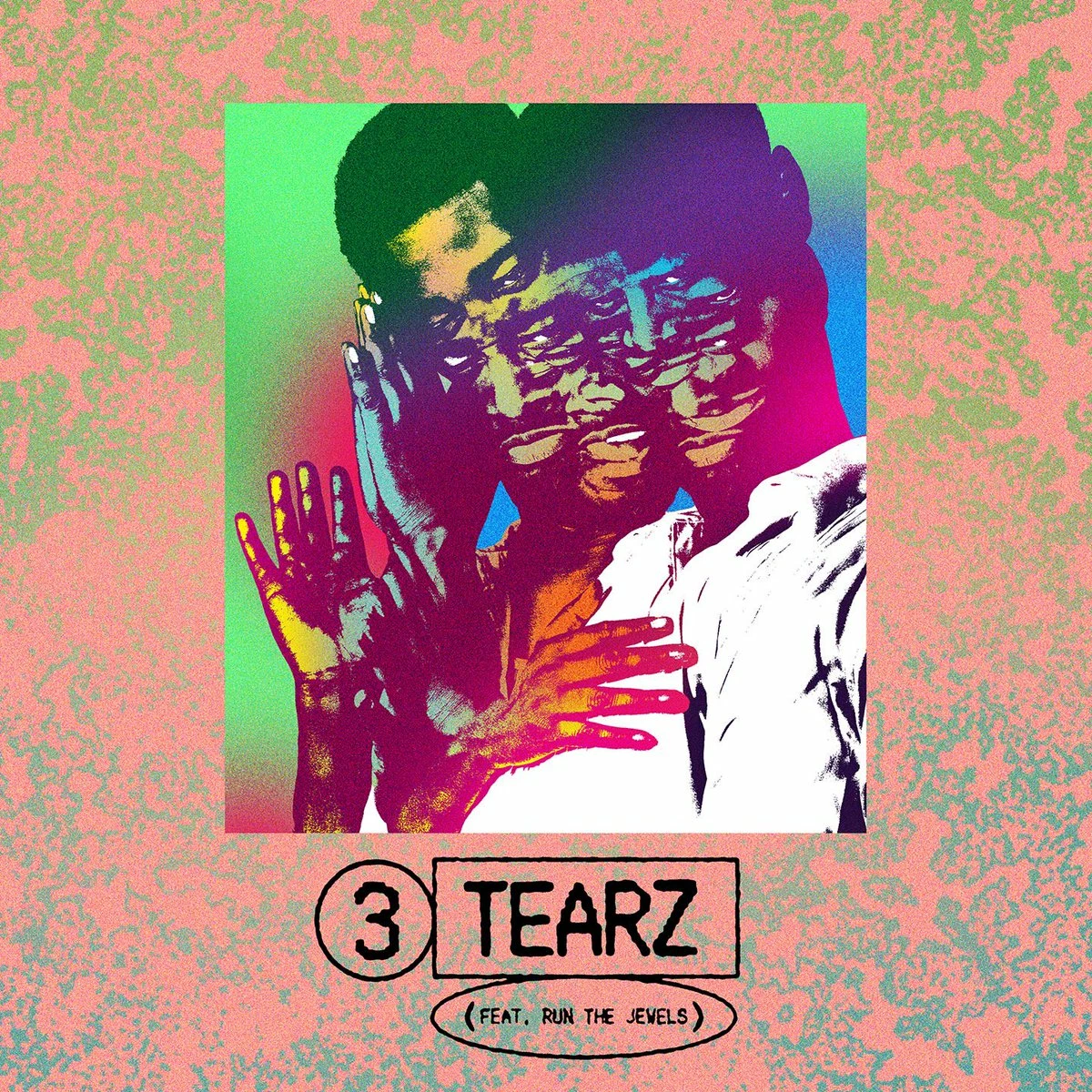
2. The central image I believe is layered gradient maps / images — however, how is the background texture achieved? Additionally — how can I achieve the distortion / grain that appears on the central image?
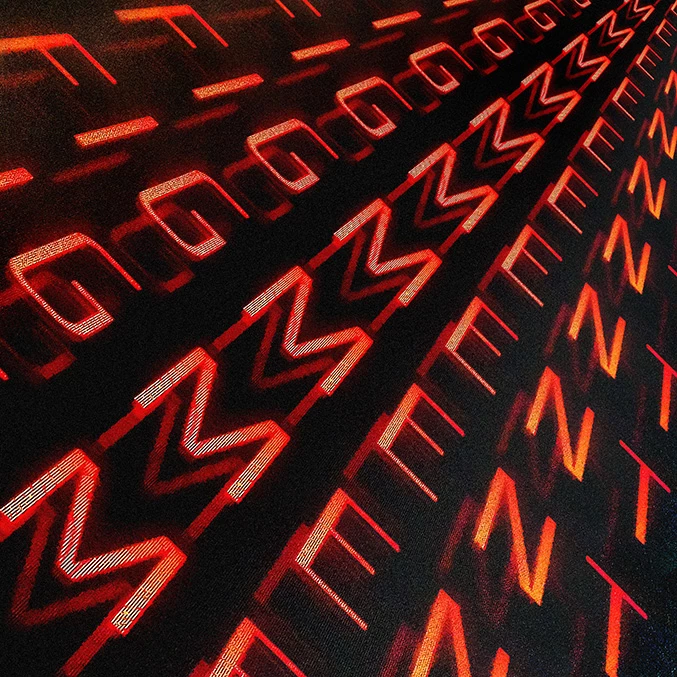
3. How to replicate 'line' texture on letters?


4. Threshold? How can I apply colour to a threshold filter? 
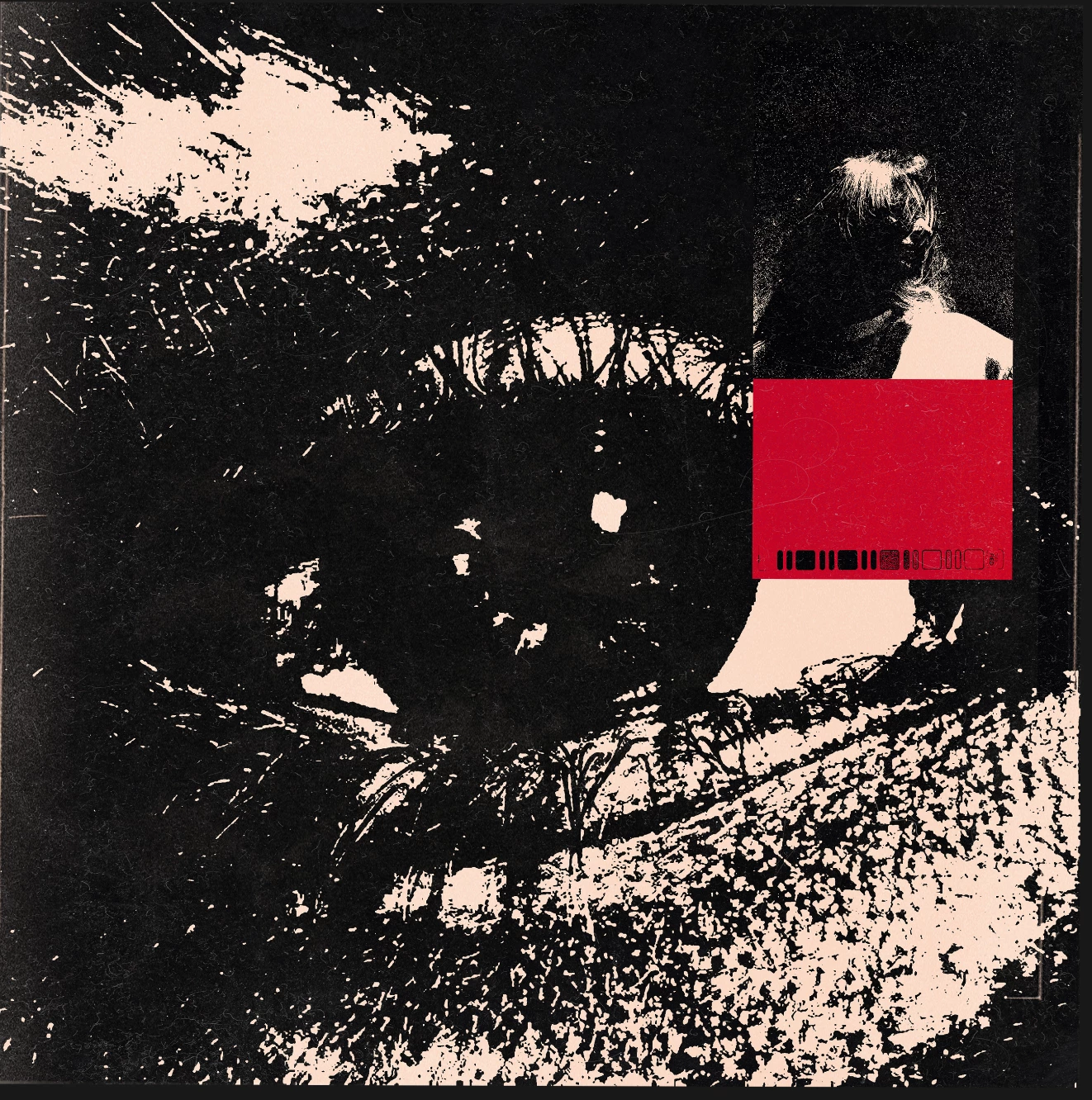
5. Soldier image — is this achieved via Gradient map?
 

This topic has been closed for replies.

4 replies

c.pfaffenbichler
Community Expert
Community Expert
October 2, 2019

3) For the line structure in the text a combination of Pattern Layers could be used. 

cxxxxxxxAuthor
Known Participant
October 7, 2019
Apologies, but do you mind sending through the PS file? would love to understand the pattern fills used!
c.pfaffenbichler
Community Expert
Community Expert
October 7, 2019
c.pfaffenbichler
Community Expert
Community Expert
October 2, 2019

4) Threshold is an Adjustment, it can be applied as a Smart Filter, but I would generally prefer to use it as an Adjustment Layer. 

And one can simply add a Solid Color Layer set to Blend Mode »Multiply« over a mocochrome image. 


1) As mentioned above a Hard Mix Pattern Layer (based on Add Noise of a 50% gray background) could be used. 

cxxxxxxxAuthor
Known Participant
October 7, 2019
Thank you very much for your help — will walk through these explanations now!
c.pfaffenbichler
Community Expert
Community Expert
October 2, 2019

5) A Color Pverlay on a Group in which a Layer with Blend If-settings resides woulöd be an option. 

c.pfaffenbichler
Community Expert
Community Expert
October 2, 2019

Seems to me part of the answer to several of the issues could be Pattern Layers set to Blend Mode Hard Mix. 

Combined with Blend Modes, Blend If settings, Layer Styles, … 

cxxxxxxxAuthor
Known Participant
October 7, 2019

thanks so much!